Framer Visual Effects: Shaders, Image & Hover Effects
Shader and image effects for Framer: ASCII art, dithering, CRT scanlines, glitch, duotone, liquid distortion and WebGL hover effects that work on your own images and videos.
26 components, 4 free.
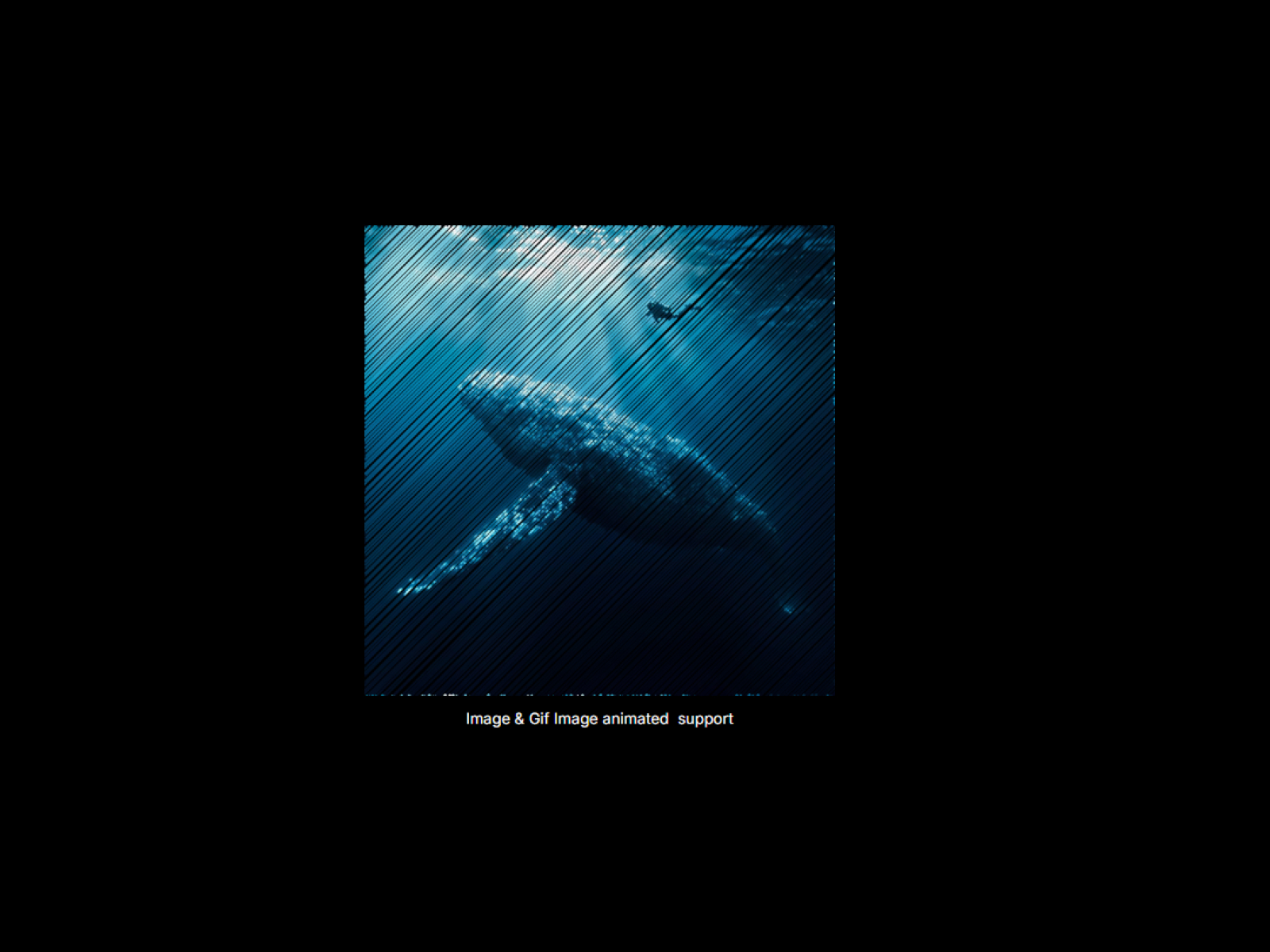
ShaderHatch
Add beautiful hatching and scribble WebGL effects to your elements.
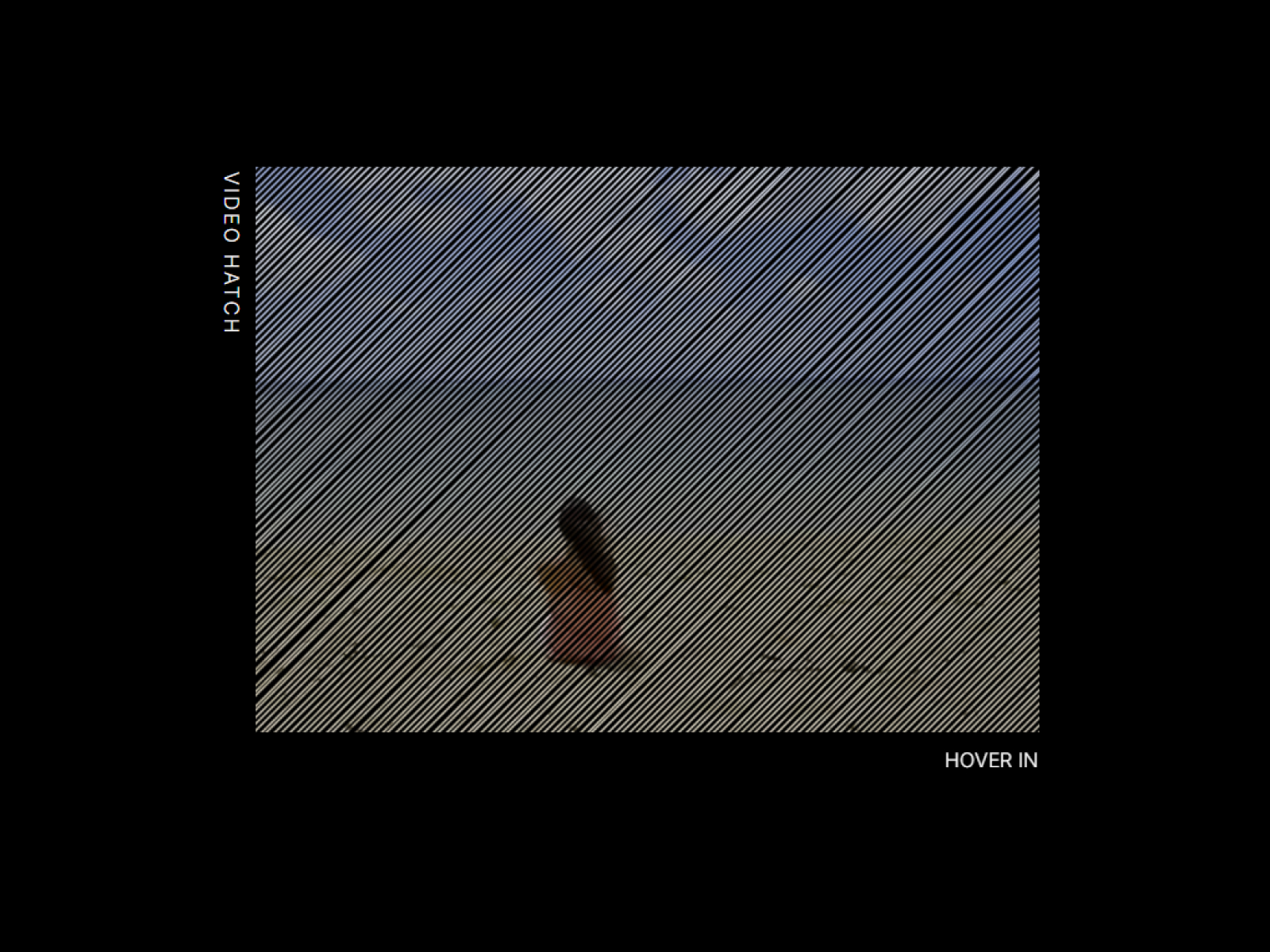
VideoHatch
Apply a real-time, hand-drawn hatching shader effect to any video.
VFX Scroll Shift
Apply a stunning multi-color glitch effect to text, driven by scroll velocity.
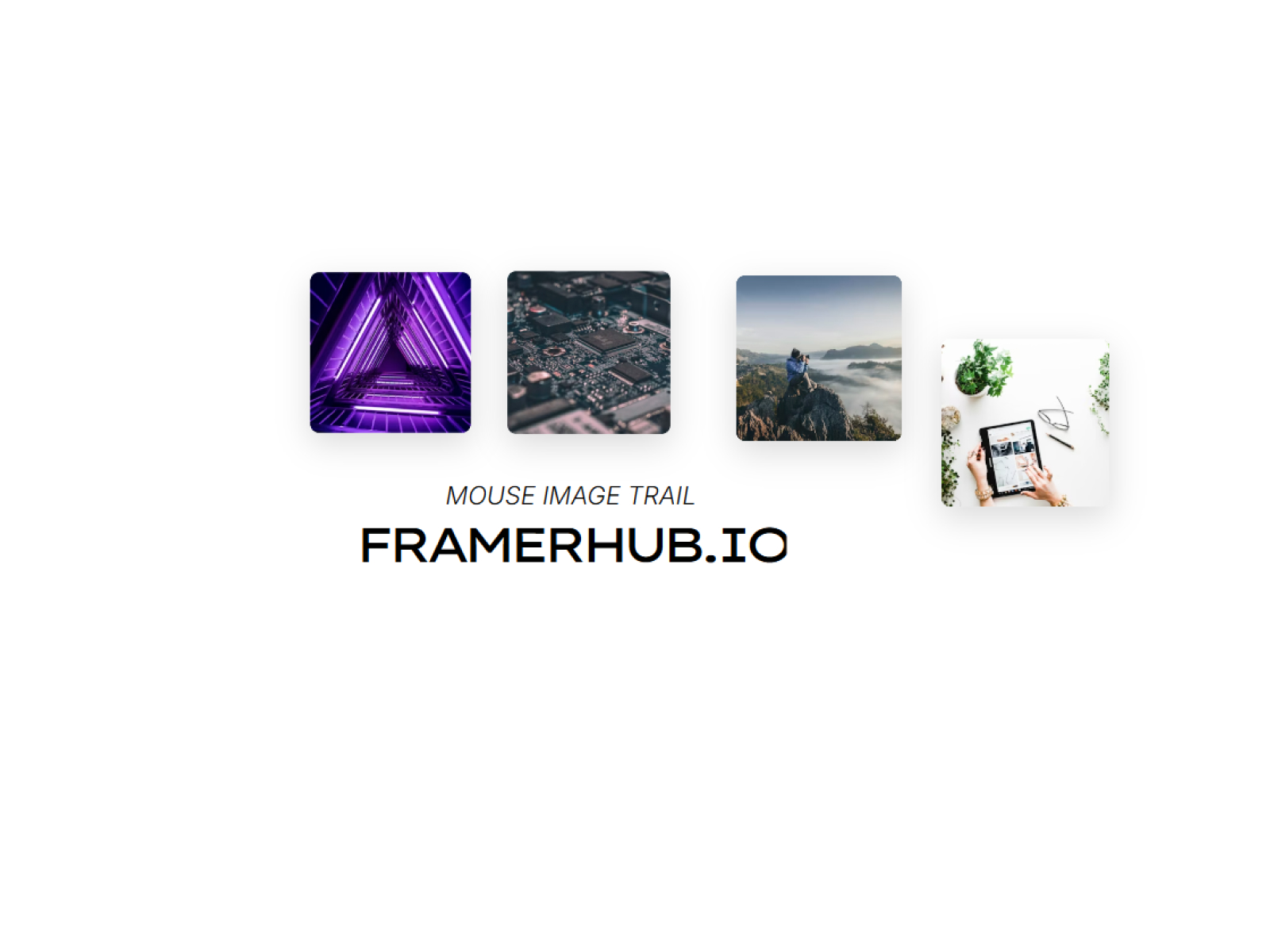
Mouse Image Trail
Leave a dynamic trail of images that follow your cursor.
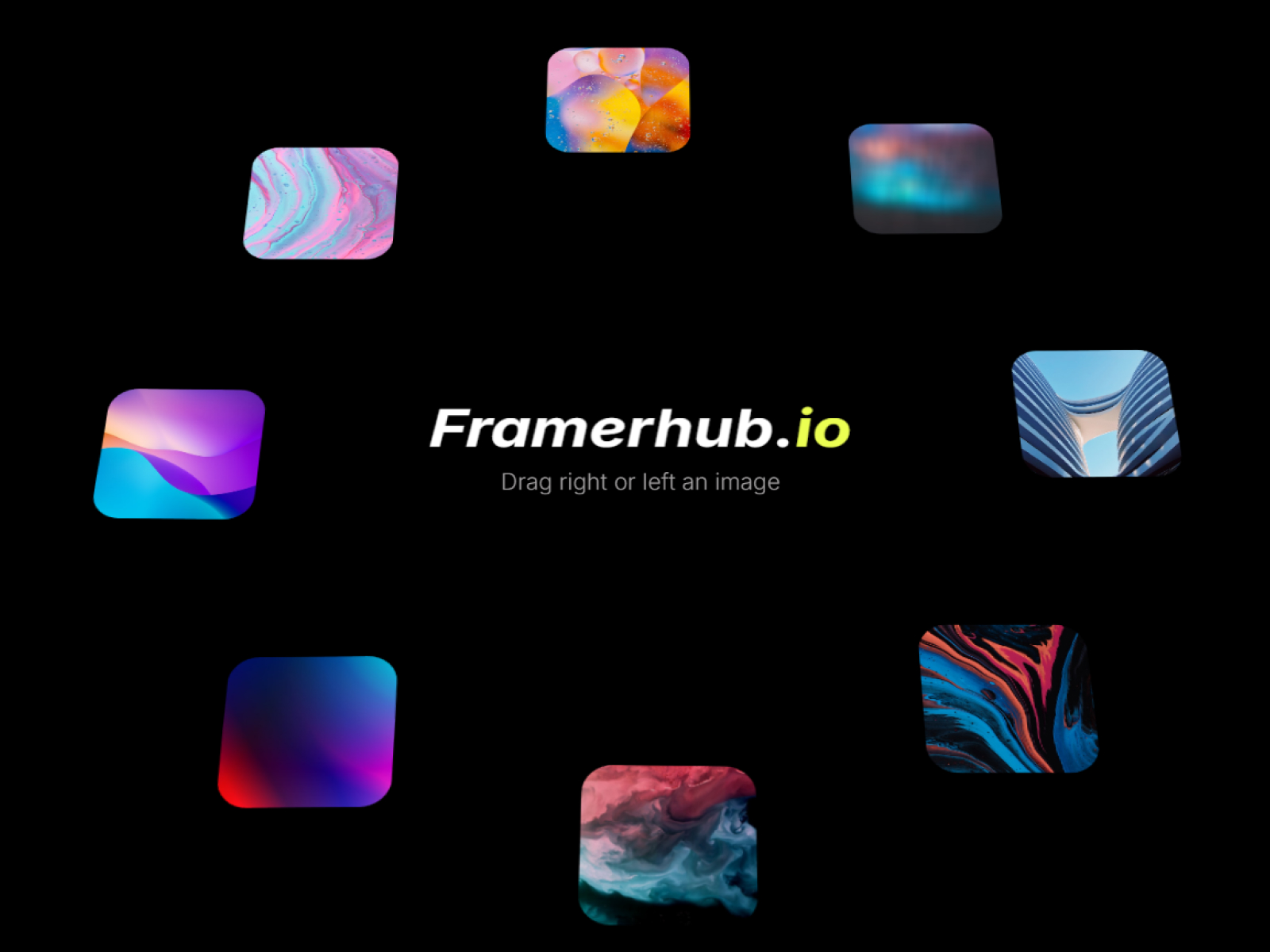
Circular Showcase
A creative circular rotating gallery of images orbiting around central text.
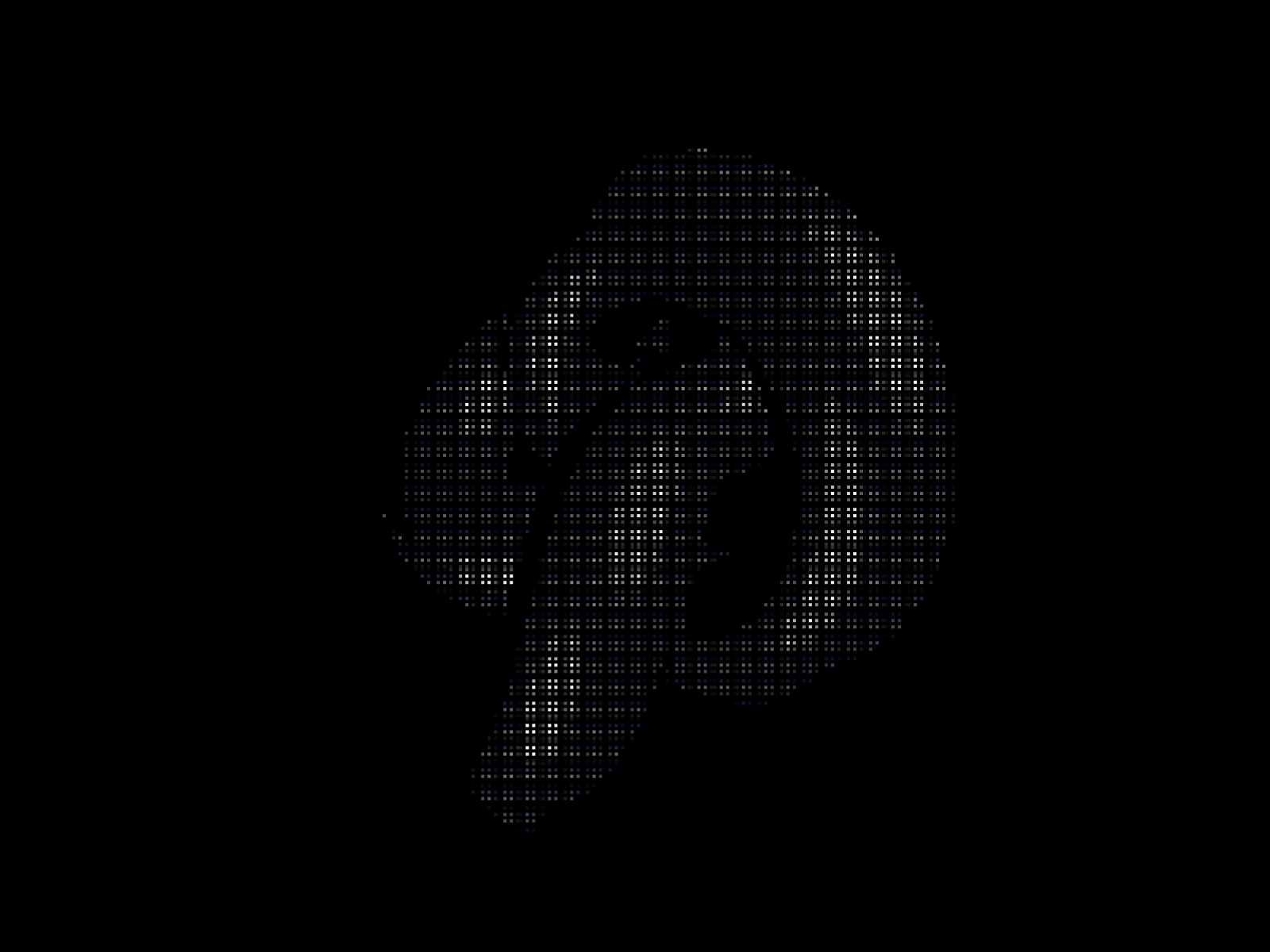
Kinetic ASCII
Transform shapes and images into mesmerizing dot-matrix ASCII art with real-time 3D animation.
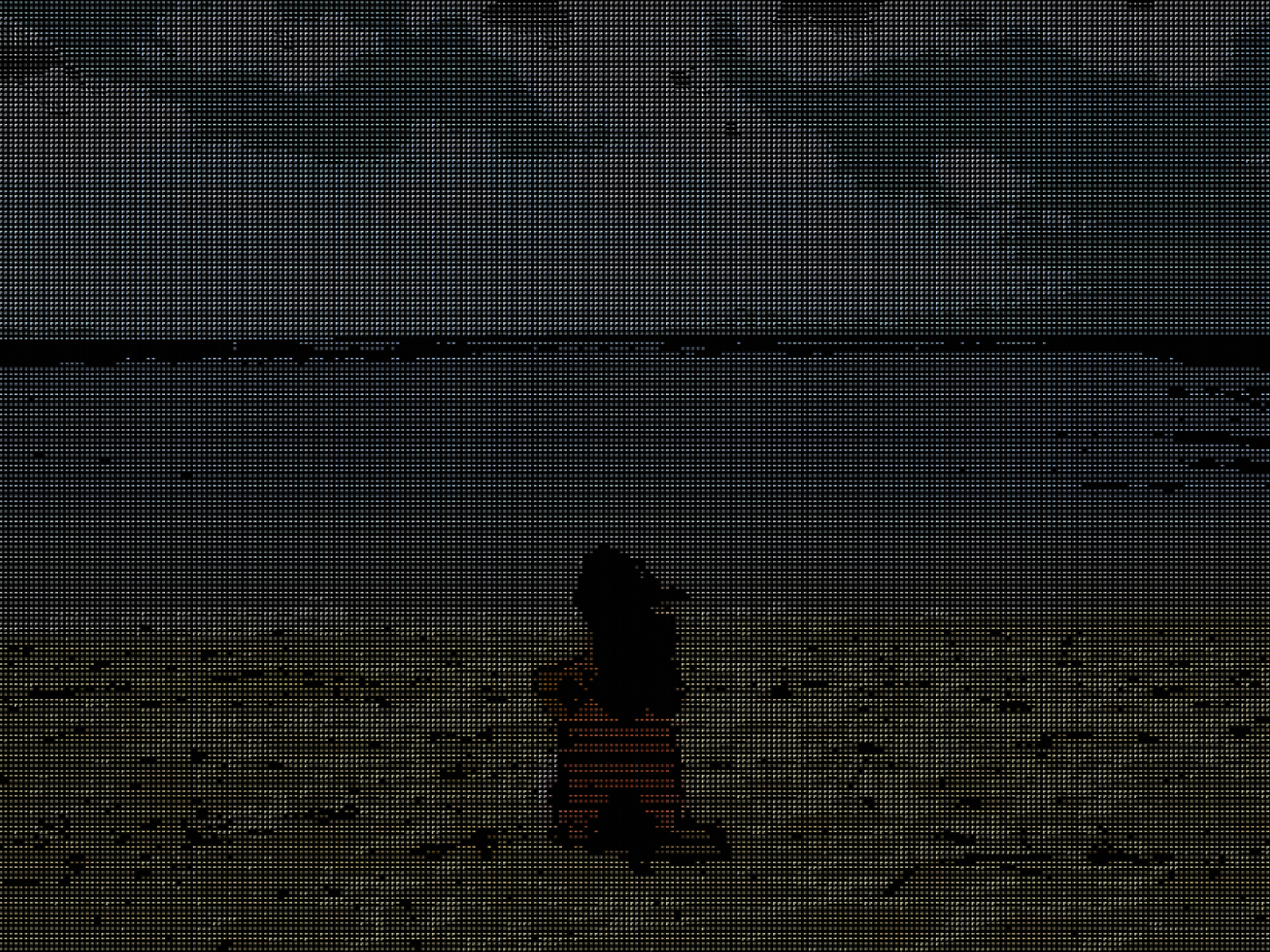
Sprite Video ASCII
Transform video into live ASCII art with color grading, fit controls, and retro scanline styling.
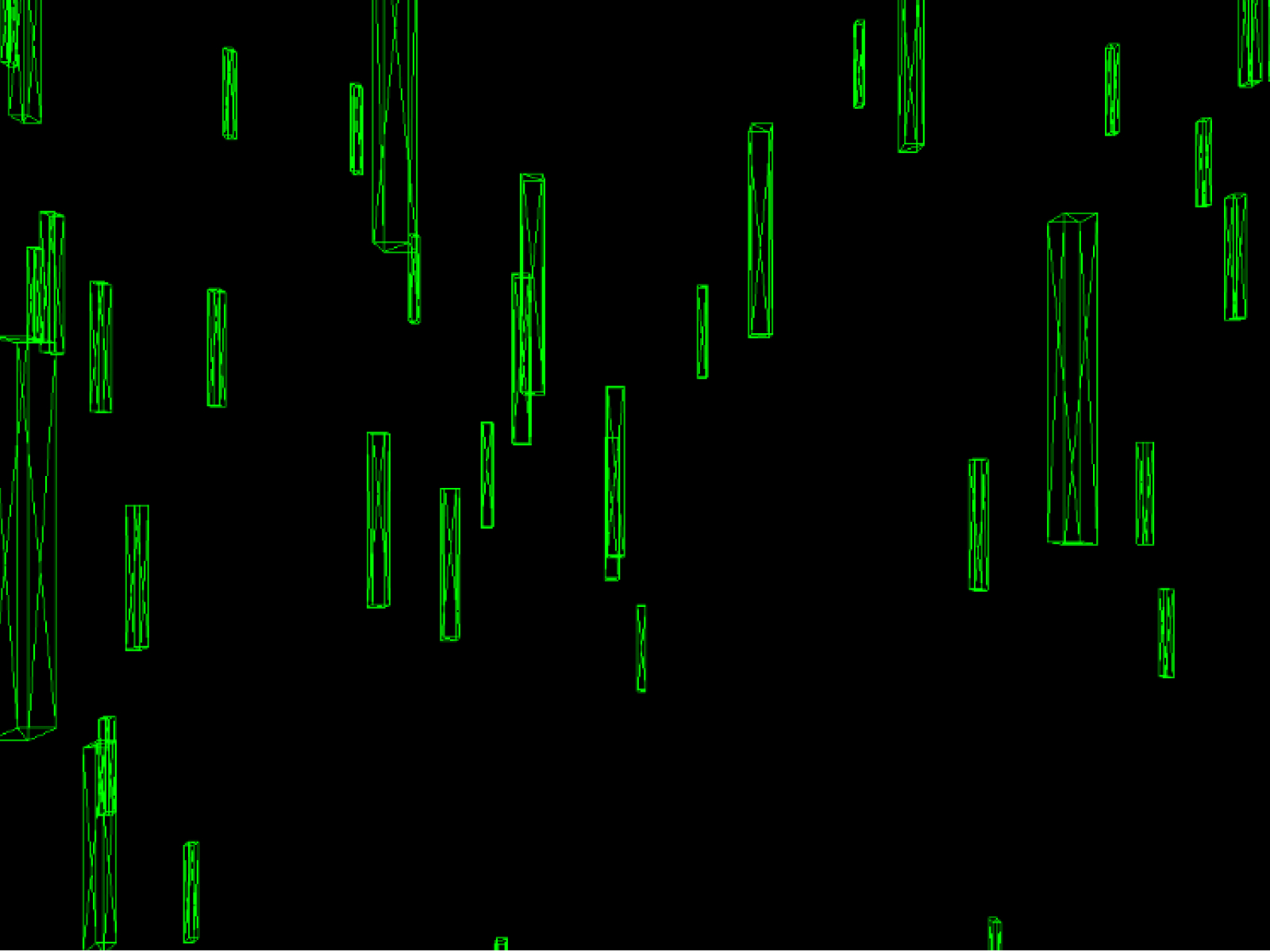
Digital Rain
A Matrix-inspired falling code effect with customizable colors, size, and 3D depth.
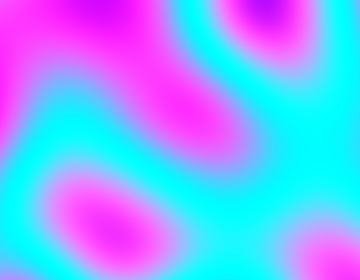
Fluid Noise
Organic fluid noise textures with customizable colors, animation modes, and effects.
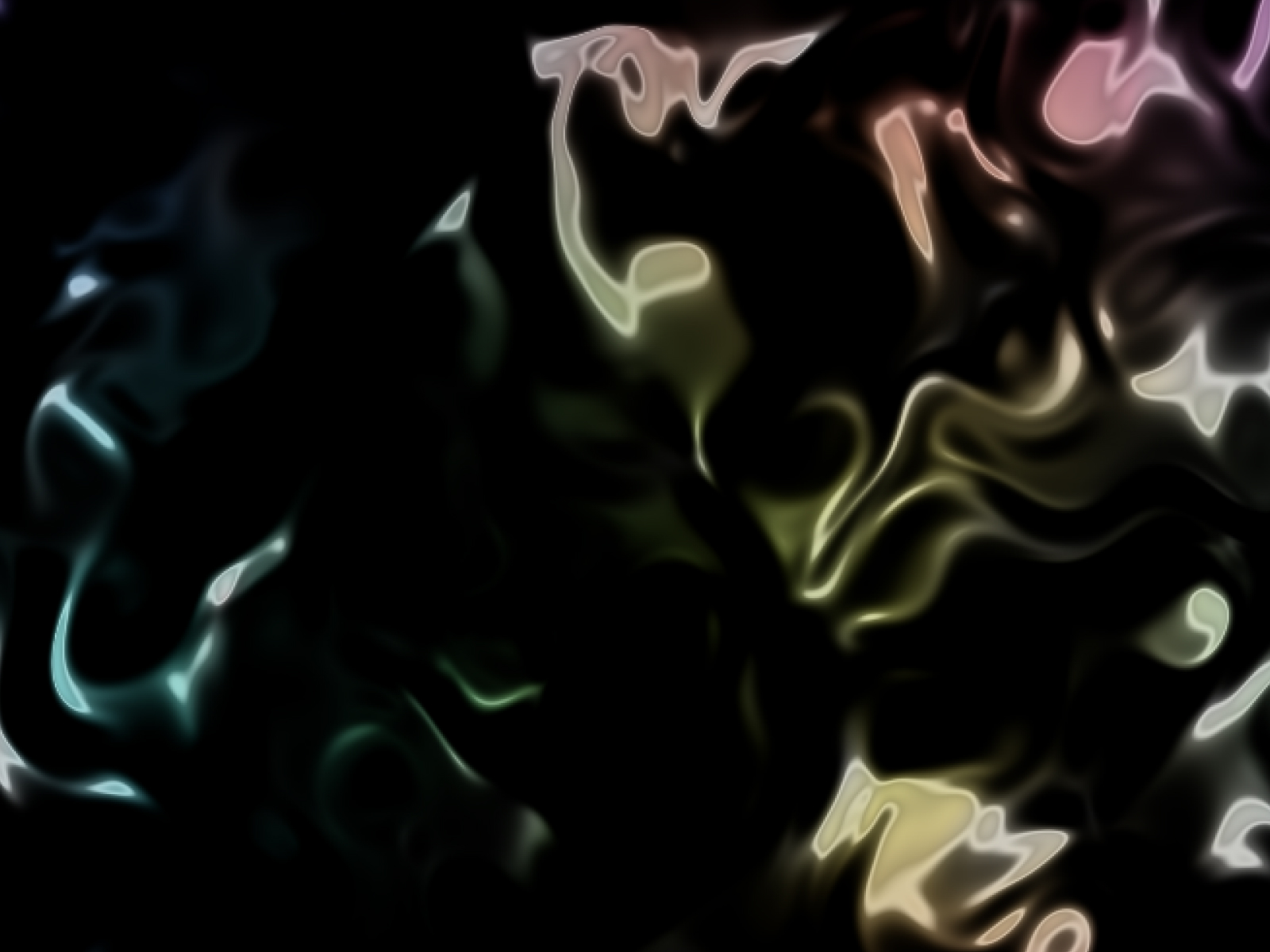
Liquid Chrome
A mesmerizing, interactive liquid chrome shader with multiple render modes.
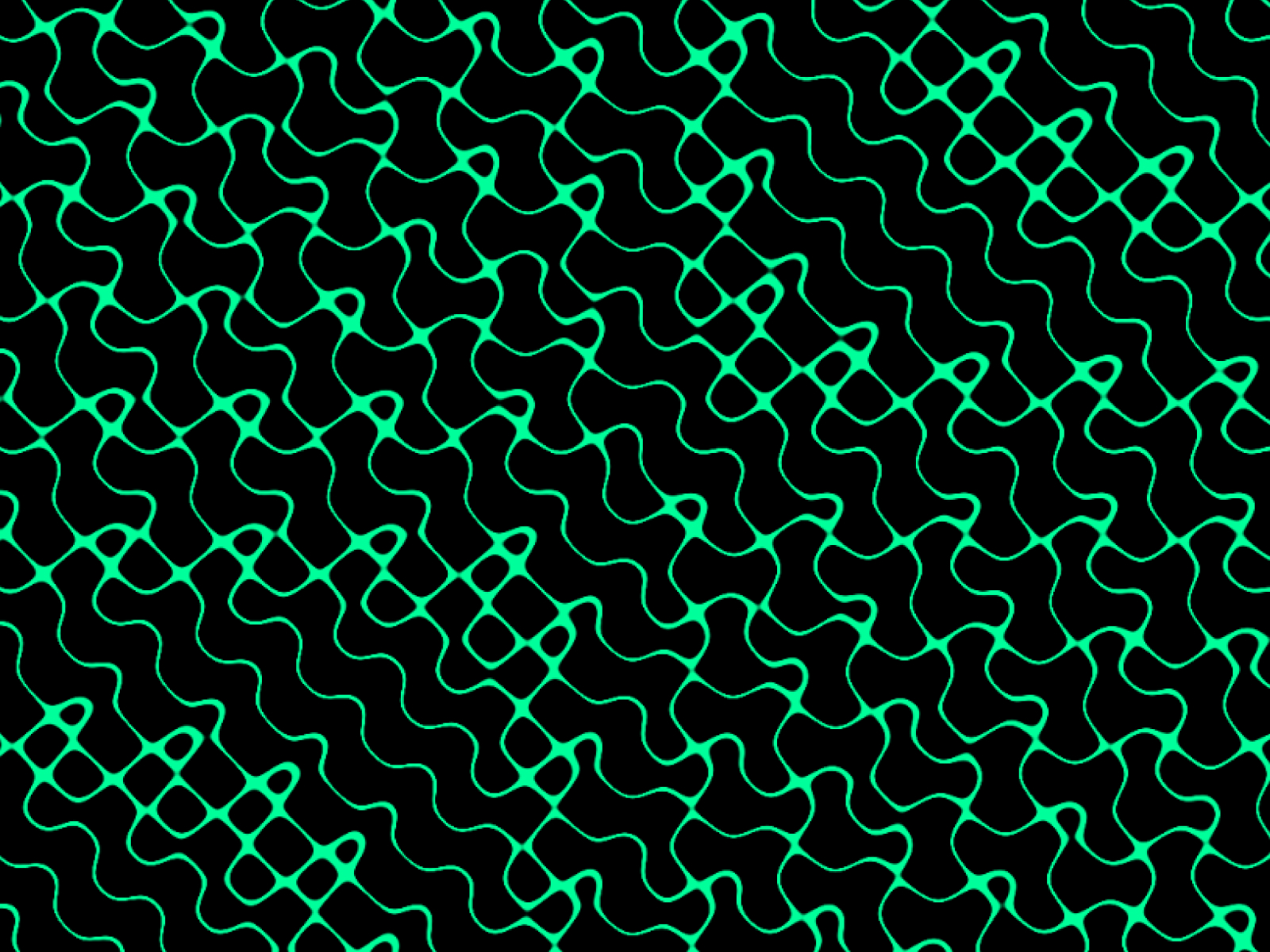
Reaction Diffusion
Animated reaction-diffusion pattern generator powered by WebGL shaders.
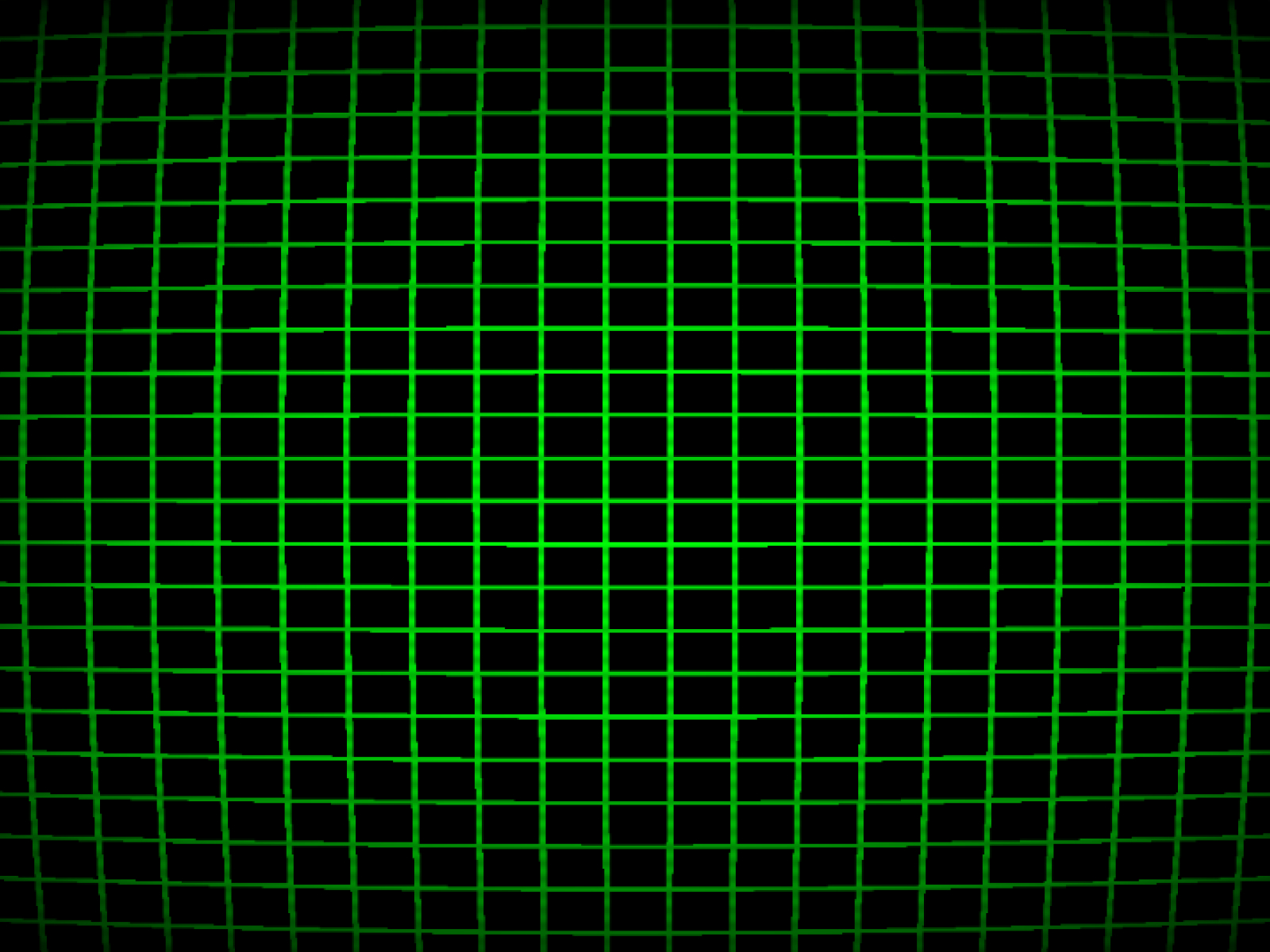
Retro CRT
Realistic vintage CRT monitor effect with scanlines and curvature.
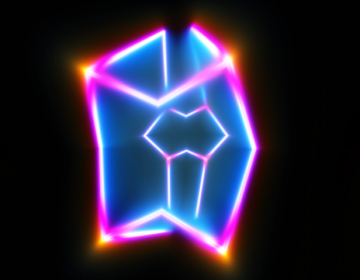
Shader Frame
A mesmerizing WebGL shader frame with interactive distortion and color controls.
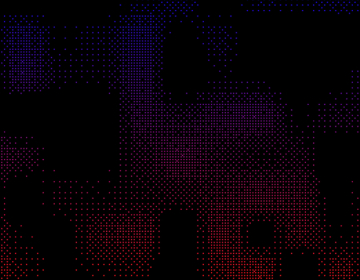
Dither Shader
A high-performance, interactive dithering effect with retro-style pixelated aesthetics.
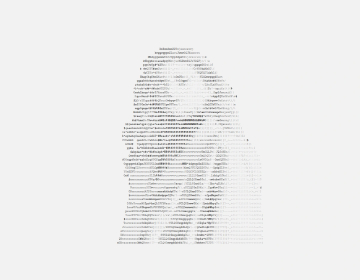
ASCII Image
Transform any image into stunning ASCII art with customizable characters and colors.
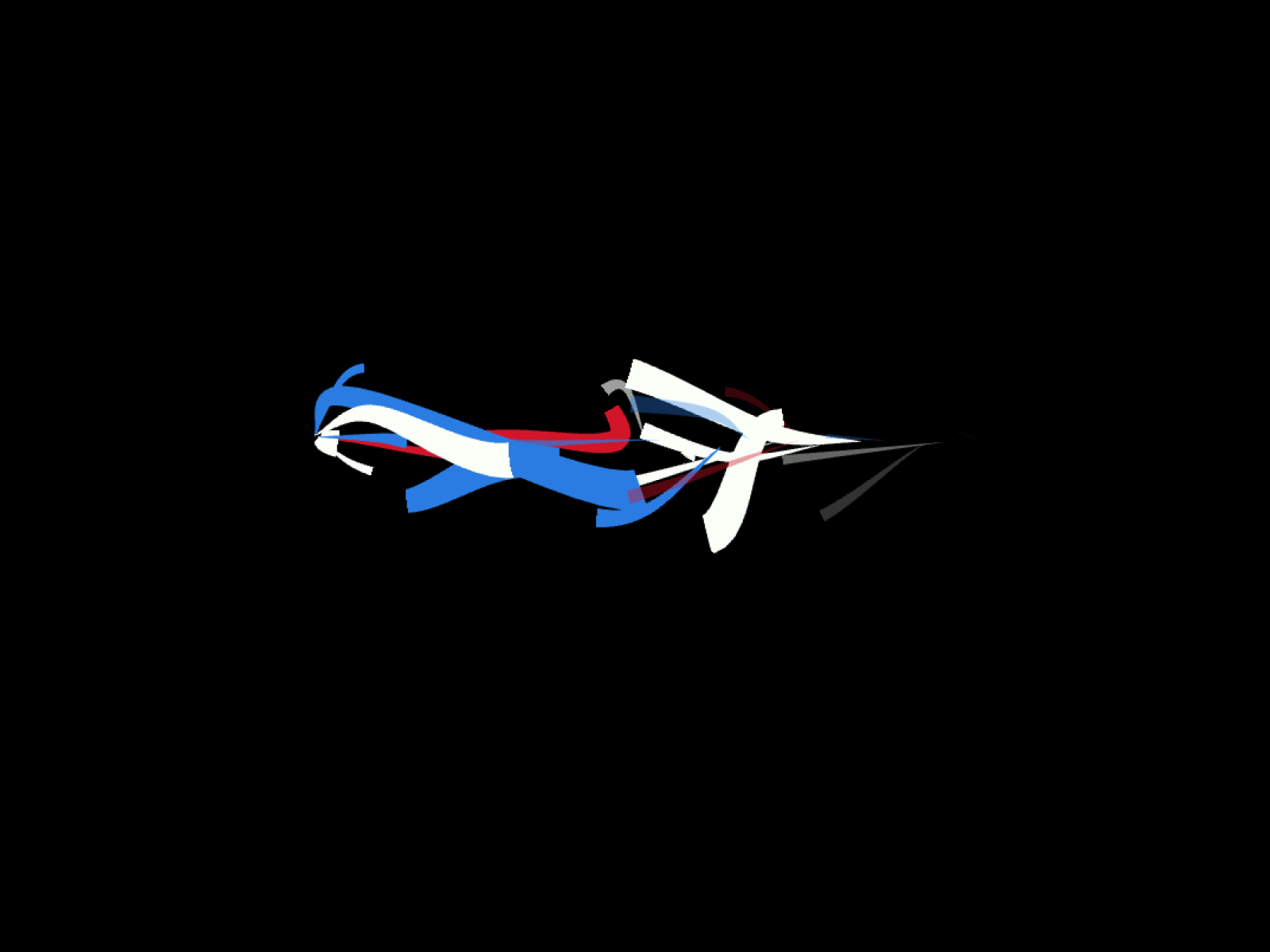
ElectricBolts
Dynamic electric energy bolts with mesmerizing animated mesh lines.
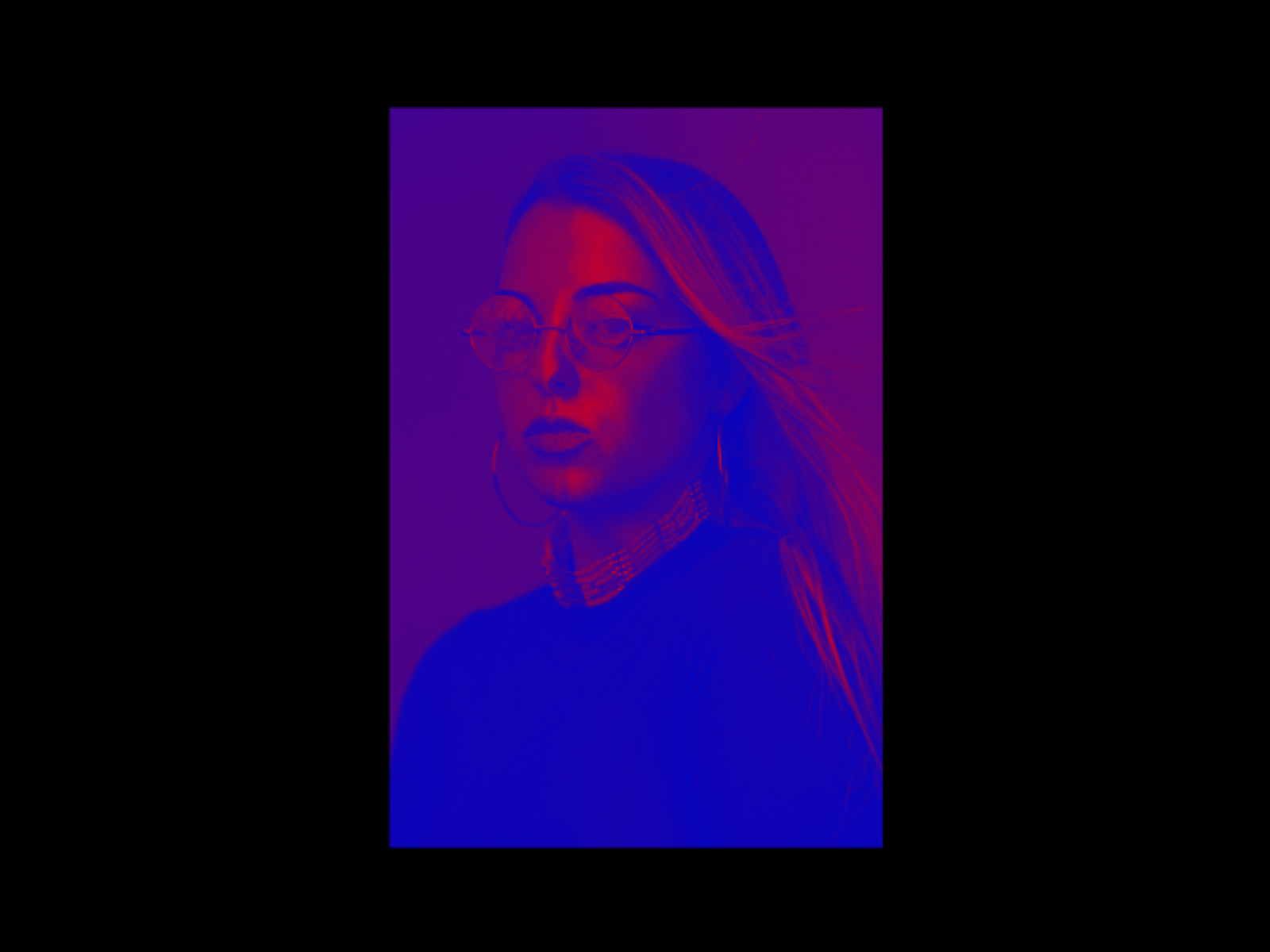
VFX Image Duotone
Apply a stylish duotone color grade to your images with WebGL-powered effects.
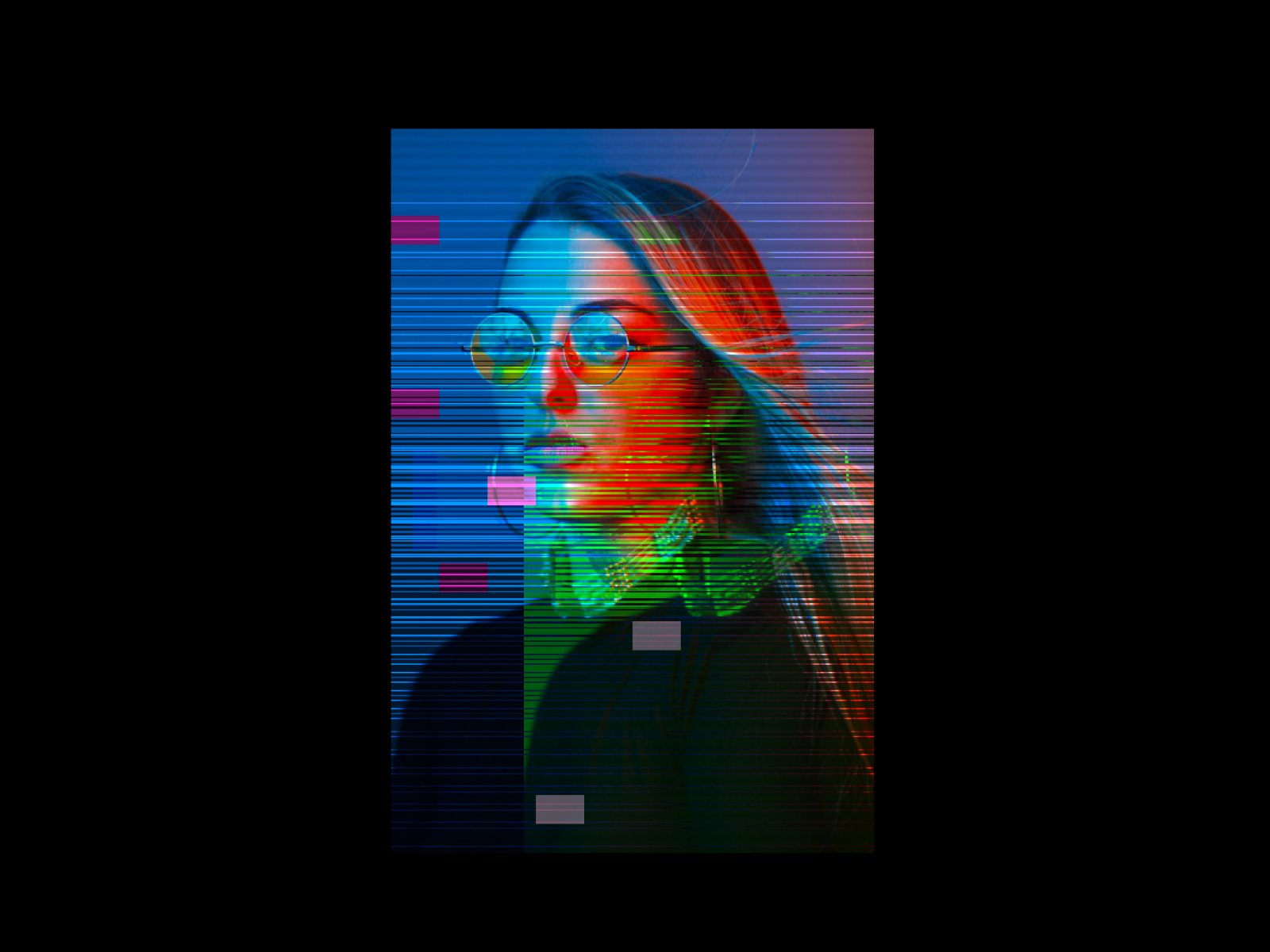
VFX Image Glitch
Add a cyber-punk glitch effect to your images.
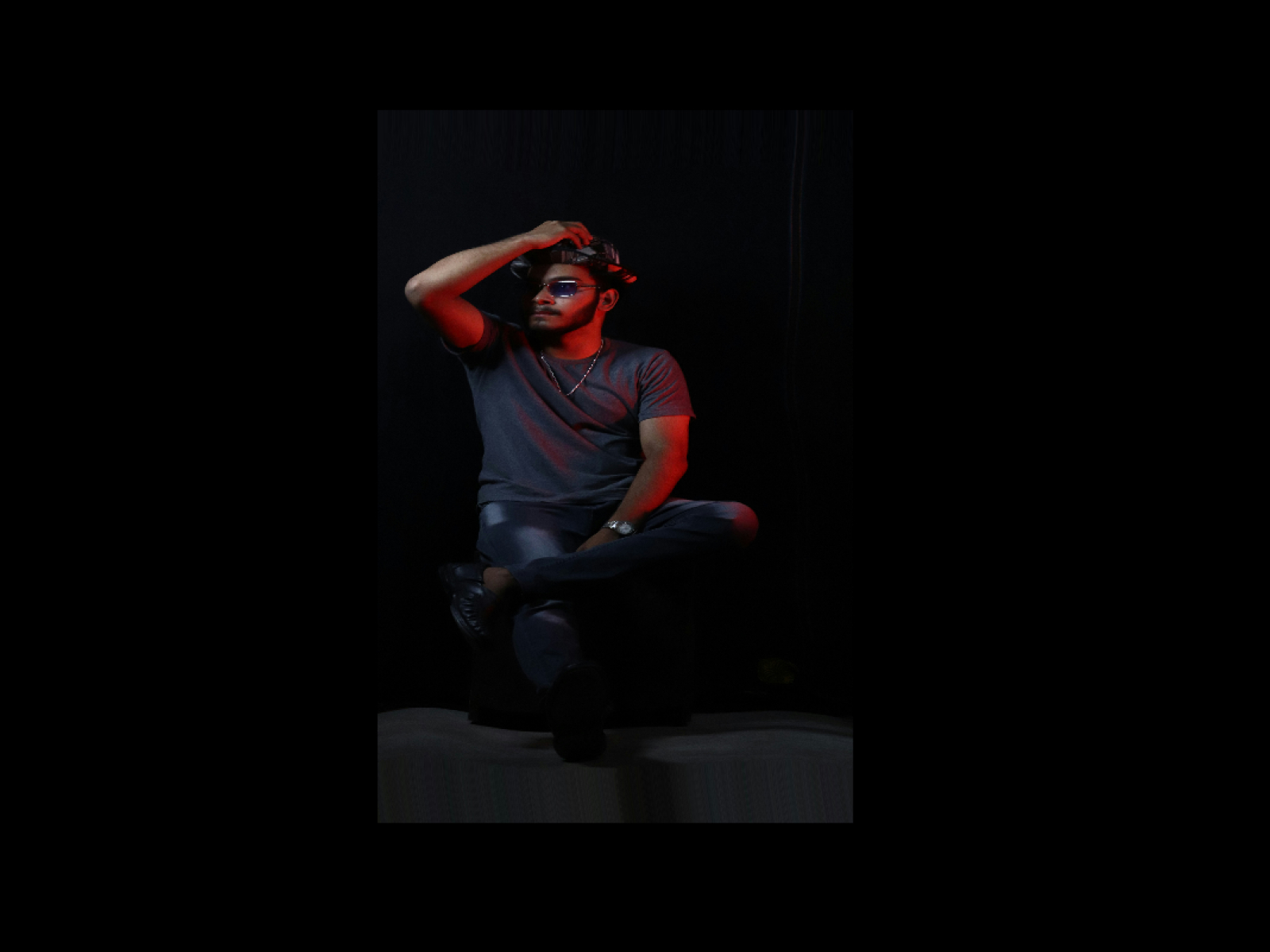
VFX Image Liquid
A trippy liquid distortion effect for your images.
VFX Image Pixelate
A retro pixelate reveal effect for your images.
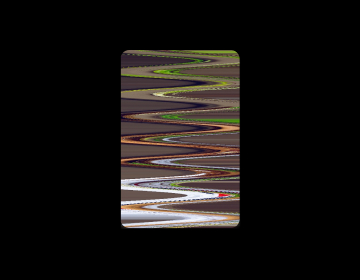
Image Slit Scan
Add mesmerizing slit-scan distortion effects to any image with smooth hover transitions.
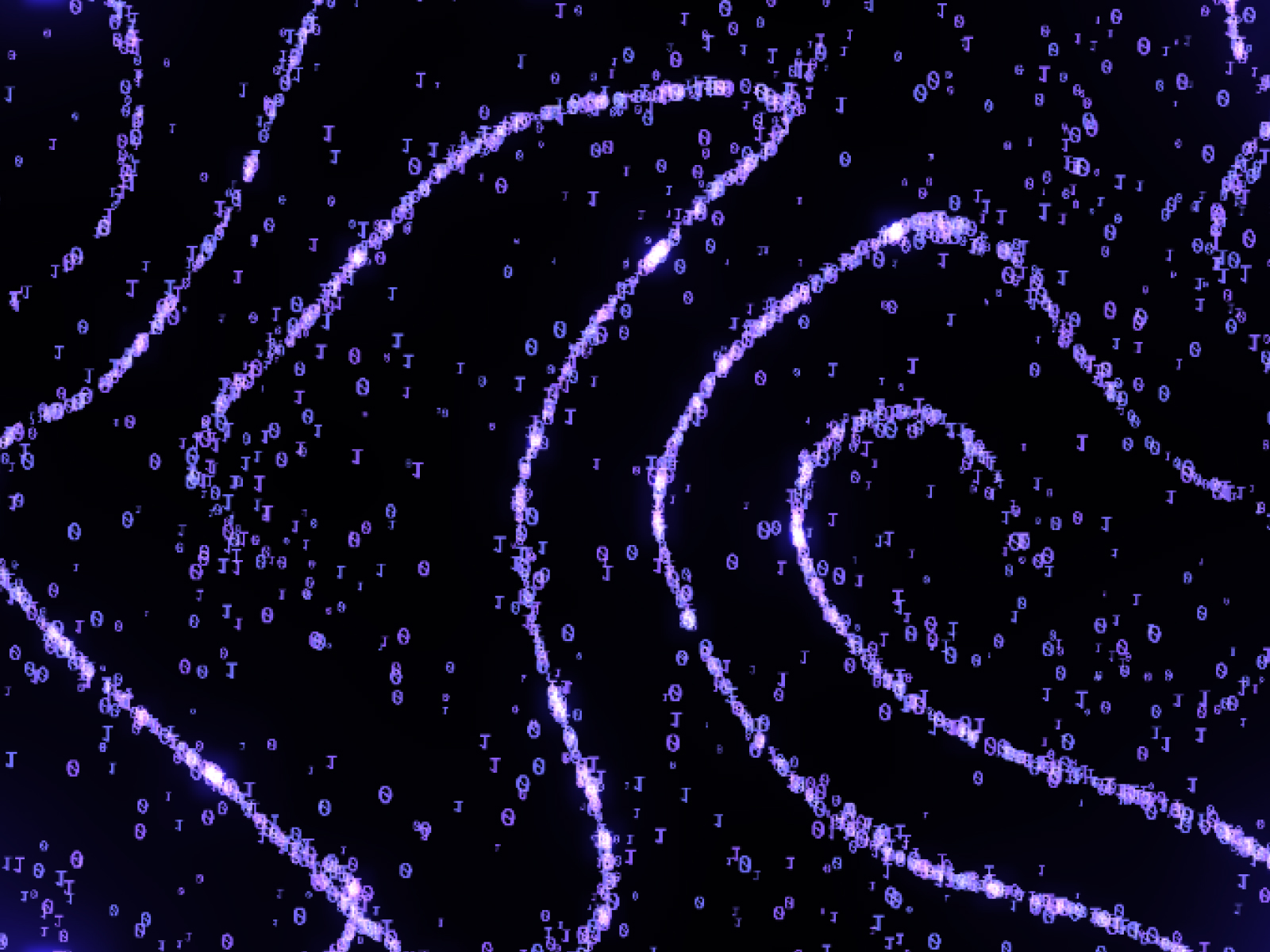
Digital Wind
Flowing digital particles with interactive mouse effects powered by Three.js
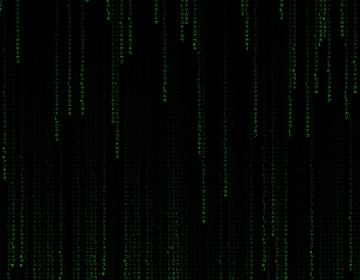
Matrix Rain
Digital rain effect with customizable characters and colors.
Motion Hover RGB
Stunning RGB chromatic aberration hover effect powered by WebGL.
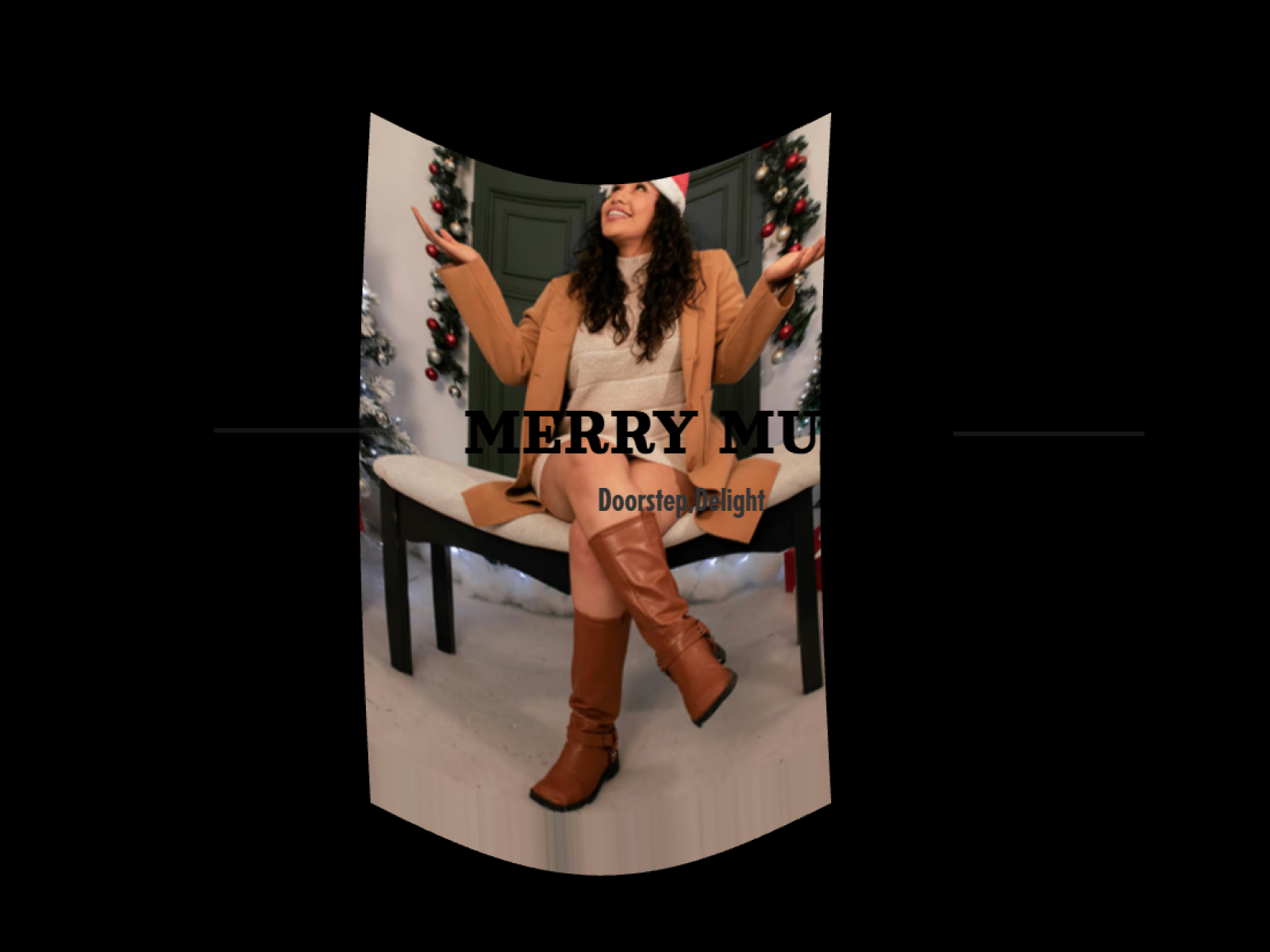
Motion Hover Stretch
Dynamic stretch distortion hover effect powered by WebGL.
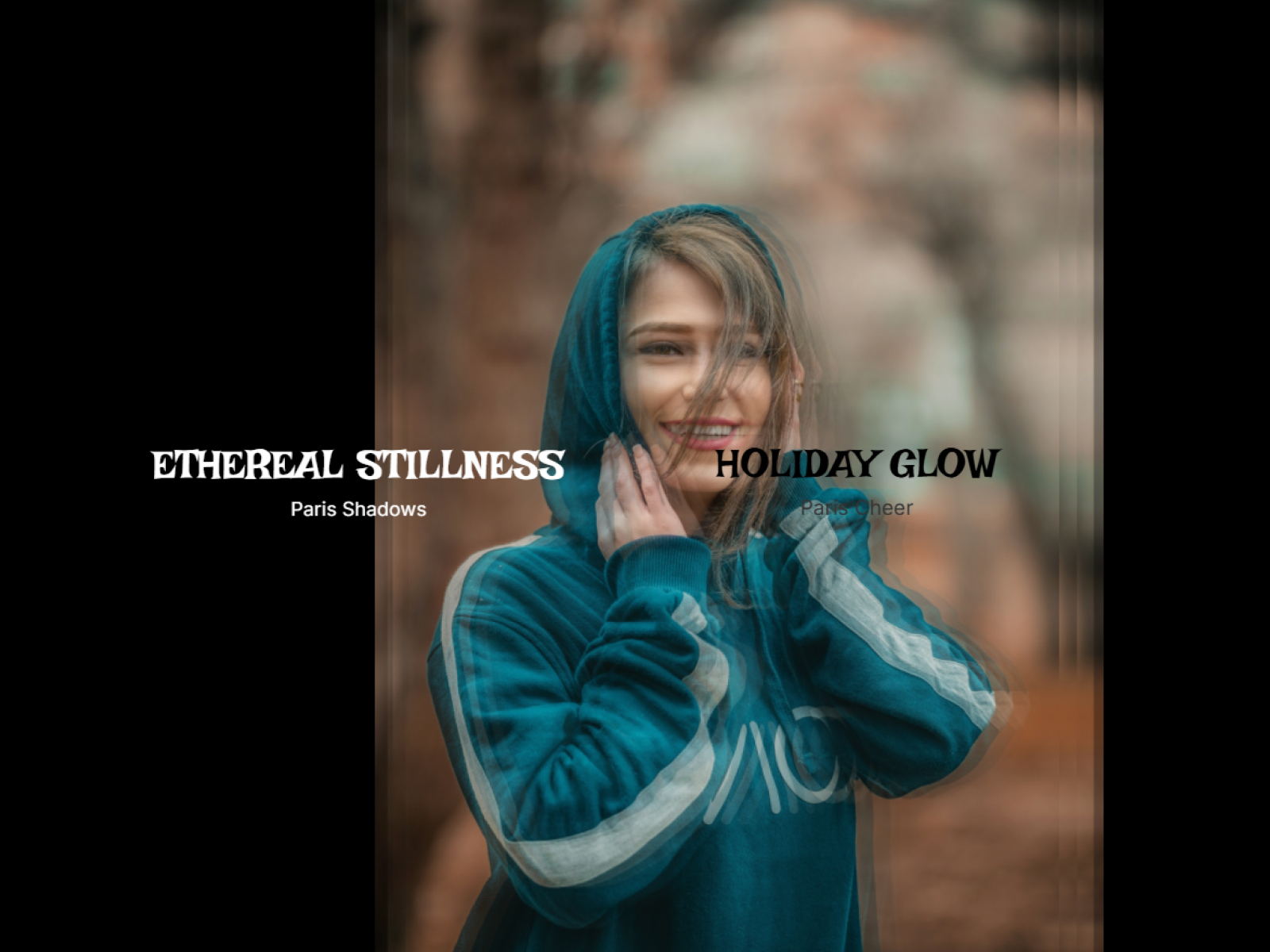
Motion Hover Trails
Mesmerizing image trails hover effect powered by WebGL.
Which visual & image effects component should you use?
- ASCII Image: Turn a photo or logo into ASCII art
- Retro CRT: A vintage monitor look with scanlines
- Dither Shader: Retro dithering for images
- VFX Image Glitch: A cyberpunk glitch on any image
- Motion Hover RGB: RGB split on hover for portfolio cards
- Matrix Rain: Classic falling-code rain
Effects that work on your own media
Most effects in this collection take an image or video you supply and process it live in the browser. ASCII Image and Sprite Video ASCII turn media into characters, Dither Shader and Retro CRT give it a retro screen look, and the VFX Image set (Duotone, Glitch, Liquid, Pixelate and Slit Scan) restyles photos without exporting new files. Swap the source in Framer and the effect follows, so one component can style a whole CMS collection.
Hover effects for cards and galleries
Motion Hover RGB, Motion Hover Stretch and Motion Hover Trails add WebGL distortion while the cursor moves over an image, which suits portfolio grids and case-study cards. Keep the original image sharp and let the effect run only on hover, so the page stays readable at rest.
Visual & Image Effects FAQ
Can I apply these effects to video?
Yes for Video Hatch and Sprite Video ASCII, which take a video source. Most of the others take an image.
Do the effects change my original image?
No. Each effect renders live on top of the source in the browser, and the file you uploaded stays as it is.
Do shader effects work in every browser?
They use WebGL, which runs in all current desktop and mobile browsers.
Are these Framer visual & image effects components free?
Some are free with a FramerHub account, and the rest are one-time purchases with lifetime updates. Each card shows its price.
How do I add one to my Framer project?
Open the component page, get it (free or paid), then copy it from your FramerHub dashboard and paste it onto your Framer canvas. Its settings appear in the properties panel.