Framer 3D Components & WebGL Effects
Real-time 3D for Framer without a separate 3D tool: particle spheres, galaxies, tunnels, terrains and kinetic 3D type, rendered with WebGL and controlled from Framer's properties panel.
15 components, 2 free.

DelphiTunnel
An infinite 3D image tunnel for your Framer sites.
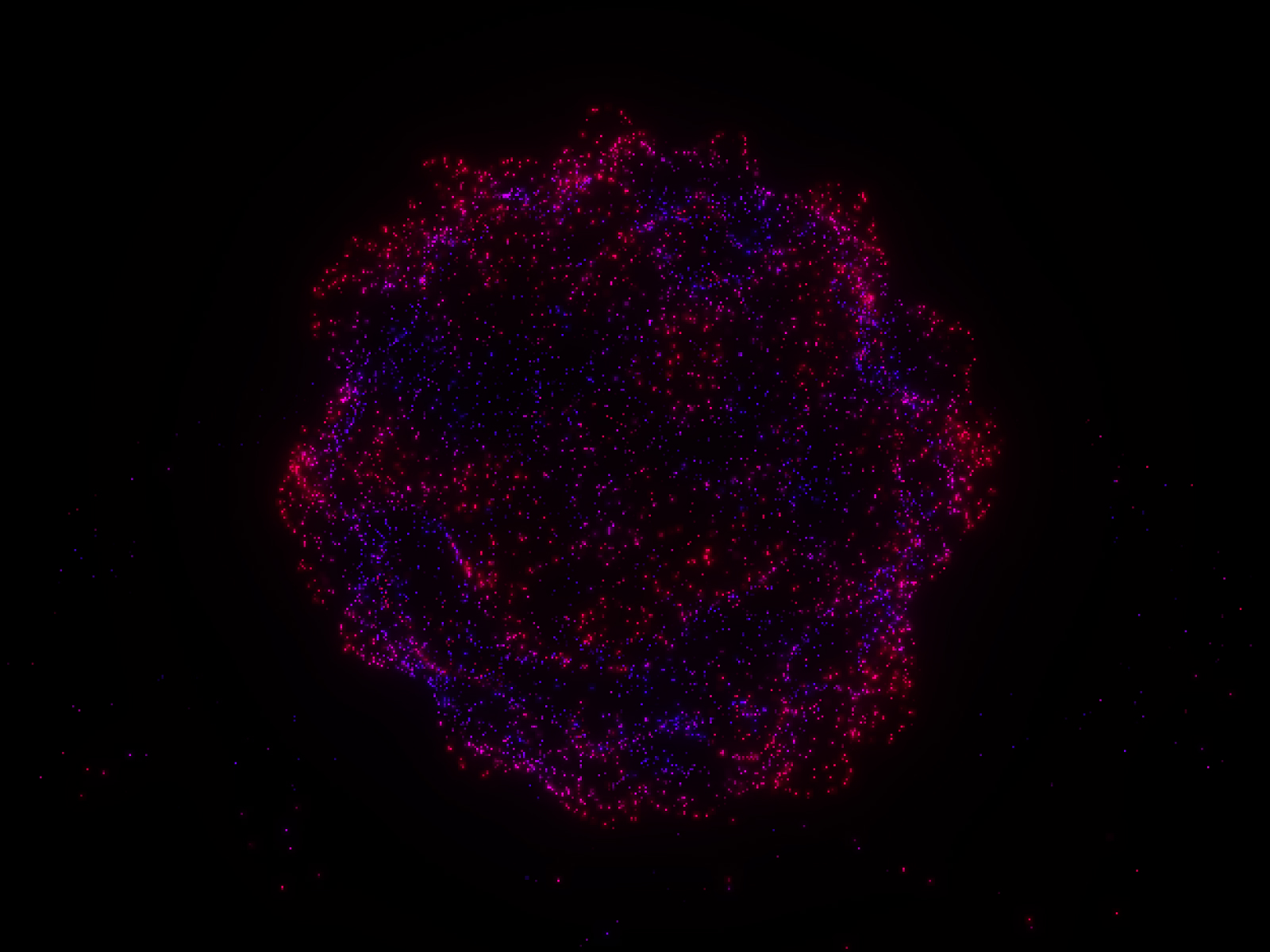
Neural Core
A mesmerizing 3D ASCII particle sphere with bloom effects.
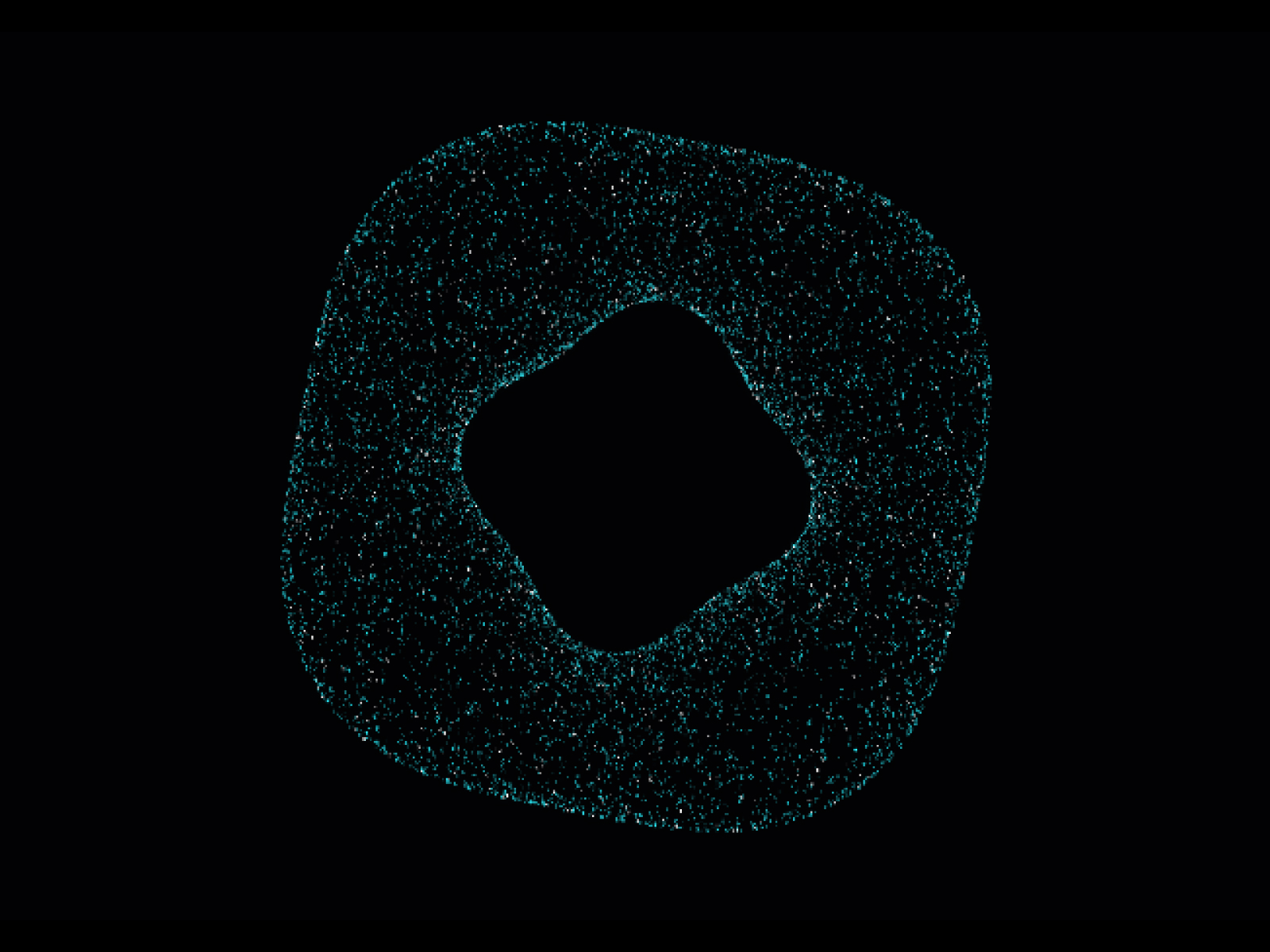
Quantum Nebula
Advanced 3D particle system with interactive Torus and Hologram image modes.
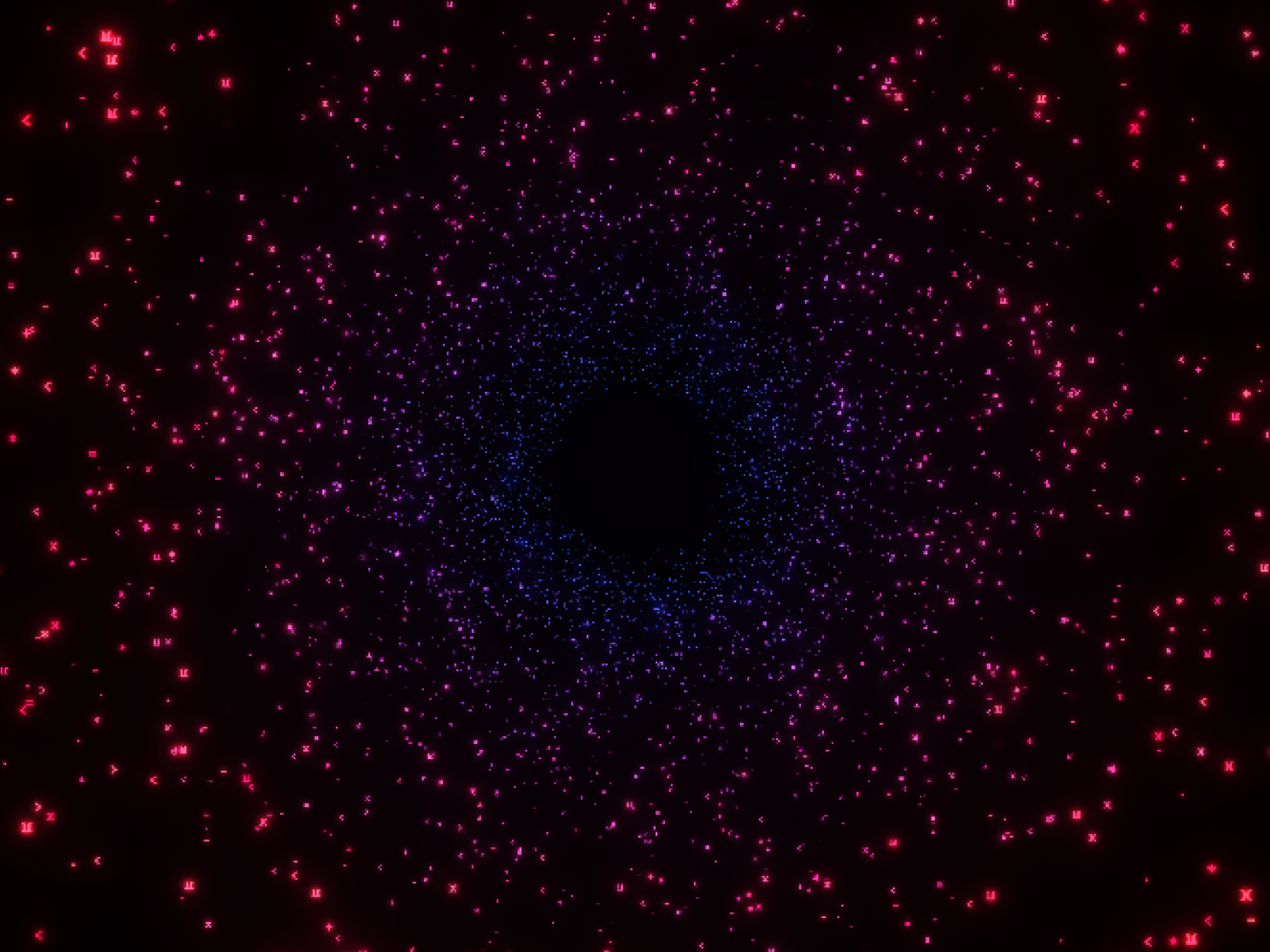
Quantum Tunnel
Infinite 3D particle tunnel with mouse steering and warp speed.
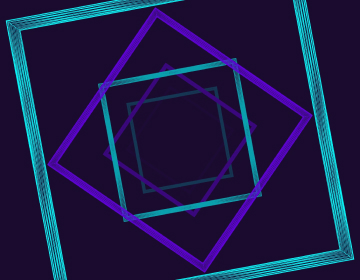
Warp Tunnel
High-speed wireframe tunnel animation.
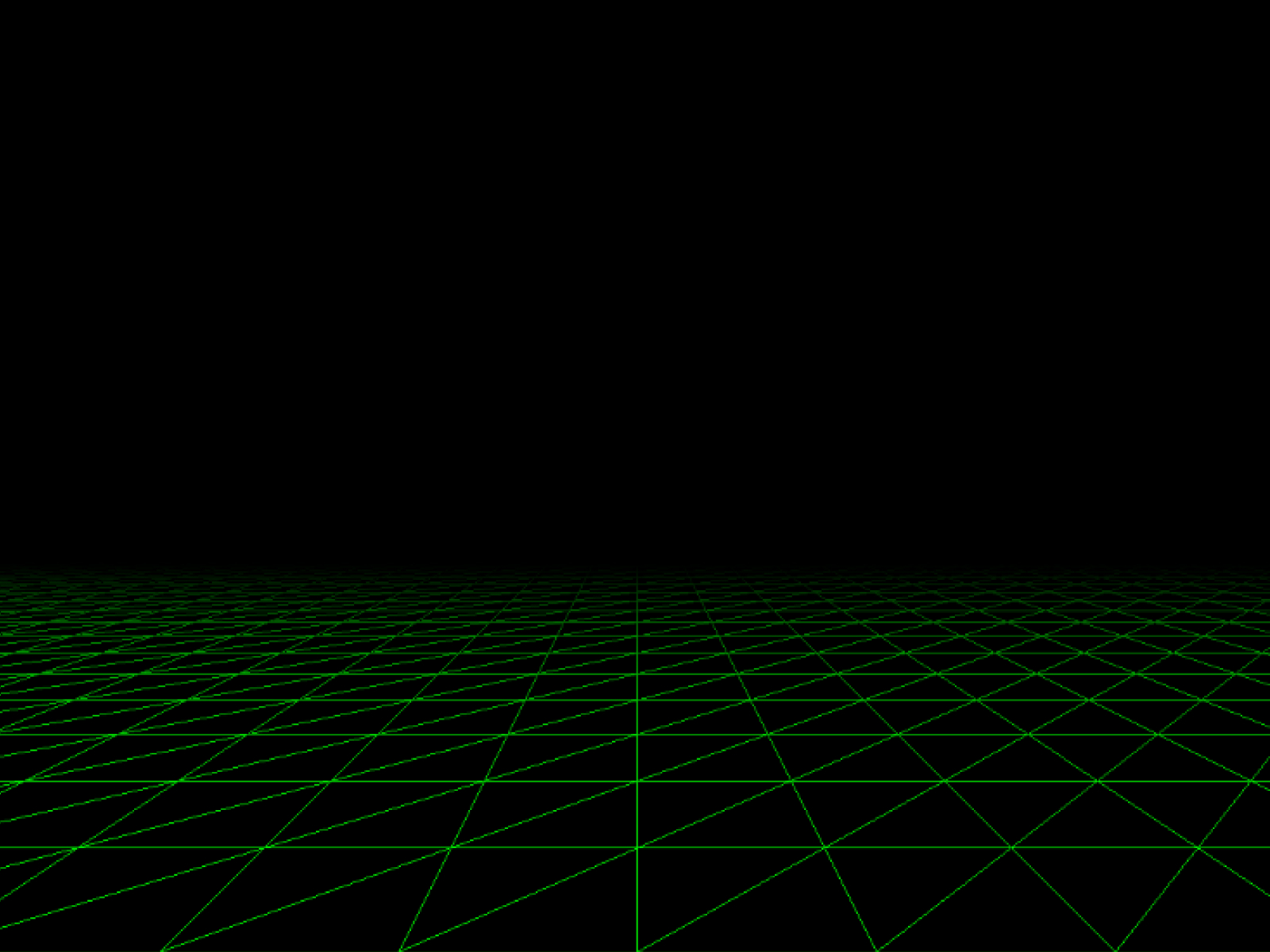
Wire Terrain
Retro 80s style wireframe landscape.
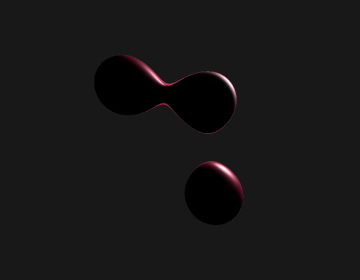
Soft Body Physics
Interactive soft body simulation with smooth metaball physics.

Nebula Hero
Create stunning 3D particle hero sections with animated galaxy, nebula, and cosmic effects.
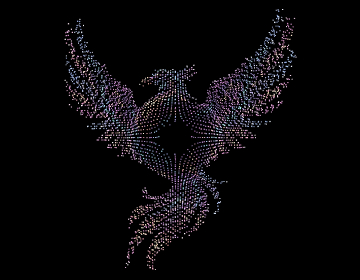
Liquid Data Hologram
Interactive liquid particle hologram effect from images.
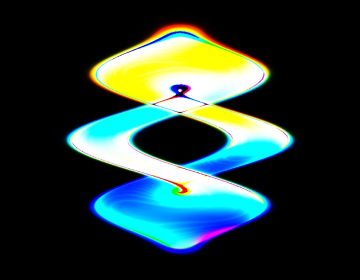
Chroma Flux
Mesmerizing 3D twisted torus shader effect with interactive hover controls and color customization.
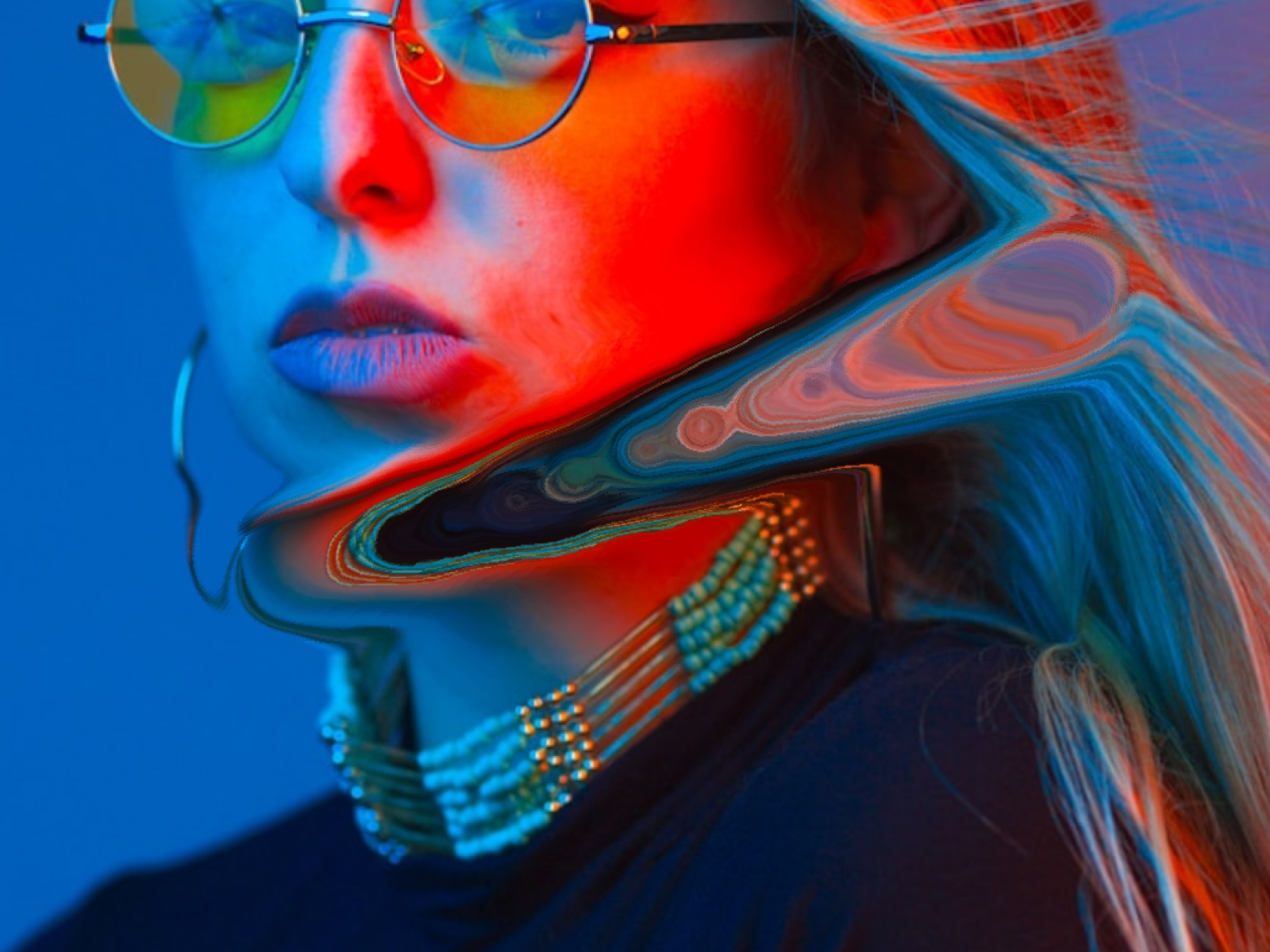
Fluid Distortion
Add mesmerizing fluid distortion effects that react to mouse movement for interactive image displays.
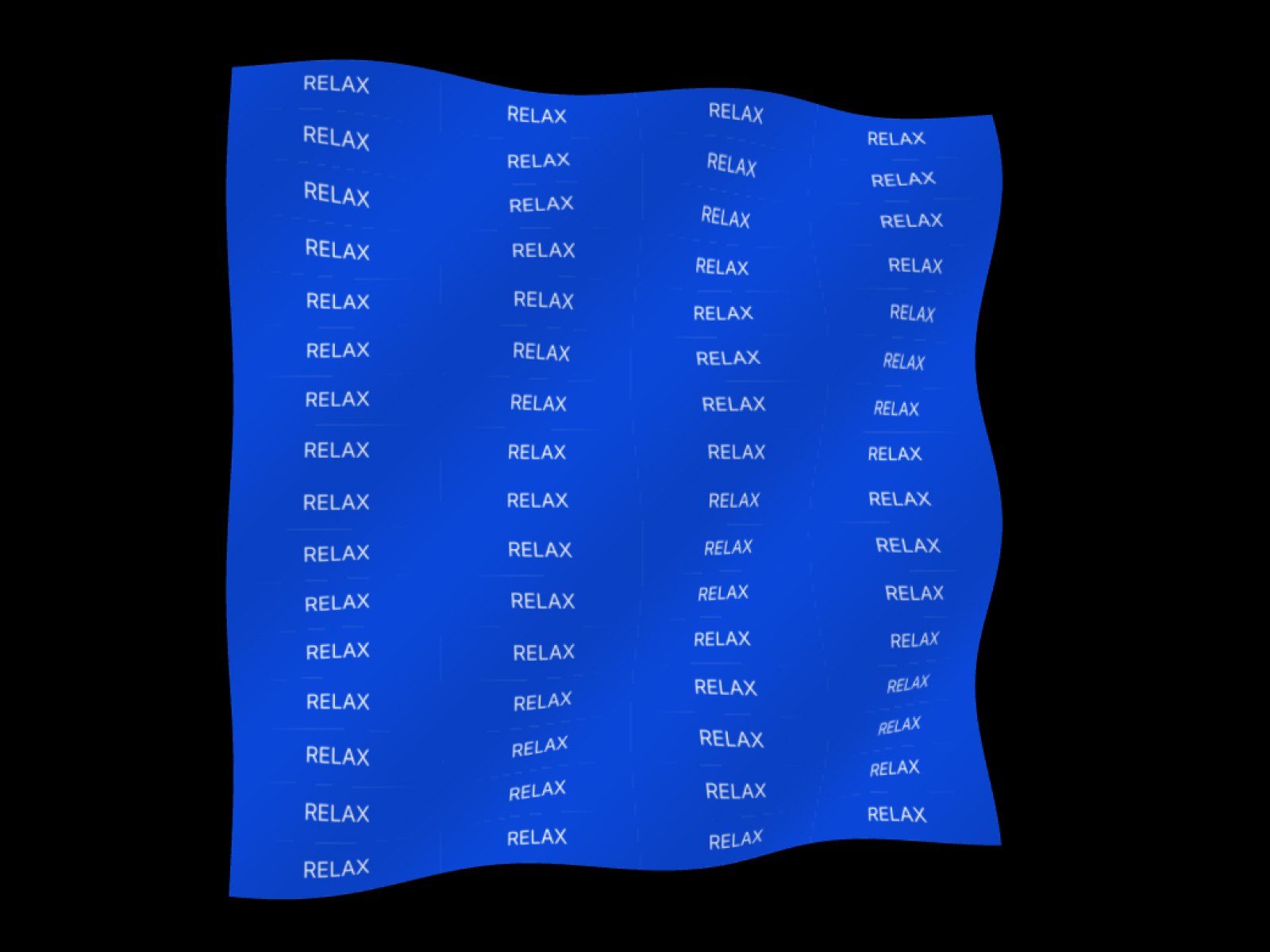
Wave Type
3D kinetic typography mapped onto a rippling wave plane.
Glyph Twist
3D kinetic typography with text mapped onto a twisted cube geometry.
Swirl Sphere
3D sphere with swirling noise displacement.
Volumetric Galaxy
A mesmerizing 3D volumetric galaxy effect.
Which 3d & webgl component should you use?
- Neural Core: A focal 3D object for an AI or tech hero
- Nebula Hero: A colorful WebGL hero background
- Volumetric Galaxy: A full-section space scene
- Wire Terrain: A retro 80s wireframe landscape
- Glyph Twist: A 3D kinetic headline
- Soft Body Physics: Playful, cursor-driven blob physics
Framer 3D without building a scene elsewhere
Framer can embed scenes made in tools like Spline, but that means modelling and hosting the scene somewhere else and keeping it in sync. These components generate their geometry in code at runtime, so there is no model file to export. You change shape, color, speed and mouse response in Framer, and where a component supports it, the scene reacts to the cursor or to scroll.
Choosing a 3D effect
A hero section usually wants one strong focal object: Neural Core, Nebula Hero or Quantum Nebula. Full-bleed scenes such as Volumetric Galaxy, Wire Terrain and The Quantum Tunnel work as section backgrounds. For headings, Glyph Twist and Wave Type map type onto 3D geometry. Soft Body Physics and Liquid Data Hologram add play that reacts to the cursor. 3D effects are the heaviest components on a page, so use one per screen and lower the detail settings at the mobile breakpoint.
3D & WebGL FAQ
Do I need Spline or Three.js experience?
No. The 3D is built into each component. You paste it into your project and adjust it with property controls.
Do these 3D components work on mobile?
Yes. WebGL runs in all current mobile browsers. Heavier scenes can drop frames on older phones, so lower the detail or particle settings at the mobile breakpoint.
Can I use my own images?
Some components can. Liquid Data Hologram and the hologram mode of Quantum Nebula build their particles from an image you supply. Each component page lists its settings.
Are these Framer 3d & webgl components free?
Some are free with a FramerHub account, and the rest are one-time purchases with lifetime updates. Each card shows its price.
How do I add one to my Framer project?
Open the component page, get it (free or paid), then copy it from your FramerHub dashboard and paste it onto your Framer canvas. Its settings appear in the properties panel.