Framer Animation Components
Ready-made Framer animations for heroes, scroll sections and cursors: 3D scroll grids, image reveals, cursor trails, globes, confetti and shooting stars. Each one is a code component you tune from the properties panel.
16 components, 7 free.
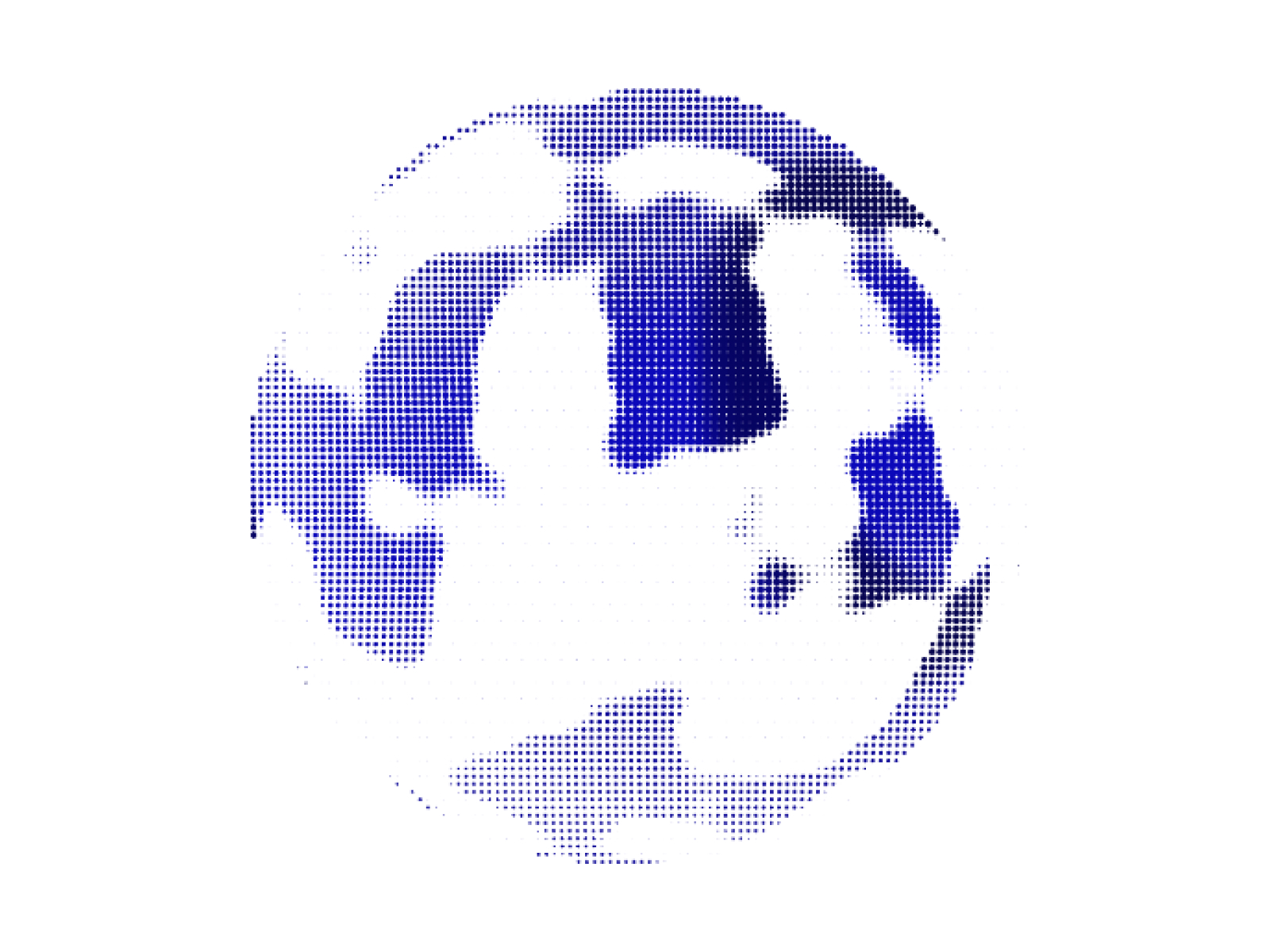
Dot Globe
Interactive particle globe with Dots, Matrix, and ASCII rendering styles.
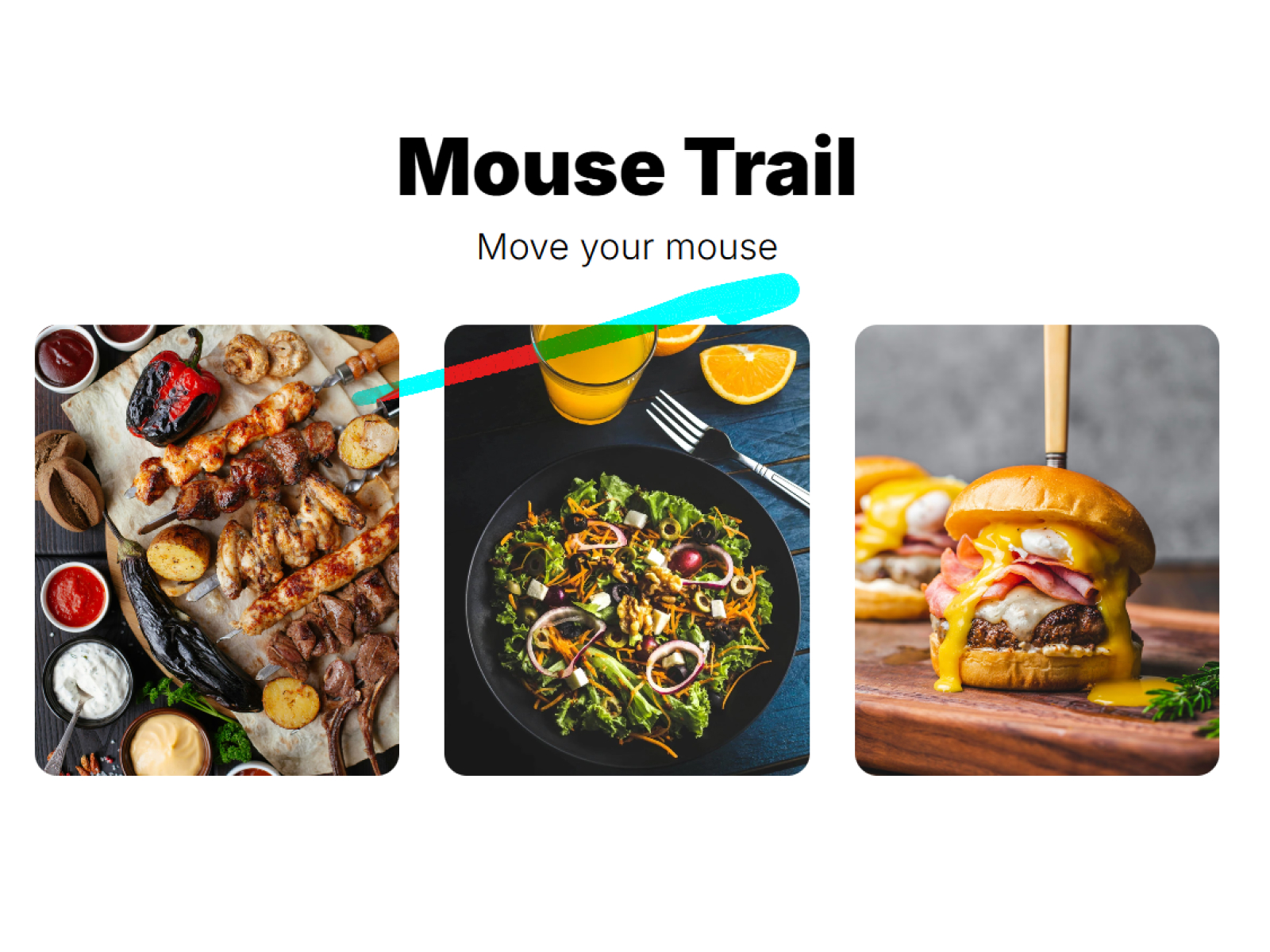
Fluid Trail
High-performance fluid mouse trail effect powered by WebGL.
Warp Drive
Hyperspeed tunnel effect with dynamic car lights and distortion.
Emerging Image
Stunning scroll-based image reveal animations powered by WebGL.
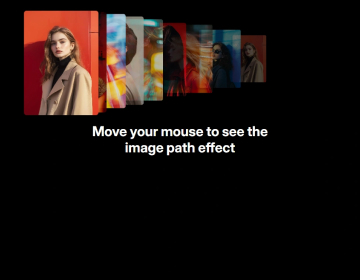
Motion Trail
Stunning cursor trail effects with 8 unique animation styles
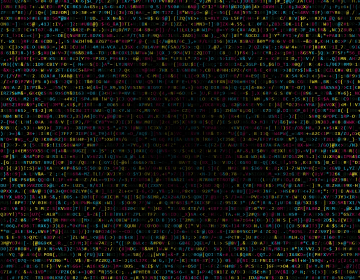
Random Letter Glitch
Matrix-style animated letter glitch effect

Scroll 3D Grid
Stunning 3D grid animations triggered by scroll
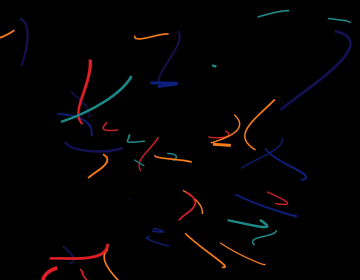
Confetti Lines 3D
3D confetti lines with smooth dash animations and mouse interaction.
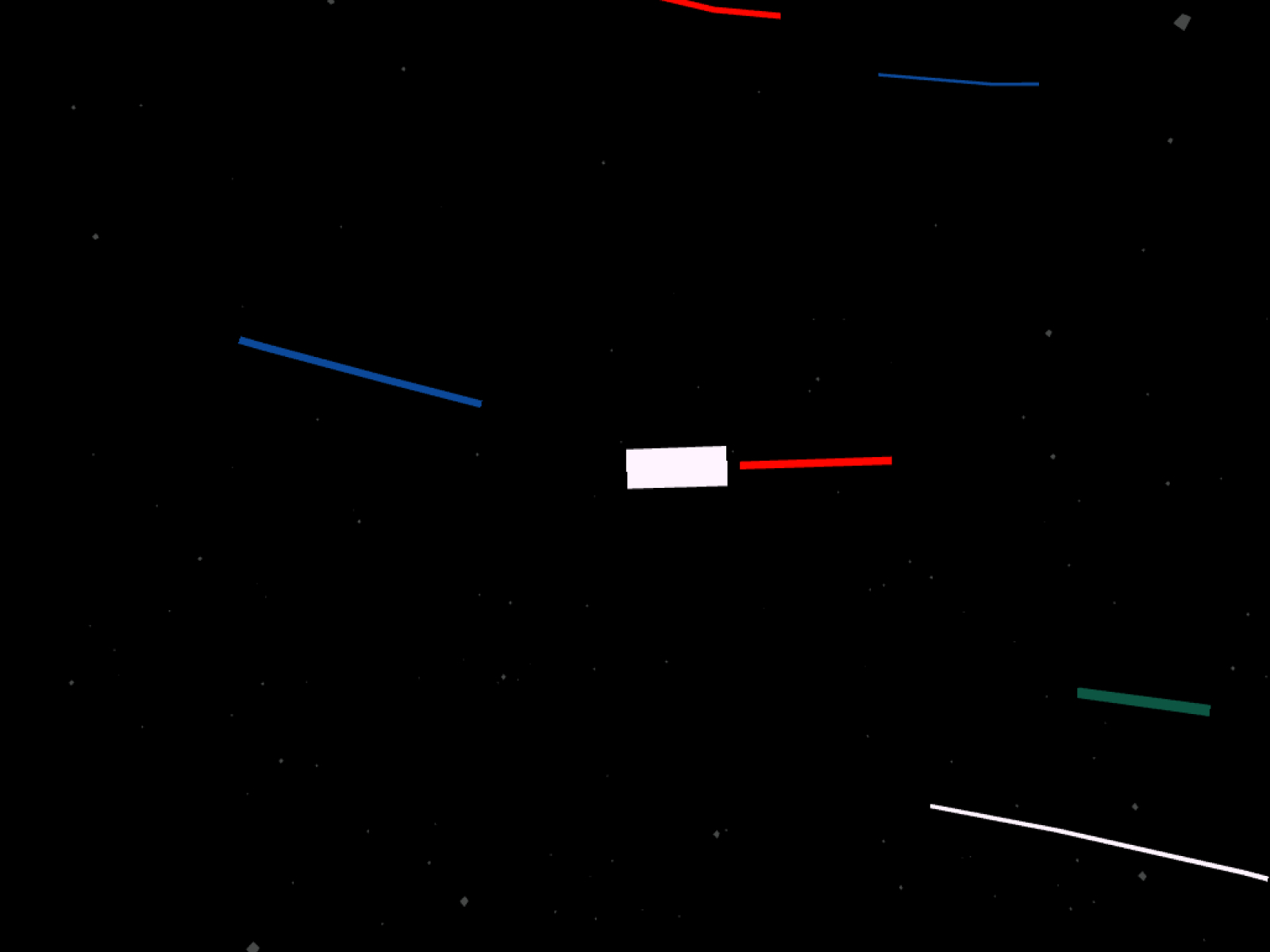
Flowing Rivers
Organic flowing lines raycasted onto an invisible sphere surface.
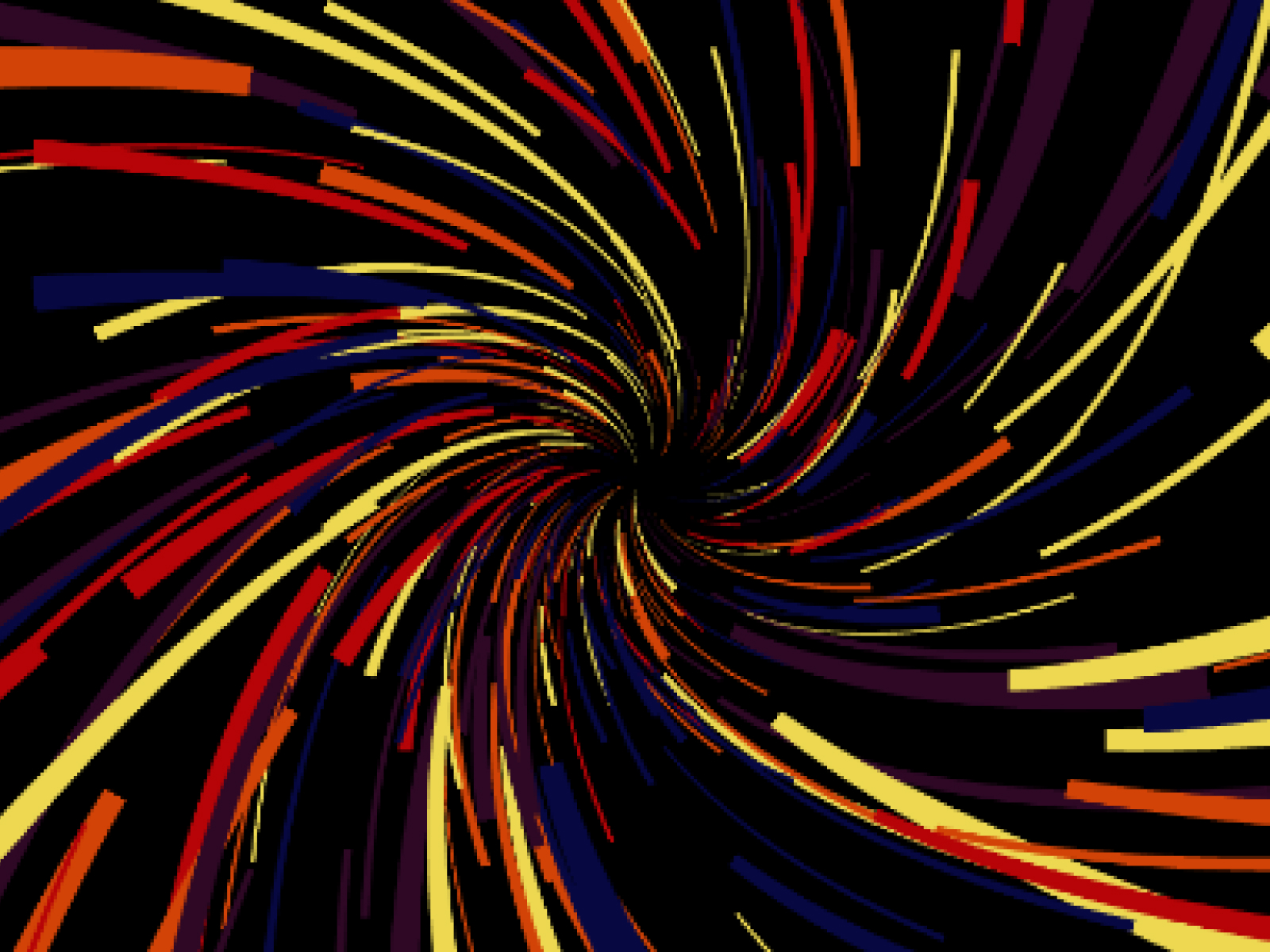
Neon Trails
Colorful spiral helix pattern with forward-moving neon lines.
Ribbon Wave
2D canvas-based confetti ribbon lines with smooth animation and gravity.
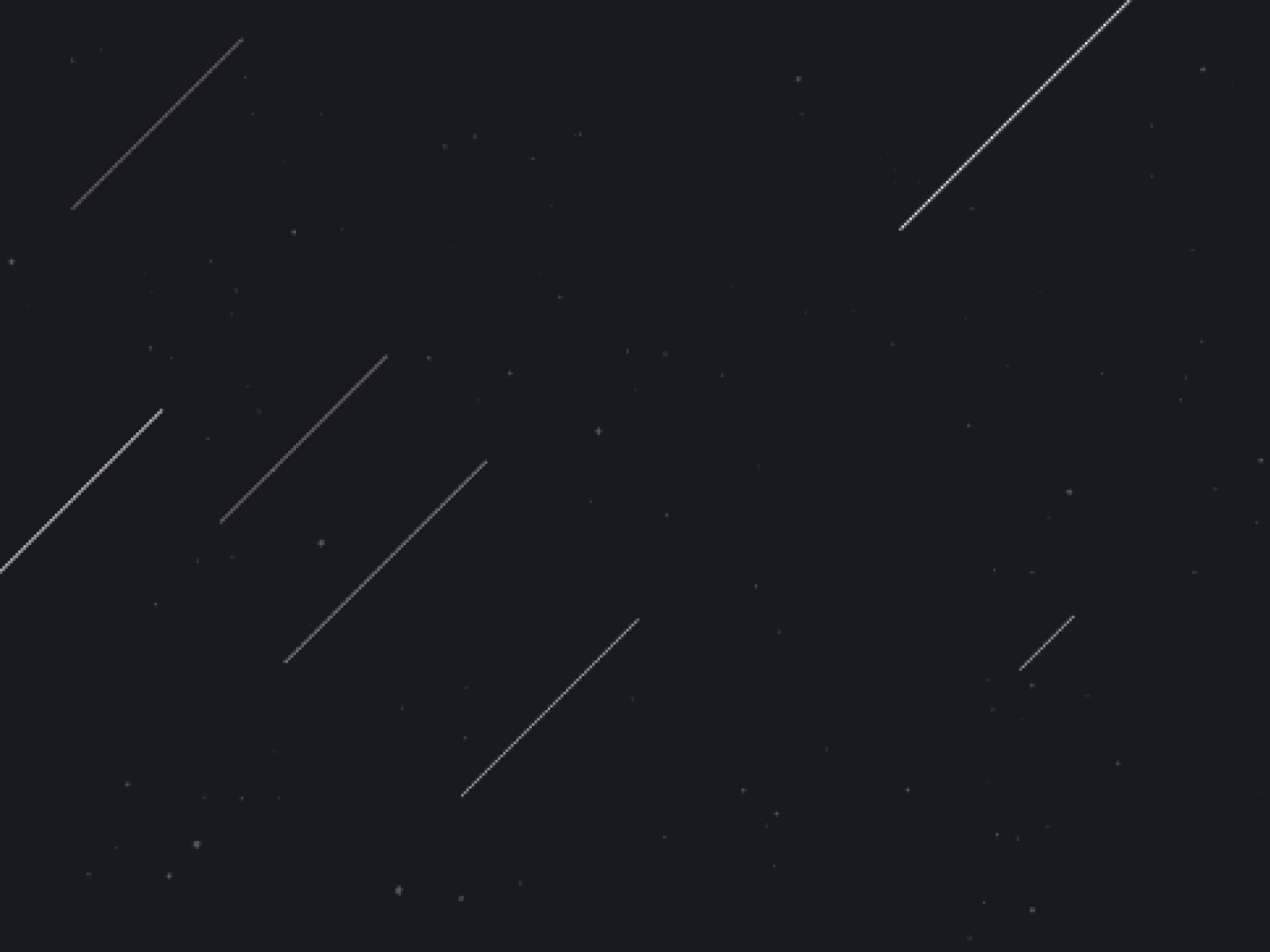
Shooting Stars
Diagonal shooting star lines streaking across 3D space with dynamic animations.
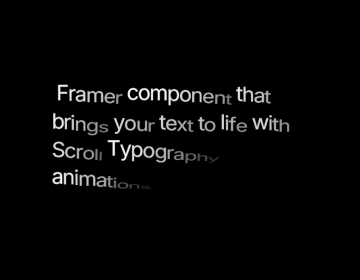
Scroll Text Reveal
Transform headlines into captivating scroll animations with 29 ready-to-use text reveal effects.

Scroll Image Reveal
Create cinematic scroll-triggered image reveals with organic displacement effects and smooth animations.
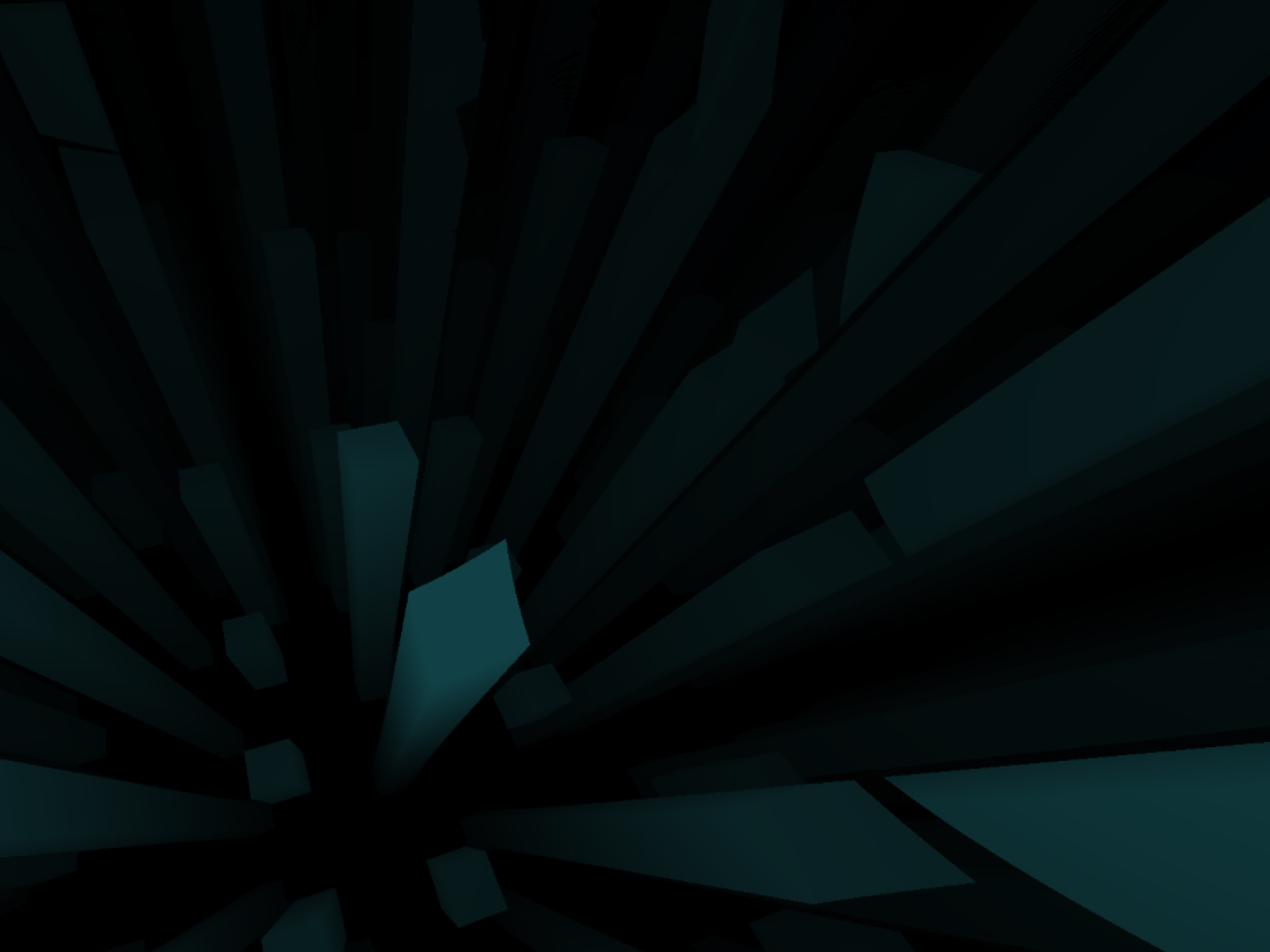
Cyberpunk City
Immersive WebGL cyberpunk cityscape with neon-lit buildings flying through space.
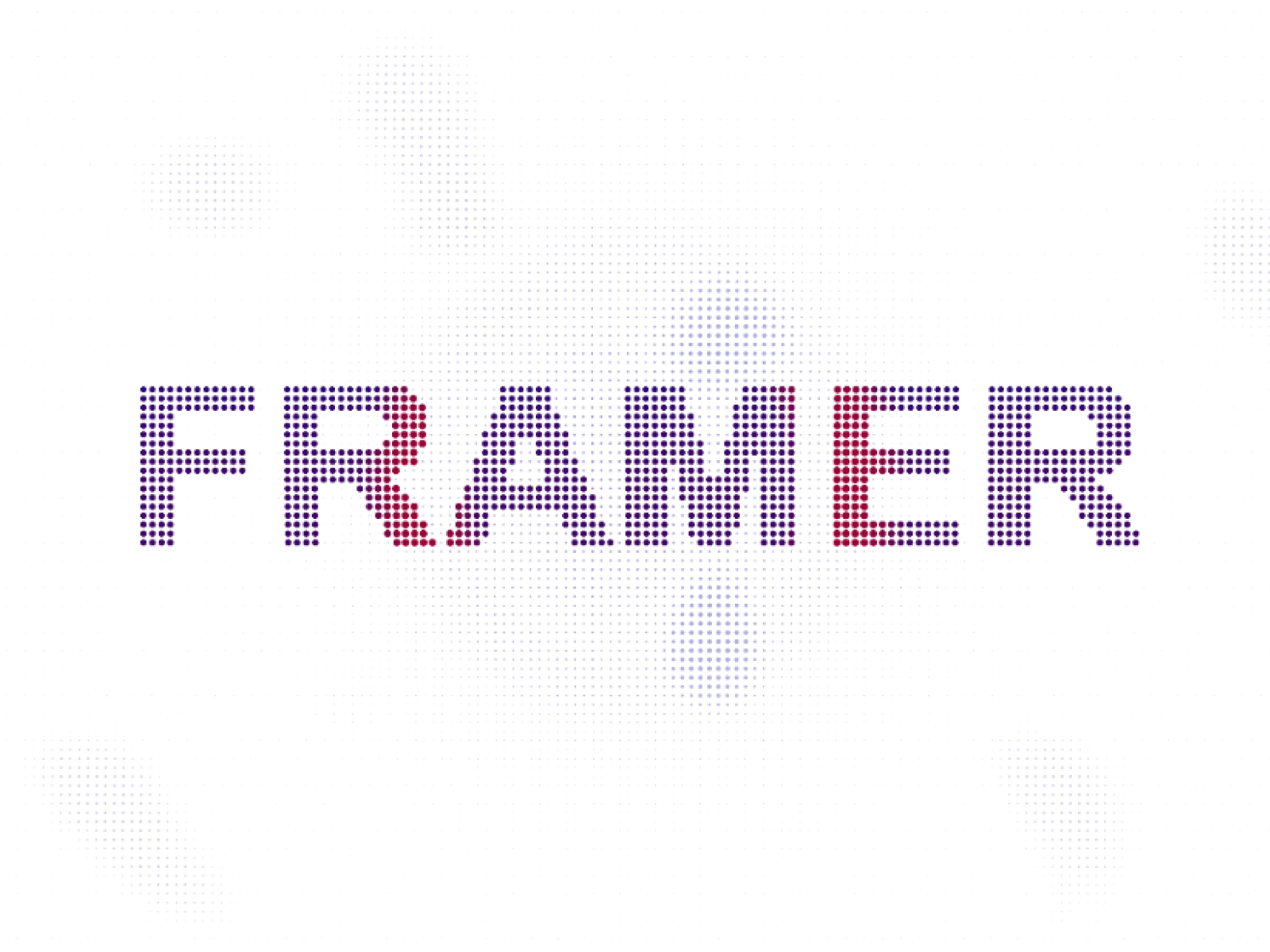
Dot Text
Interactive particle text effect with mouse repulsion and wave effects.
Which animations component should you use?
- Scroll 3D Grid: A 3D grid that builds as you scroll
- Scroll Image Reveal: Images revealed on scroll
- Motion Trail: Cursor trails in eight styles
- Dot Globe: An interactive particle globe
- Cyberpunk City: A WebGL city fly-through
- Shooting Stars: A night-sky hero
When a component beats Framer's built-in animation
Framer handles transitions, appear effects, scroll-linked transforms and hover states well, and you should use those first. Reach for a component when the motion needs physics, particles, a canvas or WebGL, or logic that would take dozens of layers and variants to fake: a cursor trail with eight styles, a 3D grid that assembles as you scroll, or a globe made of thousands of dots.
Scroll, cursor and ambient animations
The animations here fall into three groups. Scroll-driven: Scroll 3D Grid, Scroll Image Reveal, Scroll Text Reveal and Emerging Image. Cursor-driven: Motion Trail, Fluid Trail and Dot Text. Ambient loops that run on their own: Dot Globe, Cyberpunk City, Shooting Stars, Neon Trails and Ribbon Wave. Pair one ambient loop with one scroll effect per page at most, so the motion has a clear focus.
Animations FAQ
Doesn't Framer already have animations?
Yes. Framer covers transitions, appear and scroll effects, and hover states. These components add motion that is hard to build with variants alone, such as particles, physics and WebGL.
Will these animations hurt my Core Web Vitals?
Not if you use them with care. Keep heavy effects out of the way of the largest text or image on the page, limit them to one per screen, and reduce particle counts on mobile.
Can I control when an animation starts?
Scroll-driven components start as their section enters the viewport, cursor effects respond to movement, and ambient loops run continuously. Speed and timing are set in the properties panel.
Are these Framer animations components free?
Some are free with a FramerHub account, and the rest are one-time purchases with lifetime updates. Each card shows its price.
How do I add one to my Framer project?
Open the component page, get it (free or paid), then copy it from your FramerHub dashboard and paste it onto your Framer canvas. Its settings appear in the properties panel.