Framer CMS, Gallery & Carousel Components
Components that fill gaps in Framer's CMS: galleries and lightboxes that read a CMS gallery field, a full-featured carousel, an automatic table of contents, SEO breadcrumbs and reading time.
11 components, 1 free.

Infinite Gallery
An infinitely scrolling horizontal gallery with snapping physics and a smooth parallax effect.

CMS Gallery Lightbox
A powerful CMS masonry gallery with native GLightbox support, responsive extraction, and interactive hover effects.

CMS Gallery Popup
A fully customizable CMS Gallery Popup with thumbnail navigation and seamless interactions.
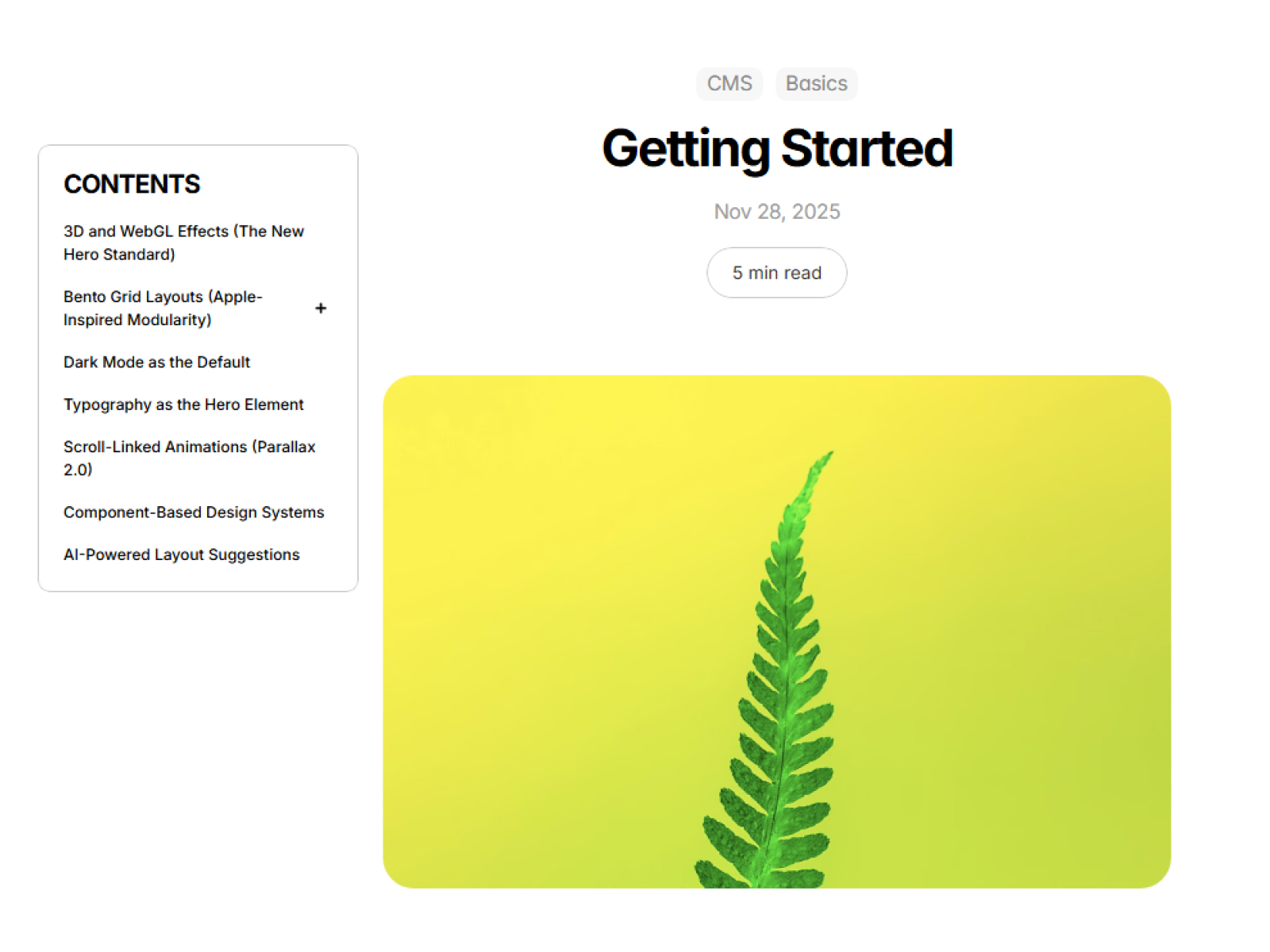
AutoTOC
Auto-generated table of contents that tracks scroll position.

Image Tiles Menu
An interactive menu that reveals a dynamic grid of image tiles on hover.
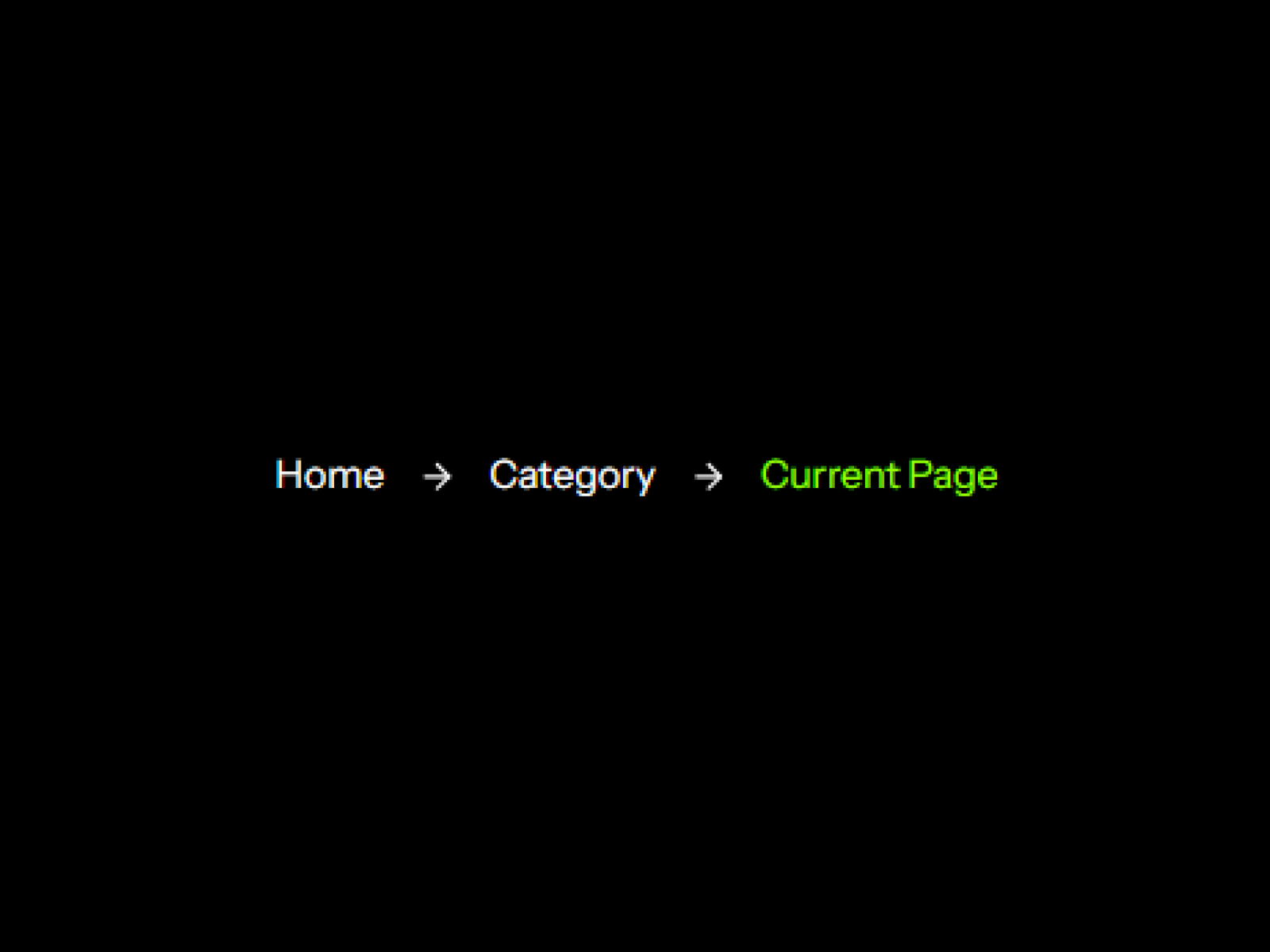
Smart Breadcrumbs
SEO-optimized breadcrumbs with automatic schema injection and flexible styling.

Time To Read
Automatically calculates and displays reading time for your page.

CMS Gallery Slider
Transform CMS galleries into smooth, animated sliders with customizable thumbnails and navigation.

CMS Masonry Lightbox
Transform your CMS collections into beautiful masonry galleries with built-in lightbox and filtering—no code required.

Swiper Carousel
The ultimate carousel component with stunning effects and total control.

Lens Zoom Gallery
Add a professional magnifying lens effect to showcase product details and image galleries.
Which cms & galleries component should you use?
- CMS Masonry Lightbox: A masonry grid with lightbox from a CMS field
- CMS Gallery Slider: A slider gallery on CMS detail pages
- Swiper Carousel: A full-featured carousel
- AutoTOC: A table of contents for blog posts
- Smart Breadcrumbs: Breadcrumbs with schema markup
- Time To Read: Reading time on articles
Galleries straight from the CMS
Framer's CMS can store an image gallery on each item, but showing it as a masonry grid with a lightbox, or as a slider with thumbnails, normally takes custom code. CMS Gallery Lightbox, CMS Gallery Popup, CMS Gallery Slider and CMS Masonry Lightbox read the gallery field directly, so every CMS item gets its own gallery on the detail page without building it by hand.
Helpers for long-form pages
For blogs and docs, Auto TOC builds a table of contents from your headings and tracks the reader's position, Smart Breadcrumbs adds breadcrumb navigation with schema markup, and Time to Read works out reading time from the page. Swiper Carousel and Infinite Gallery cover sliders and scrolling galleries outside the CMS.
CMS & Galleries FAQ
Can these galleries read my CMS images automatically?
Yes. The CMS gallery components connect to a gallery field in your collection, so each item shows its own images.
Which gallery component should I use?
CMS Masonry Lightbox and CMS Gallery Lightbox lay images out in a masonry grid that opens into a lightbox, CMS Gallery Popup opens a popup with thumbnail navigation, and CMS Gallery Slider shows images as a slider.
Do Auto TOC and Smart Breadcrumbs help SEO?
They help readers and crawlers understand page structure: Auto TOC adds in-page links to each section, and Smart Breadcrumbs adds breadcrumb schema to the page.
Are these Framer cms & galleries components free?
Some are free with a FramerHub account, and the rest are one-time purchases with lifetime updates. Each card shows its price.
How do I add one to my Framer project?
Open the component page, get it (free or paid), then copy it from your FramerHub dashboard and paste it onto your Framer canvas. Its settings appear in the properties panel.