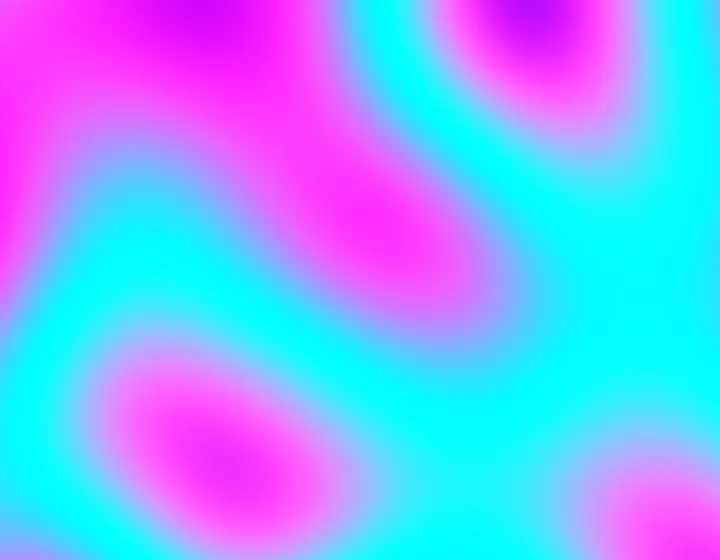
Organic fluid noise textures with customizable colors, animation modes, and effects.
Free
Animated electric bolts drawn with mesh lines.
 VISUAL E3DVISUAL EANIMATIONEFFECTSWEBGL
About two minutes. No code, no embeds, no scripts to paste in settings.
Click Get it free and sign in. The component URL then waits in your FramerHub dashboard under Recent purchases. Click Copy URL.
ElectricBoltsComponent, bought today CopiedOpen your client's project and paste anywhere with Cmd or Ctrl + V. It lands as a normal component you can move and resize.
Every setting lives in Framer's properties panel on the right: content, colours, speed and the phone layout. Your client never sees it.
ElectricBolts
This is the panel you get in Framer. Nothing to code, nothing your client can break.
Animated 3D mesh lines with electric energy effect
Customizable multi-color gradient system
Animated 3D mesh lines with electric energy effect
Customizable multi-color gradient system
Adjustable turbulence and frequency controls
Smooth performance with WebGL rendering
Just this component
Free
Every component and every template
$13/month, billed $149 yearly
Organic fluid noise textures with customizable colors, animation modes, and effects.
Free
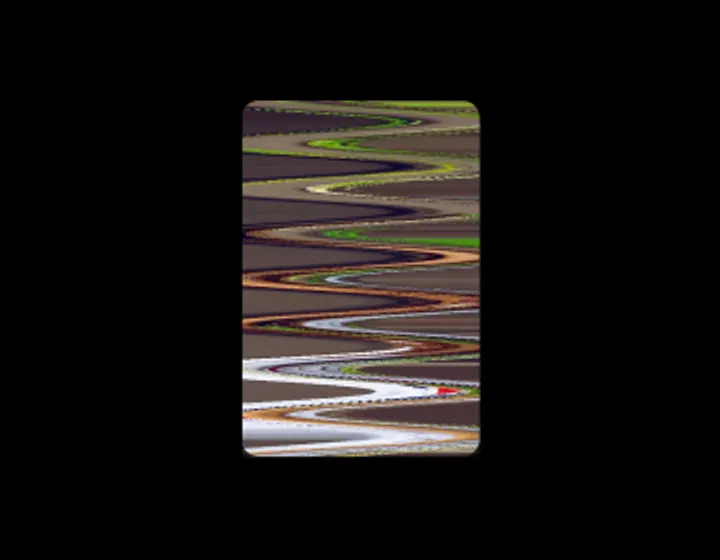
A slit-scan distortion effect for images that plays on hover.
$9
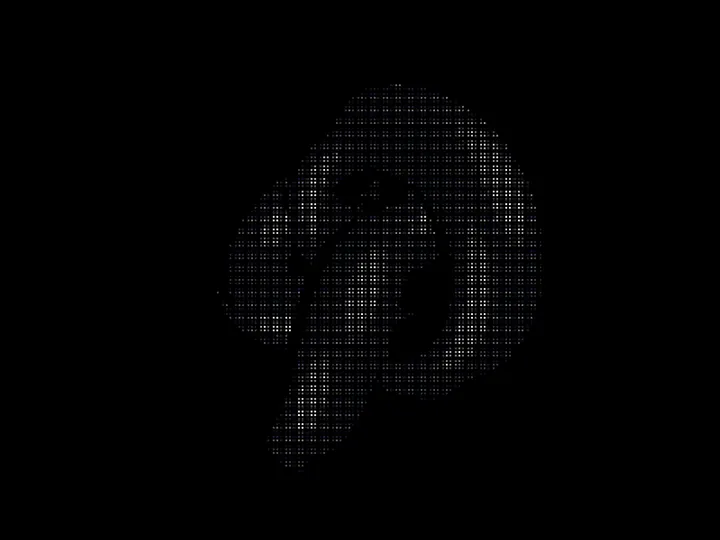
Turns shapes and images into dot-matrix ASCII art with real-time 3D animation.
$9
An interactive liquid chrome shader with several render modes.
$9
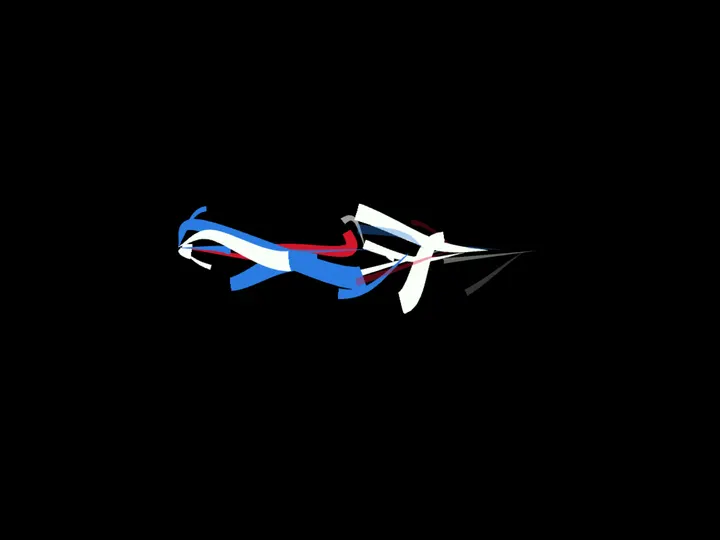
Electric Bolts sends streaks of energy across the frame as glowing 3D lines that pulse and flow, with up to four colors blending along each bolt. Turbulence decides whether they arc smoothly like a plasma lamp or thrash like a storm, and frequency decides how many there are. It is free and adapts to any container size.
You set the four bolt colors, background, line width, turbulence and frequency in Framer's properties panel. It renders with Three.js and MeshLine.
3D mesh lines. Animated bolts with an organic energy flow.
Four-color gradients. Colors blend along each bolt.
Turbulence. From controlled arcs (0.5) to chaotic storms (5).
Frequency. From sparse, dramatic strikes to a dense energy field.
Responsive. Fills any section or container.
Energy, EV and battery brands. Cyan and electric blue bolts at low turbulence behind a headline about power or charging speed.
Gaming and esports. Magenta, cyan and violet at high turbulence and frequency behind a tournament name for maximum intensity.
AI and "power-up" product launches. A few sparse, wide bolts at medium turbulence suggest speed and capability without clutter.
Event countdowns. Bolts behind a countdown or "Live now" banner make a launch or stream page feel charged.
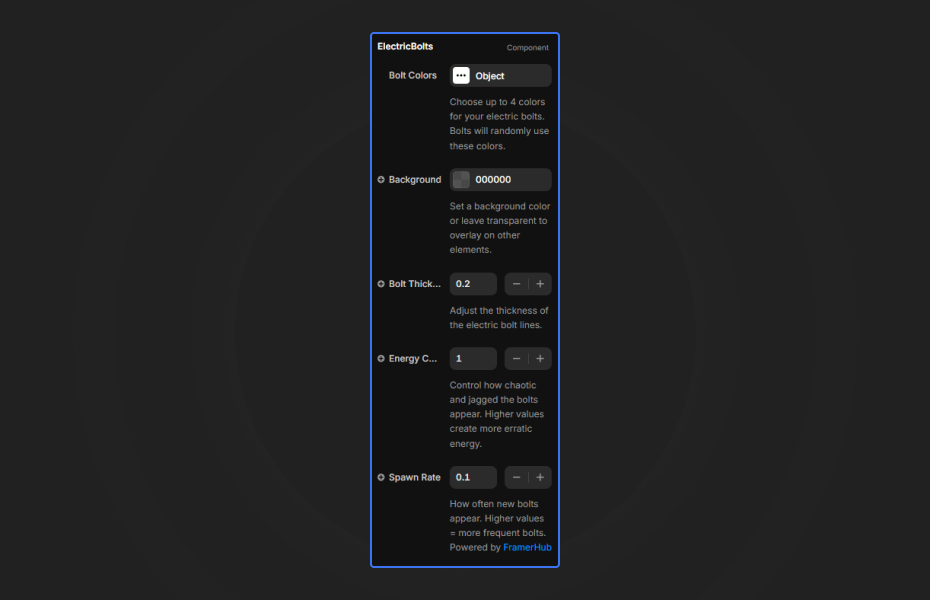
Color system
Line appearance
Animation
Clean tech. Two blues and a white, turbulence 1, line width 1.2, low frequency.
Balanced hero. Cyan, magenta and electric blue, turbulence 1.5, line width 2, medium frequency.
Storm. Four neon colors, turbulence 4, line width 3.5, high frequency.
Rendering is hardware-accelerated. Three or four colors give the best gradients without slowing lower-end devices, and a lower frequency on phones keeps it smooth. Place bright or glowing text on top for readability.
Shooting Stars uses the same animated mesh lines as diagonal streaks across a starfield, which is calmer. Neon Trails draws a spiral of neon lines. Confetti Lines 3D uses dashed lines for a celebratory mood. Choose Electric Bolts when you want visible energy and tension.
Built upon Animated Mesh Lines by Jeremboo for Codrops.
Free component: use it freely in personal and commercial projects.
Yes. It is a free component; sign in with a free FramerHub account to copy it.
Turbulence runs from 0 to 5. Use 0.5 to 1.5 for smooth, controlled bolts and 3 to 5 for chaotic energy. Start at 1.5.
Dark colors such as black, deep blue or dark purple, with neon bolt colors like cyan, magenta and electric blue.
Each bolt can blend up to four colors along its length. Three or four colors give the best gradients without extra cost on low-end devices.