Animated Framer Backgrounds
Animated backgrounds you paste into Framer: aurora gradients, glowing orbs, starfields, data grids and weather overlays. Each one is a code component with property controls, so you set color, speed and density without writing code.
12 components, 6 free.
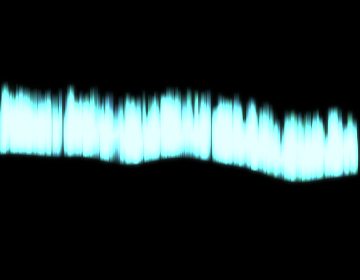
Aurora
A mesmerizing northern lights background with procedural noise and flowing colors.
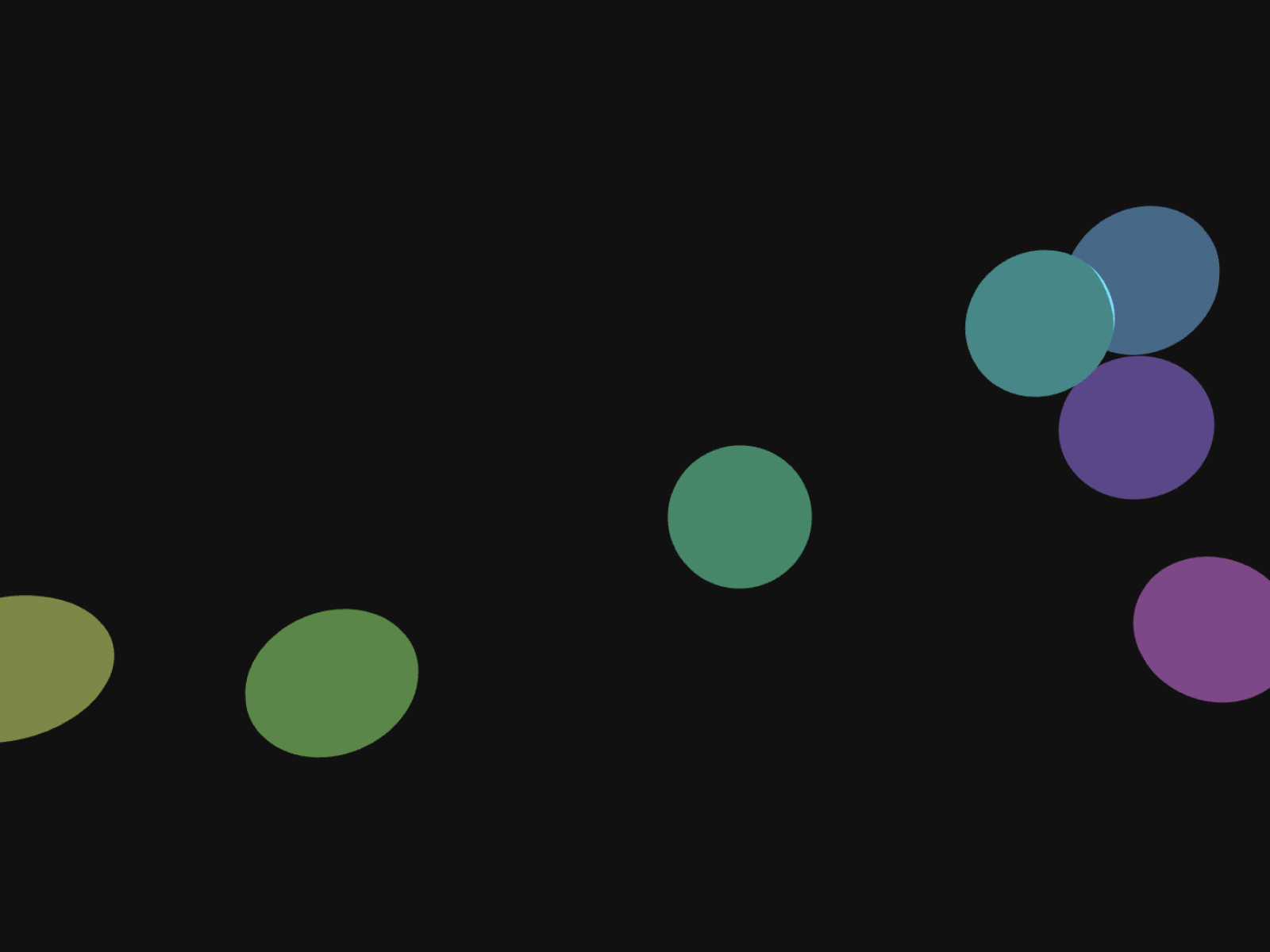
Bokeh Orbs
Smooth, animated bokeh orbs for elegant backgrounds.
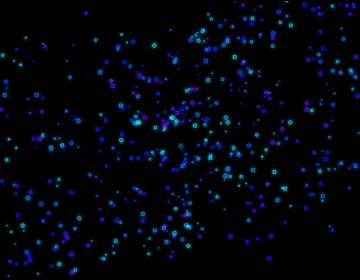
Coalesce
Abstract geometric particles spiraling into a cohesive form.
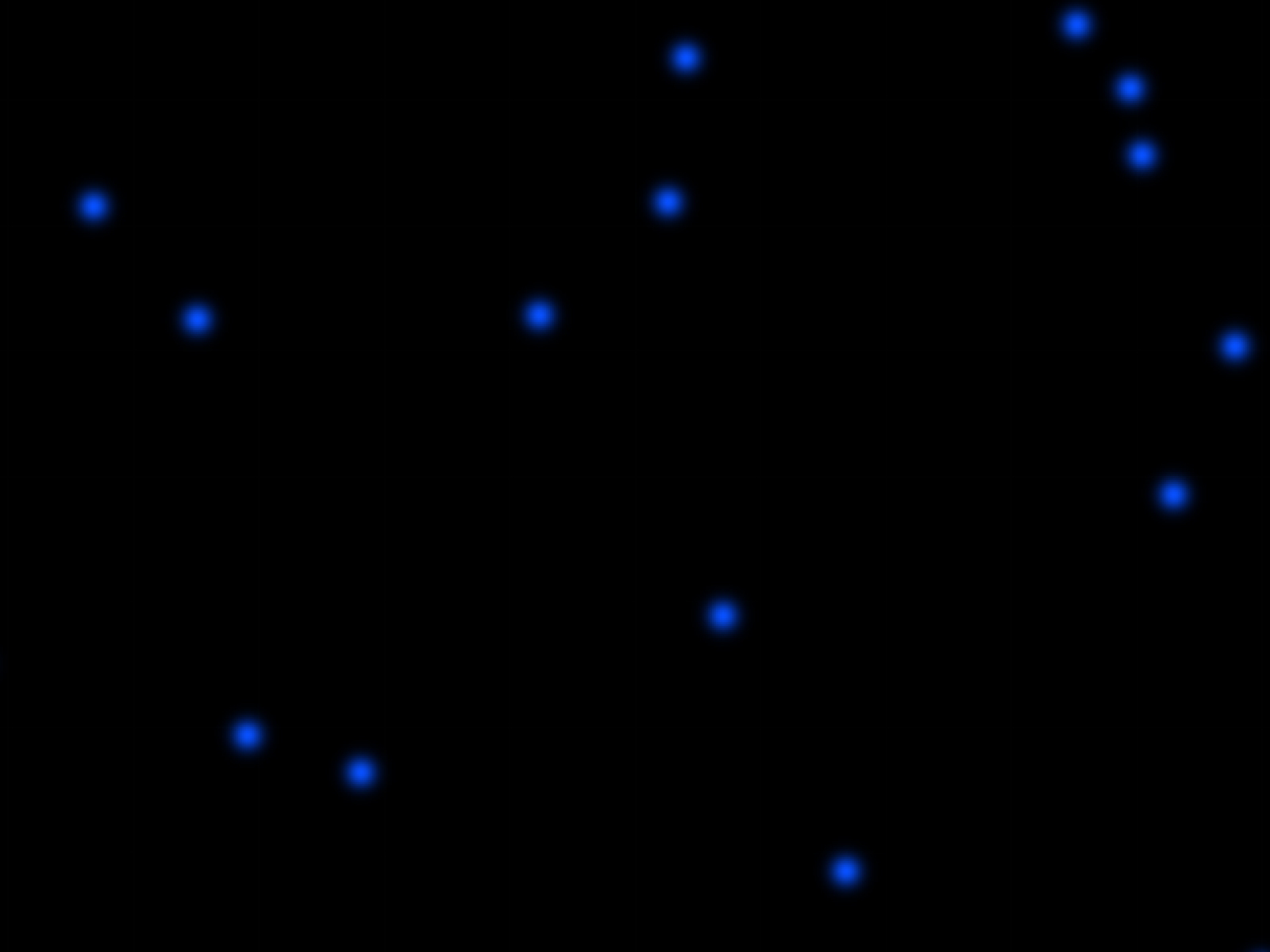
Neural Grid
Connected node background simulating AI or data networks.
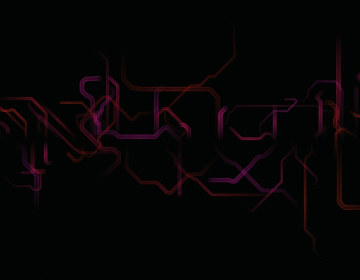
Pipeline
A retro-tech background with self-drawing pipes and grid-like movement.
Rain Overlay
Realistic rain effect for your Framer sites.
Shift
Large, glowing orbs drift slowly with subtle color shifting.
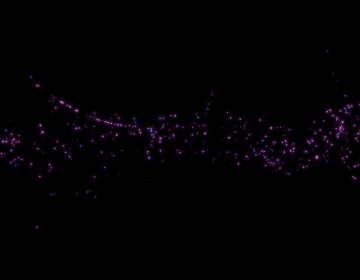
Swirl
Flowing particles with trail lines creating organic, swirling patterns.
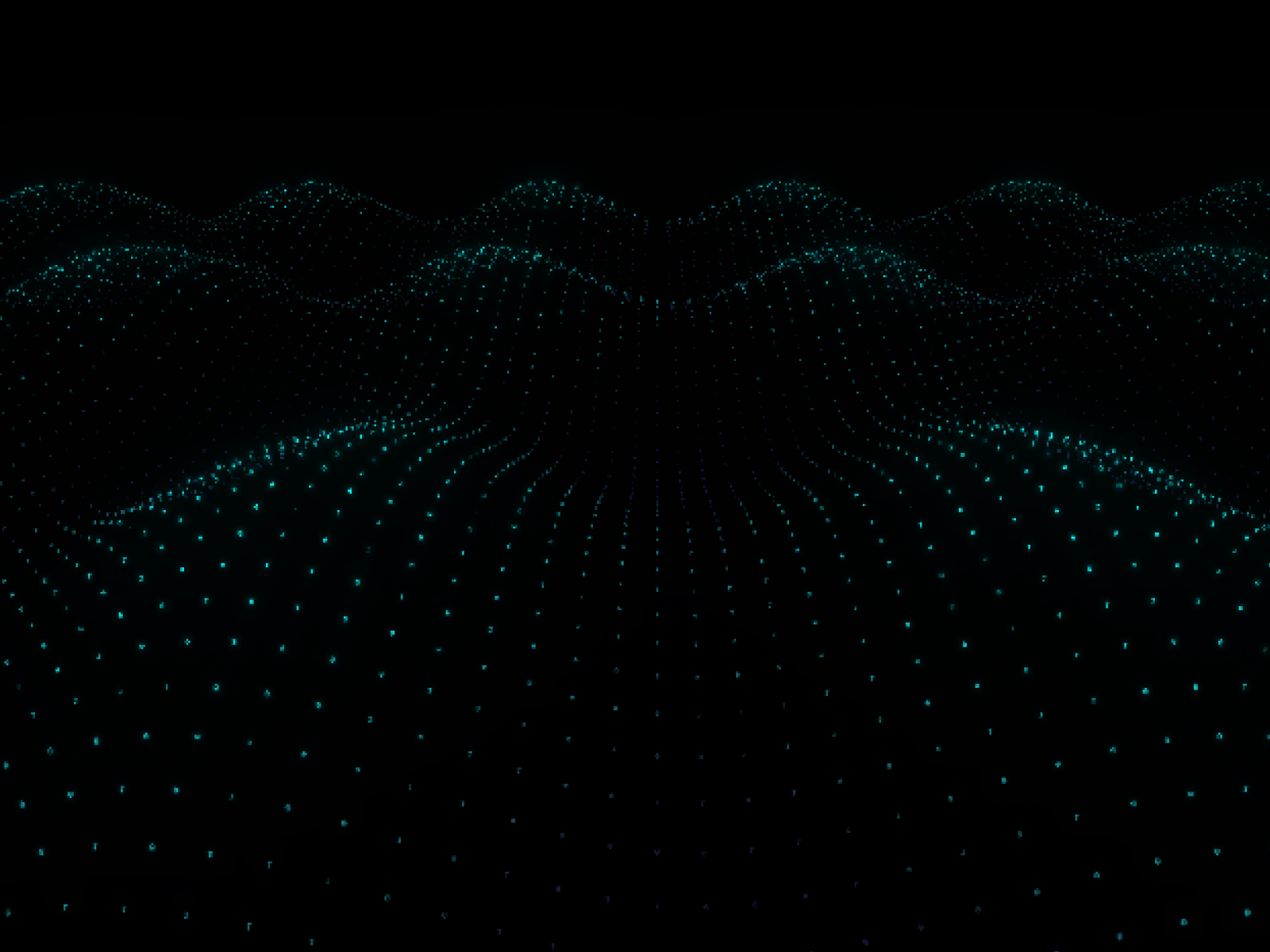
The Digital Horizon
3D digital landscape with matrix-style particles and waves.
Star Warp
A mesmerizing 3D starfield warp effect for your Framer sites.
Snow Overlay
Add realistic falling snow particles to create stunning winter and seasonal effects.
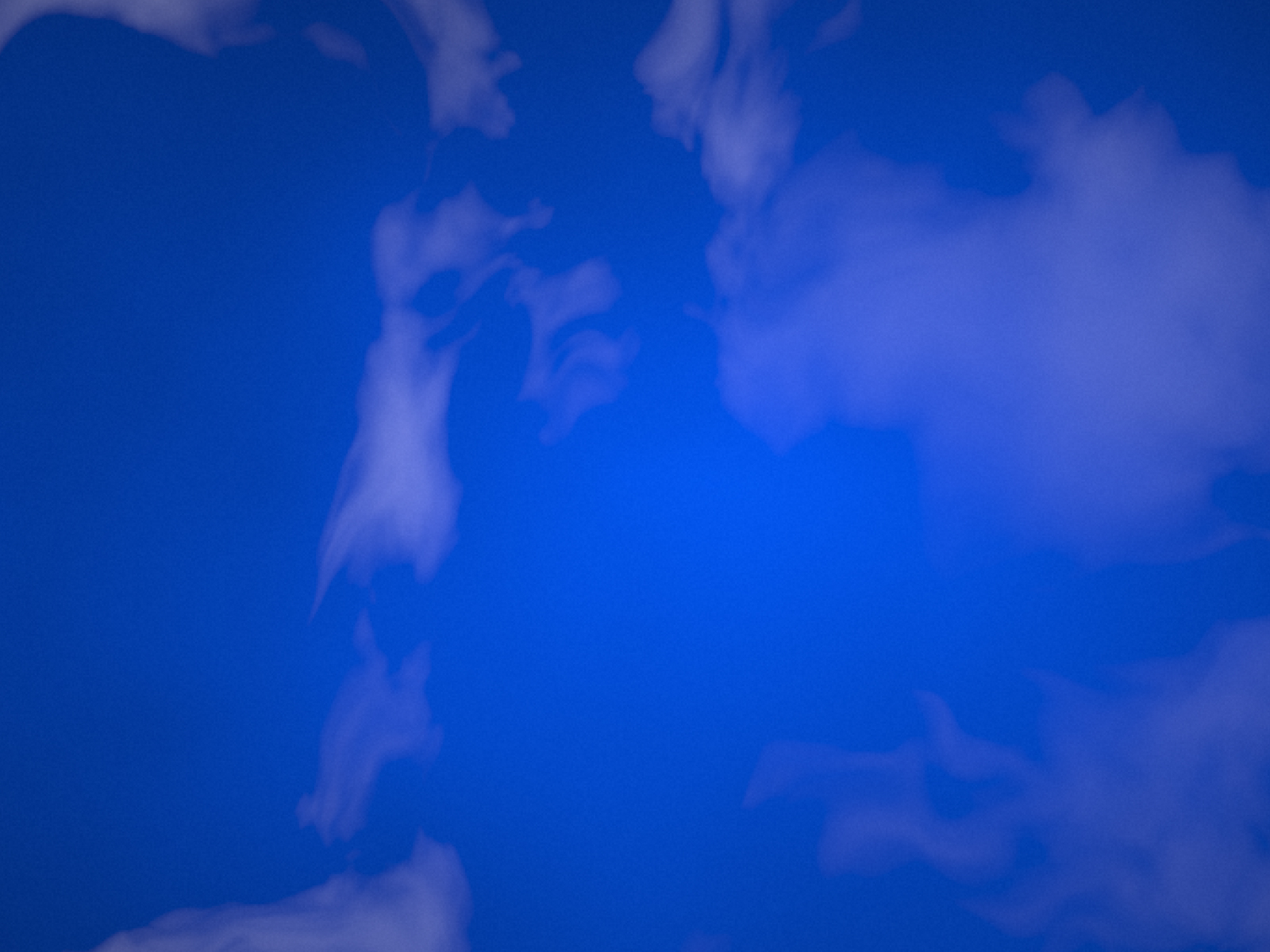
CleanSky
Procedural animated sky effect with organic cloud movement
Which backgrounds component should you use?
- Aurora: A soft gradient behind a hero headline
- Shift: Slow glowing orbs for calm product pages
- Neural Grid: AI, data and network themes
- Star Warp: Launch pages and space-themed sections
- Rain Overlay: Moody atmosphere over photography
- The Digital Horizon: A futuristic landscape for tech brands
How to pick a Framer background
Start from the job the background has to do. Behind a headline it should stay calm and low in contrast so the text stays readable: Aurora, Shift and Bokeh Orbs move slowly and sit well under white or dark type. For a section that should feel technical, Neural Grid, Pipeline and The Digital Horizon read as data and infrastructure. Star Warp and Clean Sky suit launch pages and anything about space, travel or scale. The Rain and Snow overlays sit on top of existing photography to add atmosphere rather than replace it.
Keeping animated backgrounds fast
Most of these draw on a canvas or with WebGL, so they cost GPU time on every frame. Use one animated background per screen, keep speed and particle counts modest at the mobile breakpoint, and give the section a solid fill color that matches the effect, so the first paint already looks right before the animation starts. If a phone layout does not need the motion, swap the component for a static image at that breakpoint.
Backgrounds FAQ
Can I put text and buttons on top of an animated background?
Yes. Place the component in a frame, set it to fill the frame, and stack your content above it. Keep text contrast high and turn the effect's intensity down behind long copy.
Will an animated background slow down my Framer site?
Canvas and WebGL effects use the GPU, so they add work on low-end phones. One effect per screen, modest particle counts on mobile and a matching fallback color keep pages fast.
Can I change the colors to match my brand?
Yes. Every background exposes its colors in Framer's properties panel, along with speed and intensity controls. The settings for each one are listed on its page.
Are these Framer backgrounds components free?
Some are free with a FramerHub account, and the rest are one-time purchases with lifetime updates. Each card shows its price.
How do I add one to my Framer project?
Open the component page, get it (free or paid), then copy it from your FramerHub dashboard and paste it onto your Framer canvas. Its settings appear in the properties panel.