Framer Text Effects & Text Animations
Text animations for Framer headlines, labels and marquees: scramble, glitch, letter swap, variable-font hover, rotating words, curved text and 3D type. Paste one in and set the copy, font and timing from the properties panel.
15 components, 1 free.
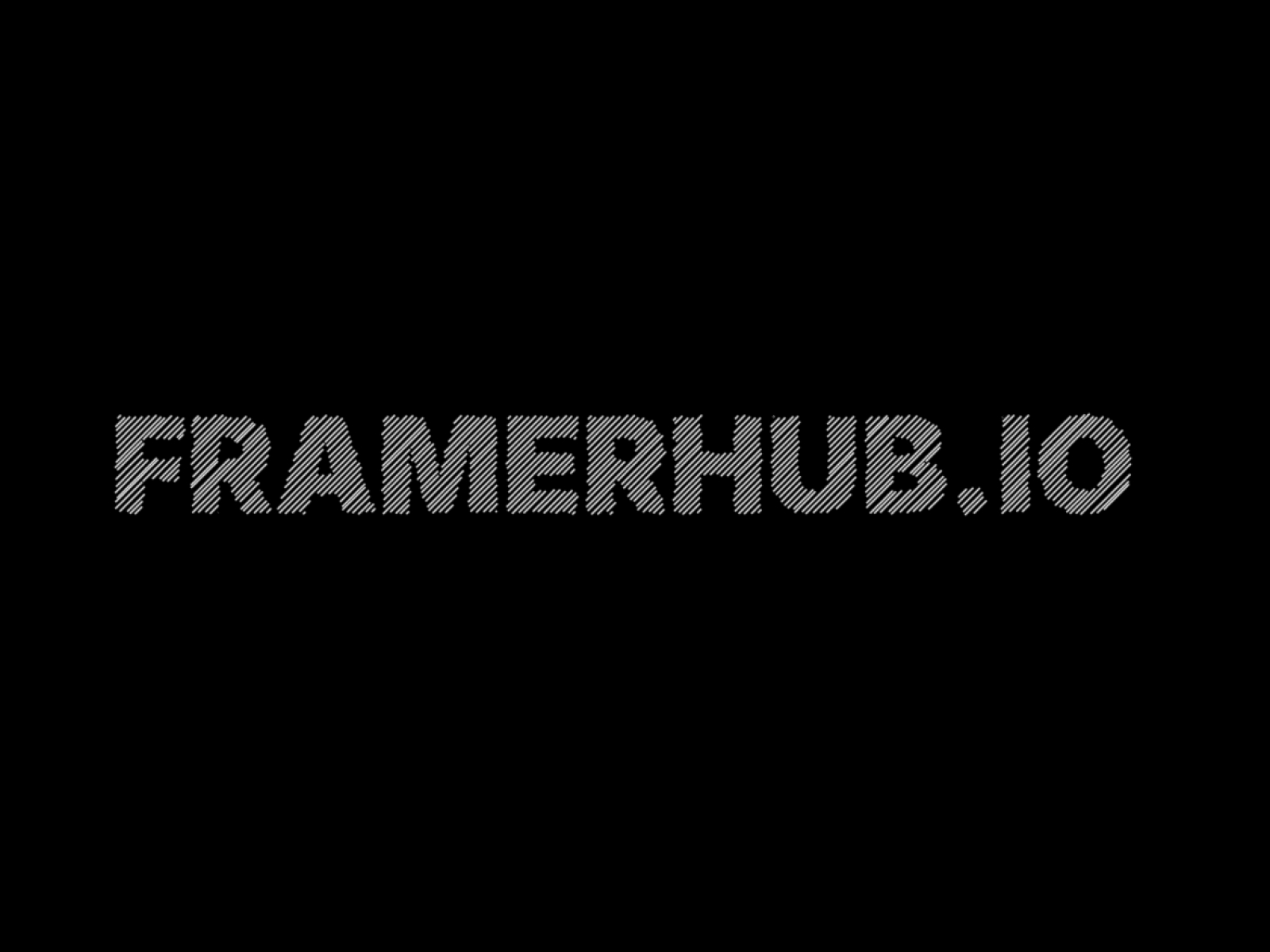
TextHatch
Apply a stunning, hand-drawn hatching shader effect to your typography.
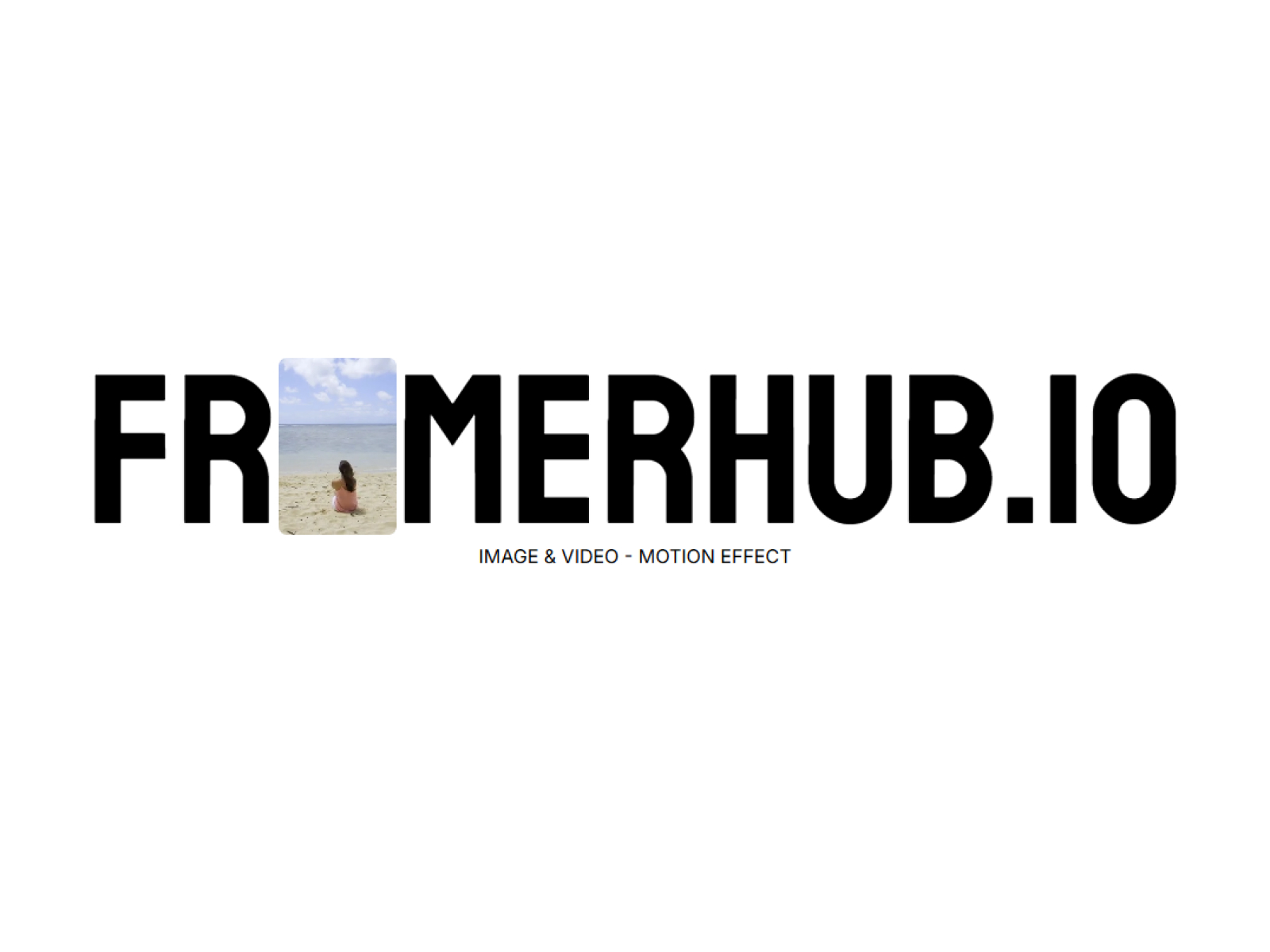
Inline Media Word
Put an image or video block directly inside a word.
Text Rotate
Animated text rotation with creative effects for hero sections.
Letter Swap
Smooth letter-swapping hover effect with staggered animations.
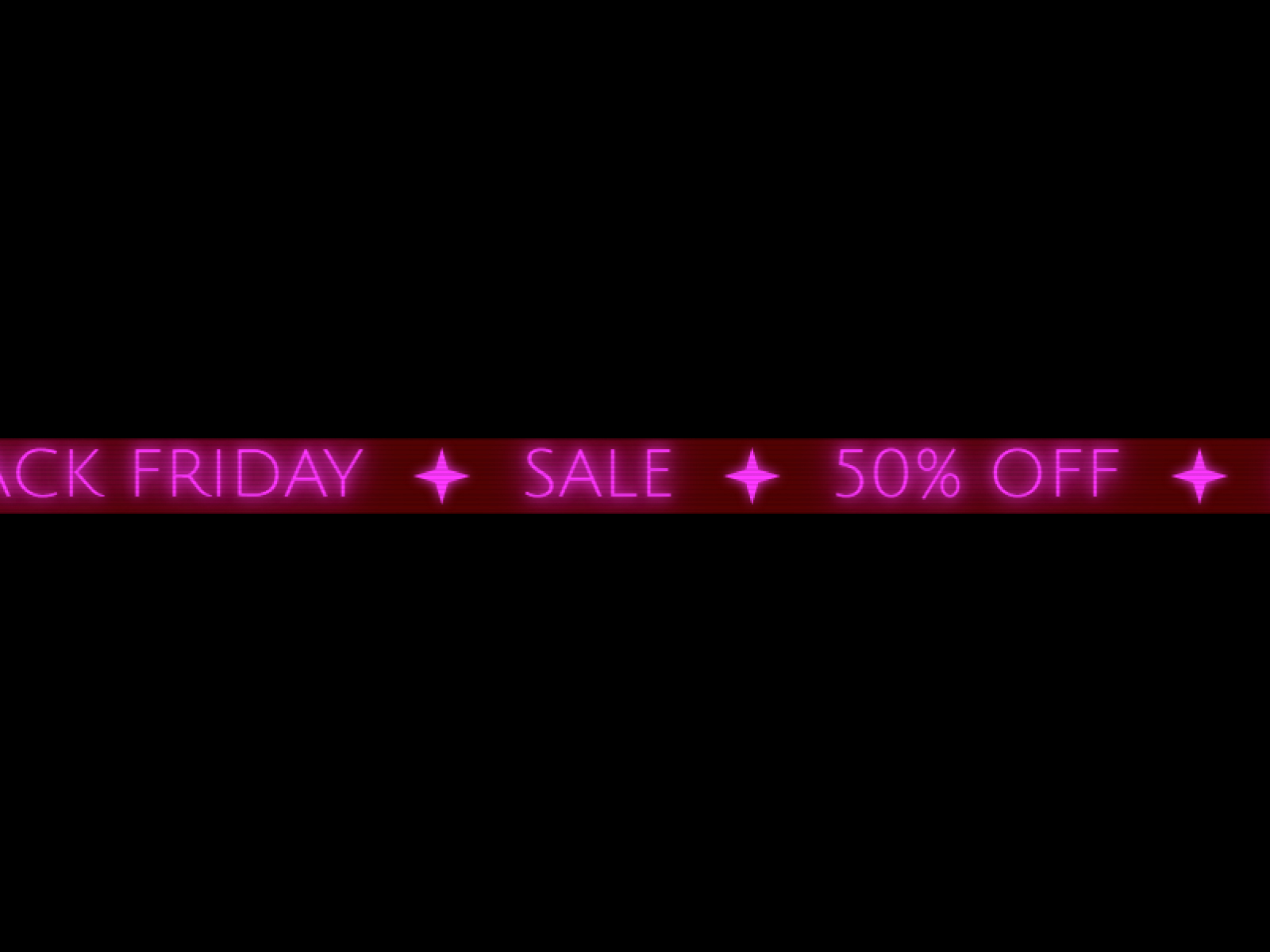
Neon Sign Ticker
Scrolling marquee text with realistic neon glow and flicker.
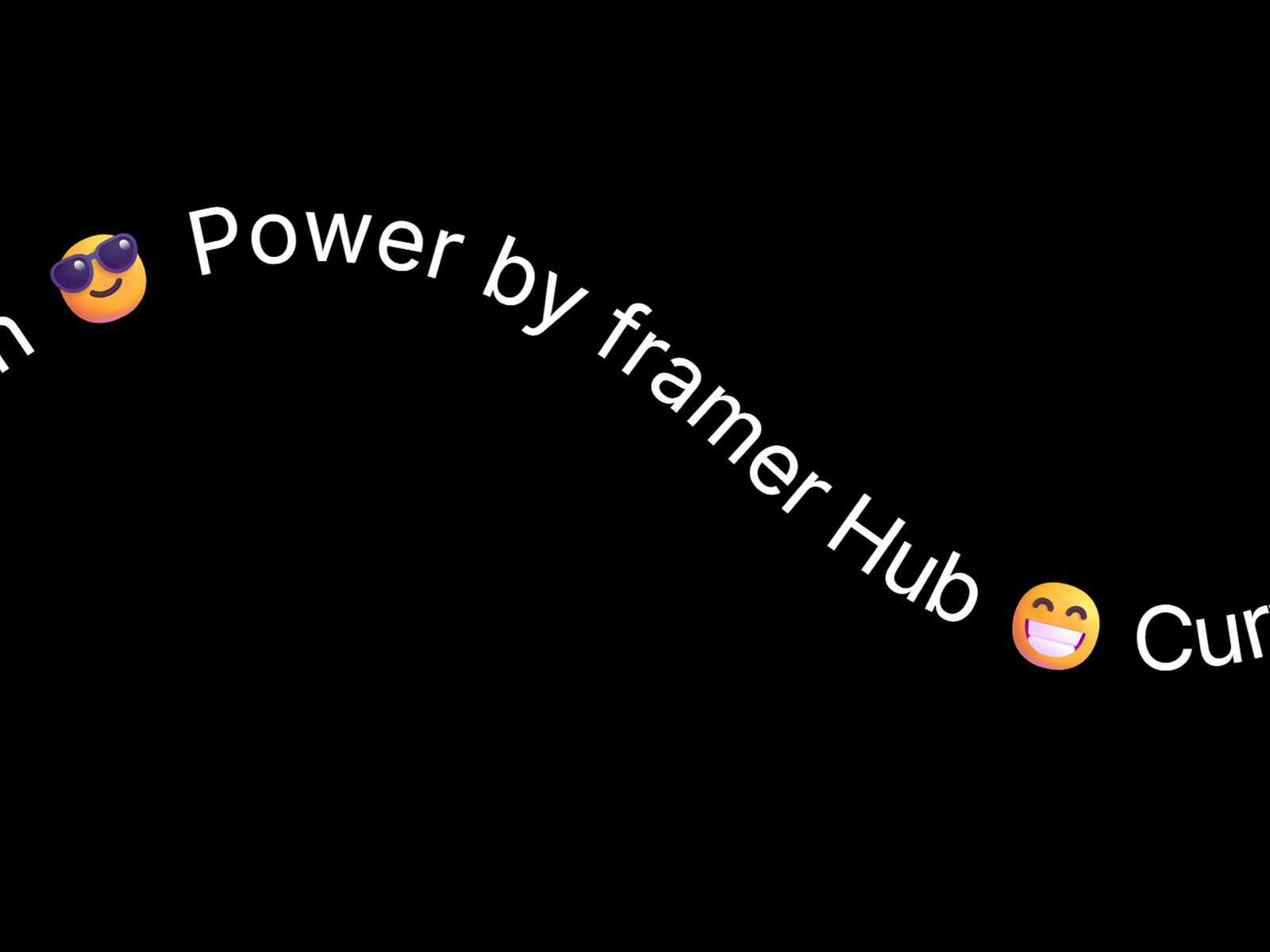
Curved Text SVG
Animate text along any SVG path with smooth GSAP-powered motion.
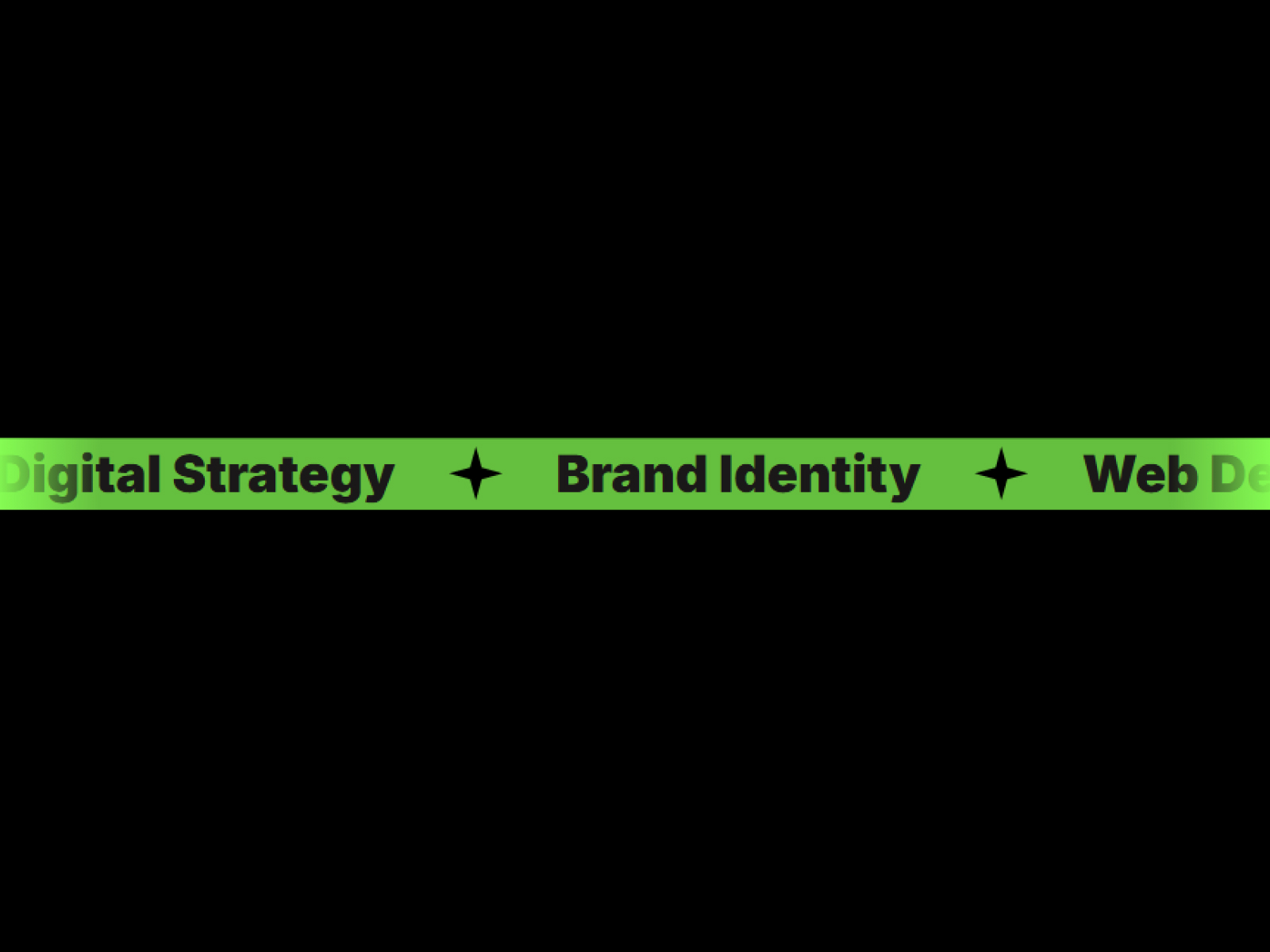
InfiniteScrollingTicker
Create seamless looping text animations perfect for announcements, promos, and dynamic headlines.
Type Orbit
3D kinetic typography that endlessly rotates on a torus knot.
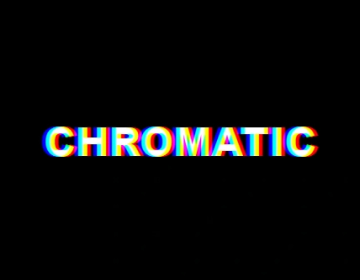
Chromatic Aberration
Apply customizable chromatic aberration effects to any content.
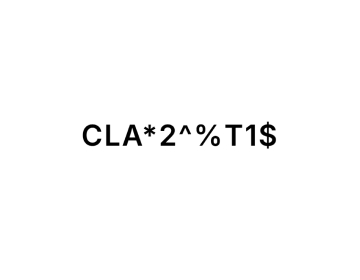
Cipher Scramble
Cyberpunk text scrambling effect that decodes random characters.
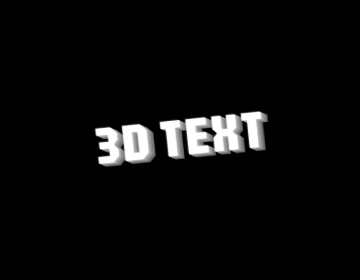
Text 3D
3D text effect that rotates on scroll or hover.
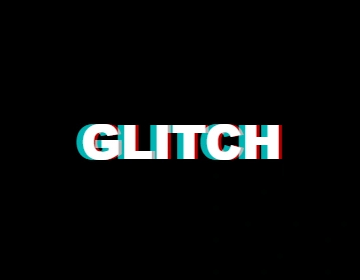
Text Glitch
Glitchy text effect with RGB splitting and periodic distortion.
Text Pressure
Interactive variable font text that responds to cursor proximity with dynamic weight, width, and style variations.
Variable Font Rotate
Dynamic text rotation with variable font weight transitions.
Variable Font Hover
Interactive letter-by-letter hover animation with variable fonts
Which text effects component should you use?
- Text Rotate: Rotating words in a hero headline
- Cipher Scramble: A decode-style reveal for tech brands
- Letter Swap: A hover effect for links and buttons
- Text Pressure: Cursor-reactive variable font text
- Curved Text SVG: Text along a circle or custom path
- InfiniteScrollingTicker: A logo or announcement marquee
Native Framer text effects vs. a component
Framer's built-in text effects animate characters, words or lines as they appear or scroll into view, and they cover most entrances. These components handle what native effects do not: decoding random characters, swapping letters on hover, reacting to cursor distance, shifting variable-font weight, running text along an SVG path, and mapping type onto 3D shapes.
Picking the right effect
Use one expressive effect per page, usually on the main headline, and keep body copy still. Hover effects such as Letter Swap and Variable Font Hover suit navigation and buttons. Cipher Scramble and Text Glitch fit tech and gaming brands. Infinite Scrolling Ticker and Neon Sign Ticker handle marquees and announcement bars, and Curved Text SVG puts a label around a badge or circle.
Text Effects FAQ
Do these work with my own fonts?
Yes for most of them. Effects that change font weight or width, such as Text Pressure and Variable Font Hover, need a variable font.
Can search engines read animated text?
Effects that animate regular text keep the words in the page. 3D type such as Glyph Twist, Type Orbit and Wave Type is drawn with WebGL, so keep your real headline as normal text and use 3D type as decoration.
Can I trigger an effect on hover or scroll?
It depends on the component, and each page lists its triggers. Letter Swap and Variable Font Hover run on hover, Text Rotate loops on its own, and Text 3D rotates on scroll or hover.
Are these Framer text effects components free?
Some are free with a FramerHub account, and the rest are one-time purchases with lifetime updates. Each card shows its price.
How do I add one to my Framer project?
Open the component page, get it (free or paid), then copy it from your FramerHub dashboard and paste it onto your Framer canvas. Its settings appear in the properties panel.