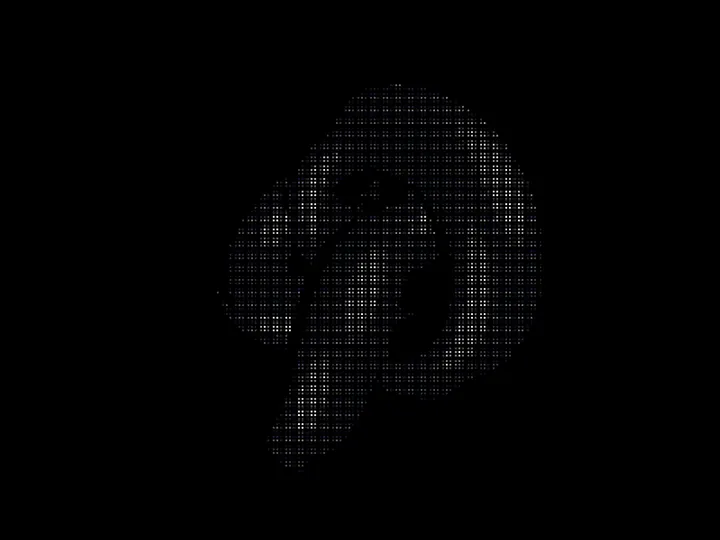
Turns shapes and images into dot-matrix ASCII art with real-time 3D animation.
$9
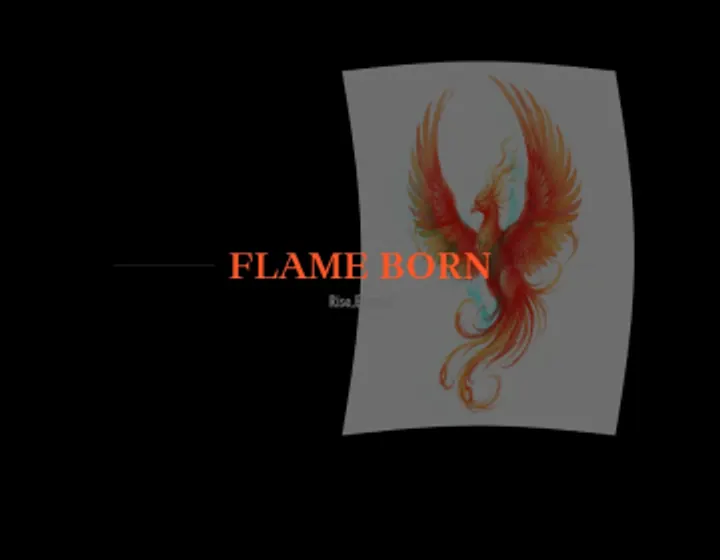
A slit-scan distortion effect for images that plays on hover.
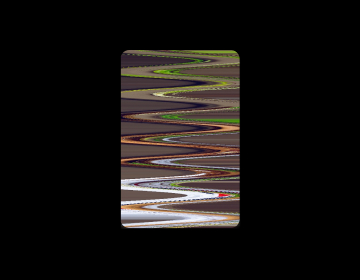 IMAGE EFANIMATIONIMAGE EFIMAGEEFFECTHOVER
About two minutes. No code, no embeds, no scripts to paste in settings.
After you buy, the component URL waits in your FramerHub dashboard under Recent purchases. Click Copy URL. The receipt email from Polar carries the same link.
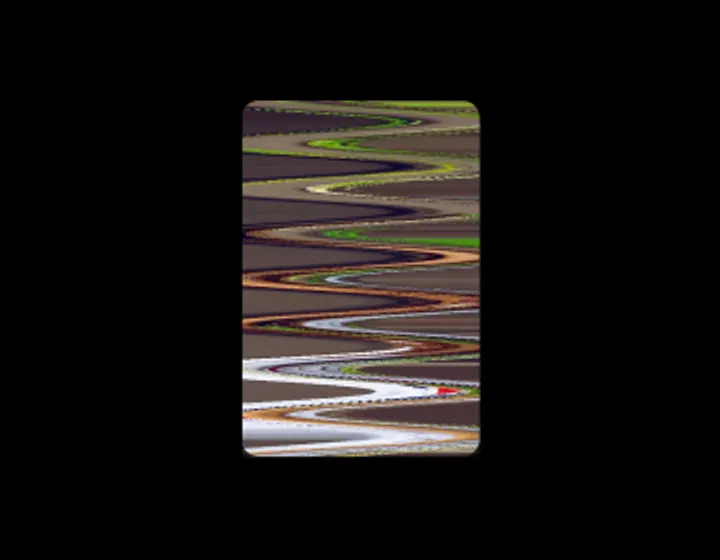 Image Slit ScanComponent, bought today Copied
Open your client's project and paste anywhere with Cmd or Ctrl + V. It lands as a normal component you can move and resize.
Every setting lives in Framer's properties panel on the right: content, colours, speed and the phone layout. Your client never sees it.
ImageSlitScan
This is the panel you get in Framer. Nothing to code, nothing your client can break.
Smooth slit-scan distortion effect
Hover or always-on trigger modes
Adjustable strength and frequency controls
Smooth slit-scan distortion effect
Hover or always-on trigger modes
Adjustable strength and frequency controls
Overflow settings for edge effects
Works with any image or aspect ratio
Lightweight and performance-optimized
Zero coding required
Just this component
$9once
Every component and every template
$13/month, billed $149 yearly
Turns shapes and images into dot-matrix ASCII art with real-time 3D animation.
$9
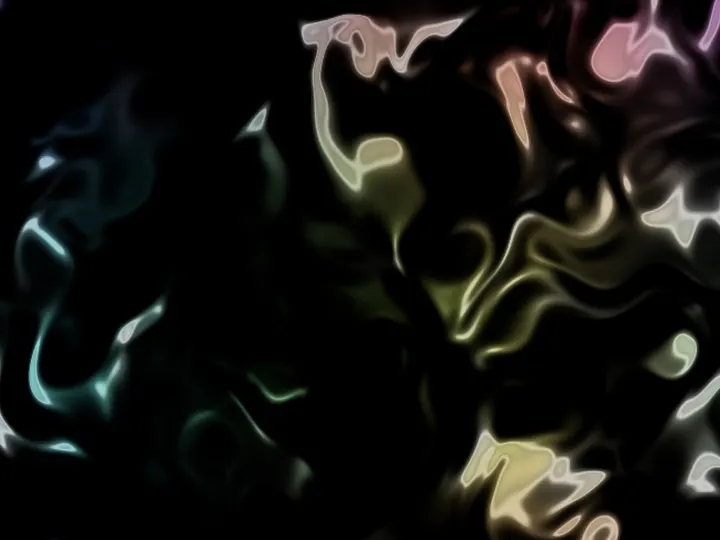
An interactive liquid chrome shader with several render modes.
$9
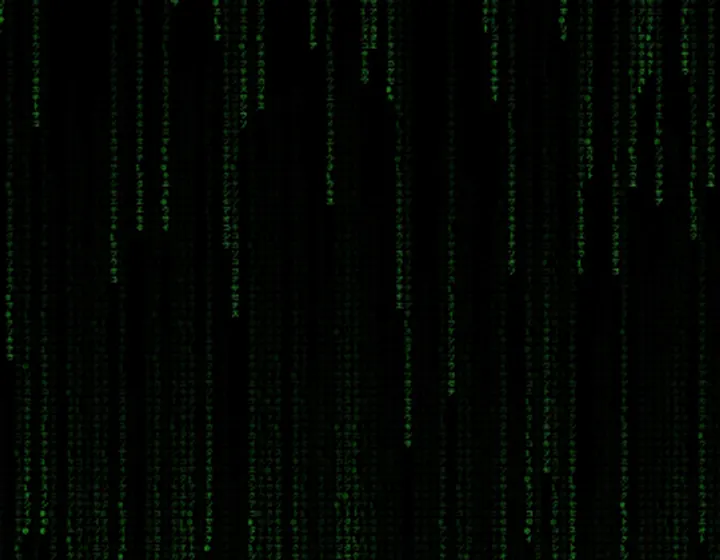
Canvas-based falling digital code rain background for Framer with customizable colors and character density.
$9
A WebGL hover effect that splits an image into shifting RGB channels as it follows the cursor.
$9
A sci-fi slit-scan distortion for images, rendered with Three.js WebGL shaders. The image smears into waving bands, all the time or on hover.
Three.js shaders. The distortion runs in a WebGL shader.
Spring transitions. The effect eases in and out with spring physics.
Strength and frequency. From a subtle wave to a chaotic smear.
Triggers. Always on, or on hover, with an invert option.
Tech landing pages. A sci-fi look for the brand.
Experimental portfolios. An unusual treatment for project images.
Music and event sites. A glitchy, high-energy look.
Product launches. A reveal for a new tech product.
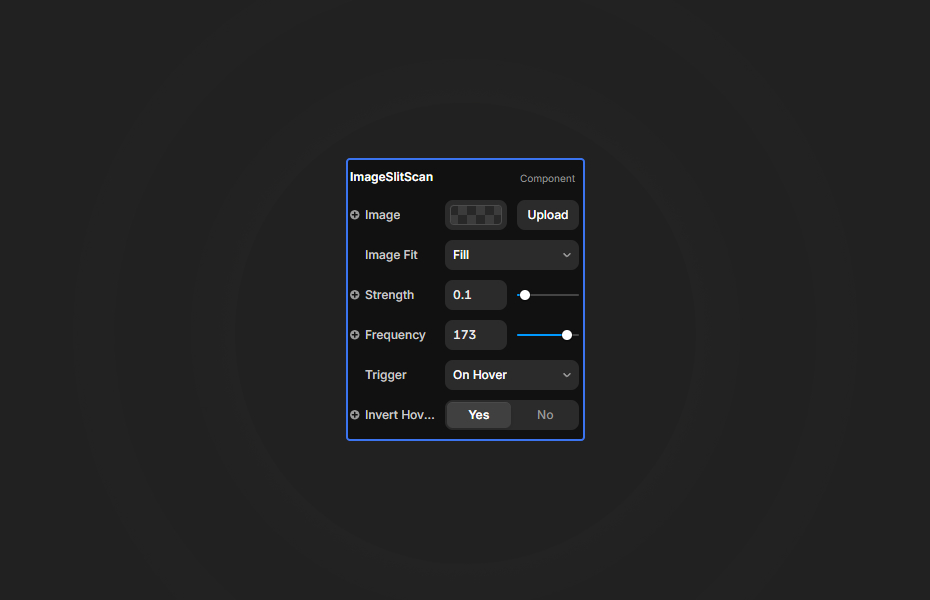
Image Settings
Effect Settings
Trigger Options
Subtle. Strength 0.3 to 0.5.
Chaotic. Frequency 100+ with strength 1.5+.
Hover. Set Trigger to Hover with Invert on to show the effect when visitors point at the image.
Single-use license: use it in one client project with full commercial rights. No redistribution. 1 license = 1 client.
Questions before buying? Read the refund policy or email hello@framerhub.io.