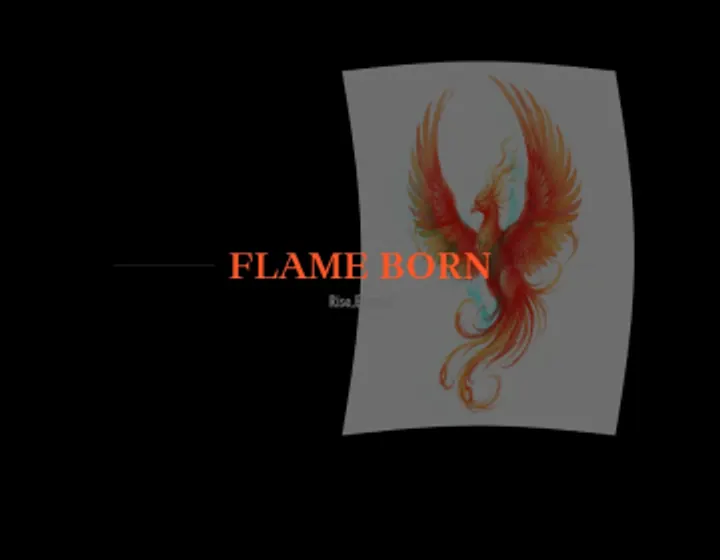
A WebGL hover effect that splits an image into shifting RGB channels as it follows the cursor.
$9
Canvas-based falling digital code rain background for Framer with customizable colors and character density.
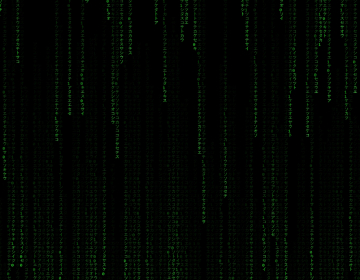 VISUAL EMATRIXVISUAL ERAINANIMATIONDIGITAL
About two minutes. No code, no embeds, no scripts to paste in settings.
After you buy, the component URL waits in your FramerHub dashboard under Recent purchases. Click Copy URL. The receipt email from Polar carries the same link.
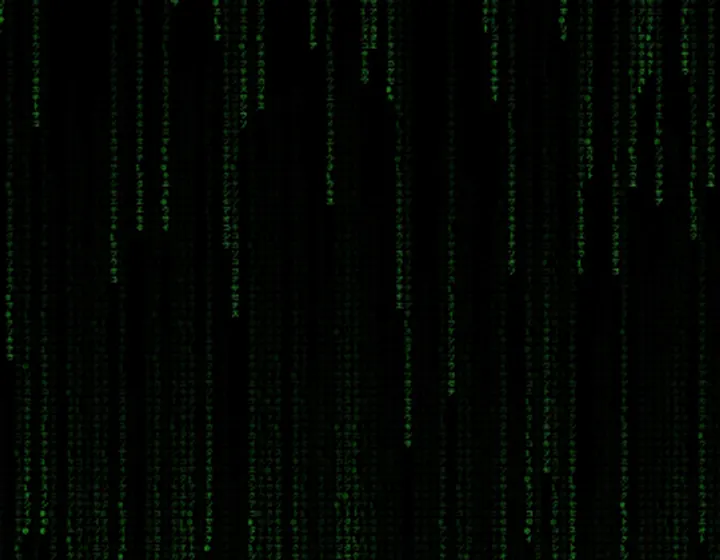 Matrix RainComponent, bought today Copied
Open your client's project and paste anywhere with Cmd or Ctrl + V. It lands as a normal component you can move and resize.
Every setting lives in Framer's properties panel on the right: content, colours, speed and the phone layout. Your client never sees it.
MatrixRain
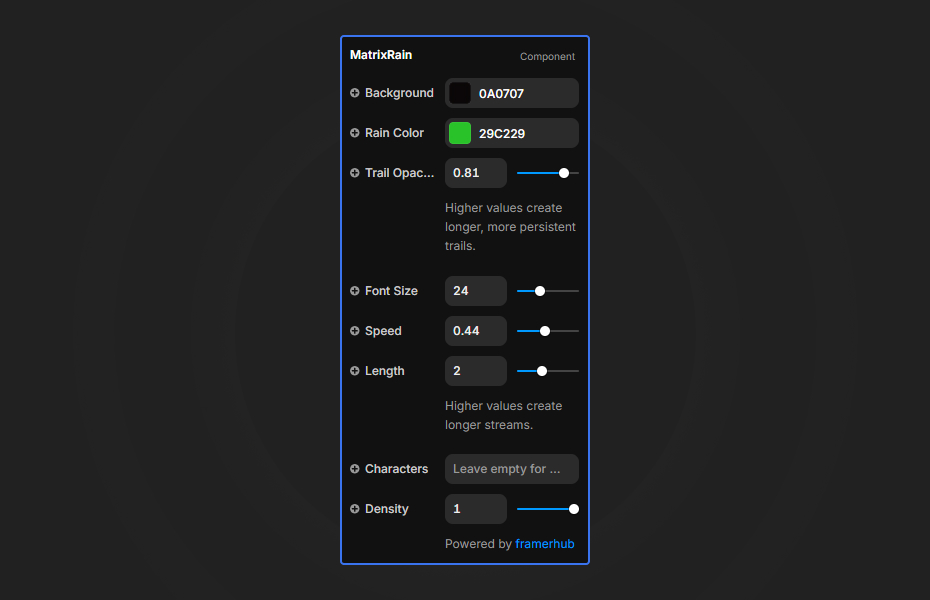
This is the panel you get in Framer. Nothing to code, nothing your client can break.
Authentic Matrix falling code animation
Customizable rain and background colors
Authentic Matrix falling code animation
Customizable rain and background colors
Adjustable font size
Responsive canvas-based rendering
Just this component
$9once
Every component and every template
$13/month, billed $149 yearly
A WebGL hover effect that splits an image into shifting RGB channels as it follows the cursor.
$9
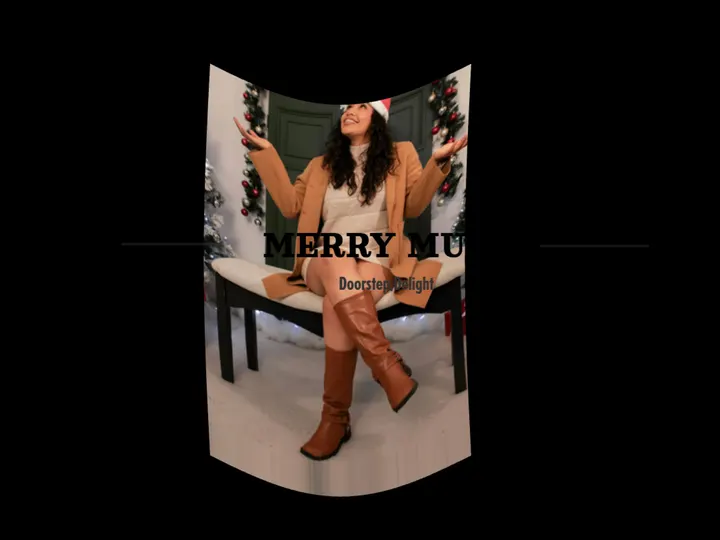
A WebGL hover effect that stretches and distorts images.
$9
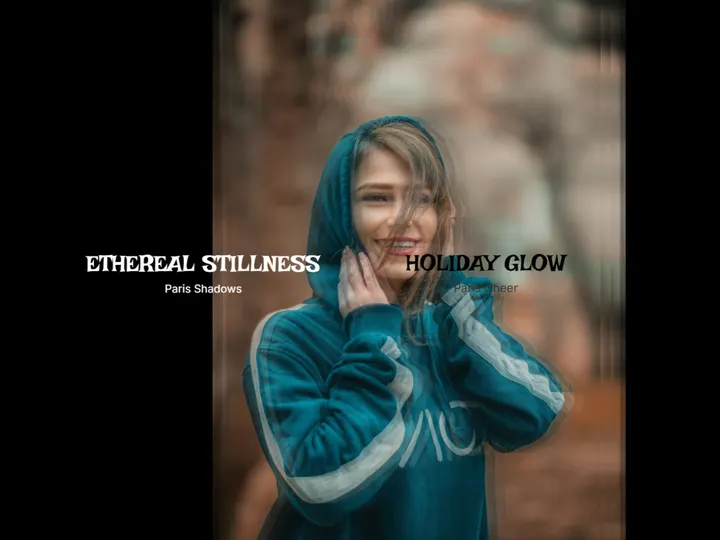
A WebGL hover effect where copies of an image chase the cursor.
$9
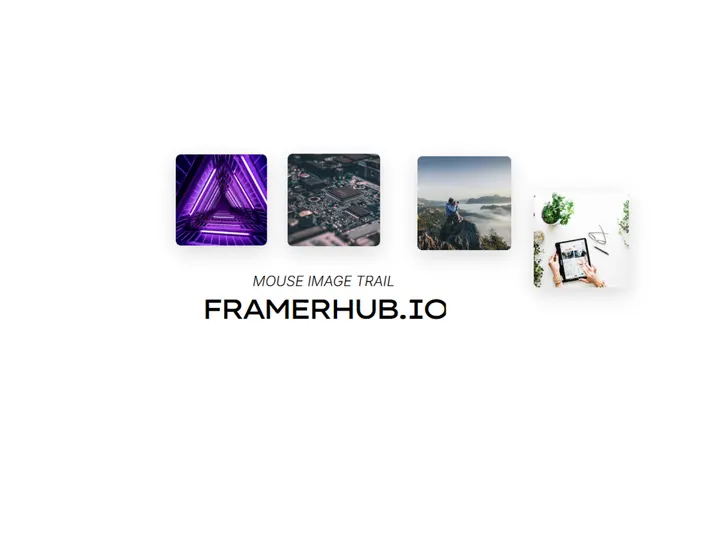
A trail of images that follows your cursor.
$9
Matrix Rain renders vertical streams of randomized characters, including Japanese katakana, falling across a responsive HTML canvas. Instead of looping a heavy MP4 background that blurs on large monitors, the component draws crisp characters directly on the canvas at your exact frame size.
Everything is controlled from Framer's properties panel: set the character size to dial column density up or down, pick the rain color, and set the background fill to match your site palette.
Katakana and alphanumeric character streams. Generates continuous vertical drops with fading trails, giving the familiar digital rain motion without video compression artifacts.
Custom rain and background colors. Starts in classic terminal green on black, and switches to any hex color or Framer Color Style in one click.
Font size density control. Increasing Font Size creates fewer, bolder columns that stay calmer behind headlines; decreasing Font Size packs the frame with tight columns for high-energy sections.
Responsive canvas sizing. Automatically adapts to full-bleed hero sections, card backgrounds, or narrow mobile viewports without stretching characters.
Cybersecurity and developer product heroes. Place muted cyan or emerald rain behind a crisp headline and primary CTA so the page reads as technical immediately.
AI, Web3, and hackathon landing pages. Use high-contrast streams inside a full-height opener or divider band to break up static feature grids.
Loading states and 404 pages. Drop Matrix Rain behind a short status message or back-to-home button for a memorable transition without adding external video assets.
Developer portfolios. Run subtle dark-gray characters on a black background behind an about section or project list.
Style
Colors
Readable hero background. Set Background to #0A0A0A, Rain Color to a muted #164E32, and Font Size slightly larger so foreground typography stays legible without a heavy overlay.
Classic terminal banner. Set Background to #000000, Rain Color to #00FF41, and a smaller Font Size for dense falling streams inside a contained visual frame.
Because Matrix Rain runs on a 2D canvas, larger Font Size values draw fewer columns per frame and keep CPU usage low on mobile devices. Place real Framer text layers above the component (rather than baking text into an image) so headlines stay accessible and readable to search engines.
Choose Matrix Rain for animated falling character backgrounds. If you want to place scanlines and curved monitor glass over an existing image or video, use Retro CRT. If you want to turn a specific photo or brand visual into a grid of characters, use ASCII Image.
Single-use license: use it in one client project with full commercial rights. No redistribution. 1 license = 1 client.
Questions before buying? Read the refund policy or email hello@framerhub.io.
Yes. Both Rain Color and Background are exposed in Framer's properties panel, so you can swap classic green on black for cyan on navy, white on charcoal, or any brand palette.
Adjust Font Size in the properties panel. Smaller font sizes create more columns and denser streams; larger font sizes reduce column count for a cleaner background behind headlines.
Yes. It renders on a responsive HTML canvas that automatically fills whatever Framer frame you place it inside.
Lower the contrast between Rain Color and Background (for example, muted dark green on near-black) or place a semi-transparent gradient scrim between the canvas and your headline.