3D confetti lines with smooth dash animations and mouse interaction.
Free
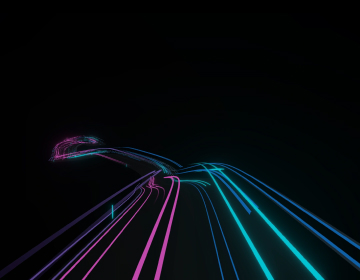
A hyperspeed tunnel with moving car lights and distortion.
 ANIMATIOHYPERSPEEDANIMATIO3DTUNNELCAR LIGHTS
About two minutes. No code, no embeds, no scripts to paste in settings.
Click Get it free and sign in. The component URL then waits in your FramerHub dashboard under Recent purchases. Click Copy URL.
 Warp DriveComponent, bought today Copied
Open your client's project and paste anywhere with Cmd or Ctrl + V. It lands as a normal component you can move and resize.
Every setting lives in Framer's properties panel on the right: content, colours, speed and the phone layout. Your client never sees it.
WarpDrive
This is the panel you get in Framer. Nothing to code, nothing your client can break.
6 Unique visual presets with distinct distortion patterns
Interactive speed-up on click/touch
Dynamic 3D car light trails
6 Unique visual presets with distinct distortion patterns
Interactive speed-up on click/touch
Dynamic 3D car light trails
Customizable color palettes
Random color generation mode
Post-processing effects (Bloom, SMAA)
Just this component
Free
Every component and every template
$13/month, billed $149 yearly
3D confetti lines with smooth dash animations and mouse interaction.
Free
A WebGL cyberpunk cityscape with neon-lit buildings flying past.
Free

Interactive particle globe with Dots, Matrix, and ASCII rendering styles.
$14
Interactive particle text effect with mouse repulsion and wave effects.
$9
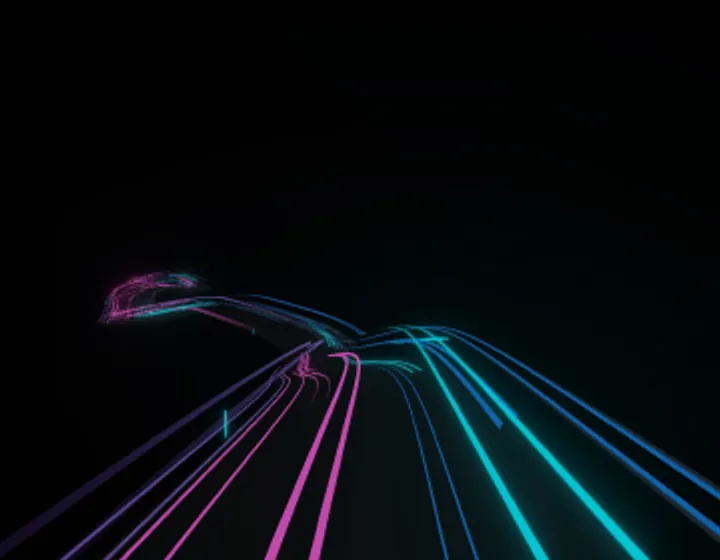
A 3D high-speed tunnel with rushing car lights and road markings. Use it as a hero background for sci-fi themes, speed-related content or anything that should feel fast.
6 presets. Turbulent Pulse, Mountain Drift, Axis Swing, Endless Run, Solar Flare and Deep Current, each with its own distortion and colors.
Speed boost. Clicking or tapping speeds up the warp for a moment and widens the field of view.
Colors. Override the background, road, car light and side stick colors to match your brand.
Random colors. Optionally pick new colors on each visit.
Post-processing. Built-in bloom and SMAA anti-aliasing.
Hero backgrounds. A landing page that opens with motion.
Gaming and tech sites. Speed and sci-fi themes.
Loading screens. A tunnel to watch while content loads.
Music and event pages. Pulsing lights for entertainment sites.
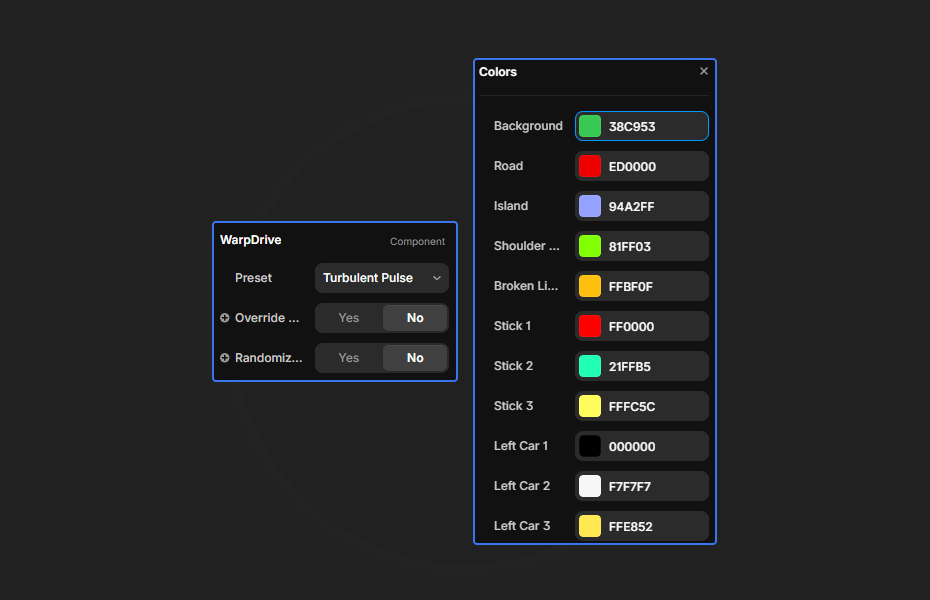
Choose your preferred preset from the dropdown, then customize further with these options:
Presets
Color Overrides
Test on phones. The component uses WebGL with post-processing, so check it on the devices your visitors use.
Text on top. White text with a subtle shadow reads best over the dark tunnel.
Boost. Tell visitors they can click or tap to speed up.
Full width. The tunnel looks best across the full viewport, as a hero background.
Free component: use it freely in personal and commercial projects.