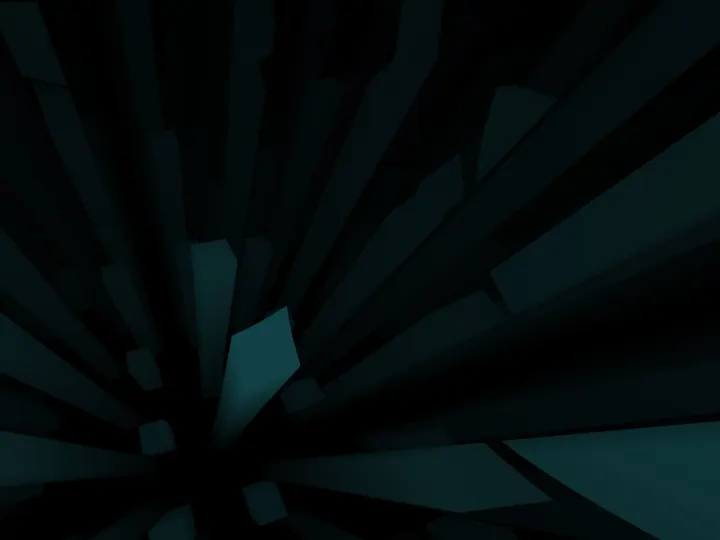
A WebGL cyberpunk cityscape with neon-lit buildings flying past.
Free
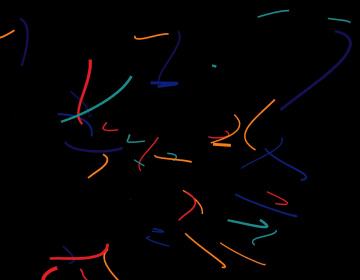
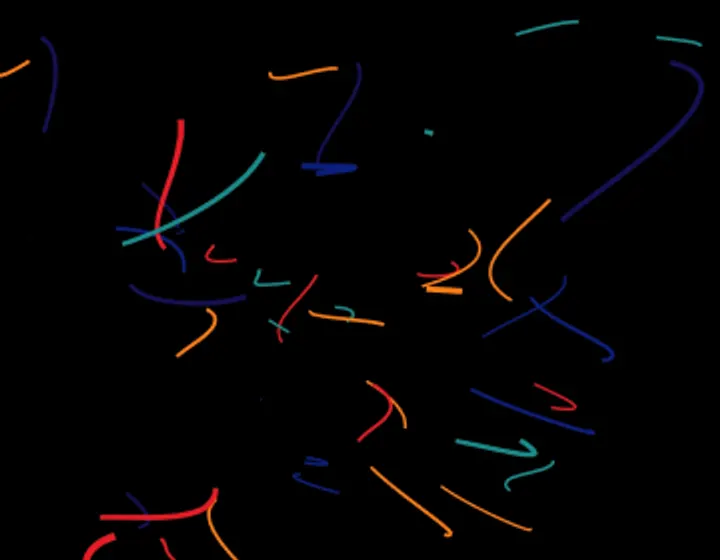
3D confetti lines with smooth dash animations and mouse interaction.
 ANIMATIO3DANIMATIOCONFETTICELEBRATIONTHREE.JS
About two minutes. No code, no embeds, no scripts to paste in settings.
Click Get it free and sign in. The component URL then waits in your FramerHub dashboard under Recent purchases. Click Copy URL.
 Confetti Lines 3DComponent, bought today Copied
Open your client's project and paste anywhere with Cmd or Ctrl + V. It lands as a normal component you can move and resize.
Every setting lives in Framer's properties panel on the right: content, colours, speed and the phone layout. Your client never sees it.
ConfettiLines3D
This is the panel you get in Framer. Nothing to code, nothing your client can break.
3D confetti lines with dynamic dash animations
Customizable colors and line properties
3D confetti lines with dynamic dash animations
Customizable colors and line properties
Mouse interaction for camera orbit control
Just this component
Free
Every component and every template
$13/month, billed $149 yearly
A WebGL cyberpunk cityscape with neon-lit buildings flying past.
Free
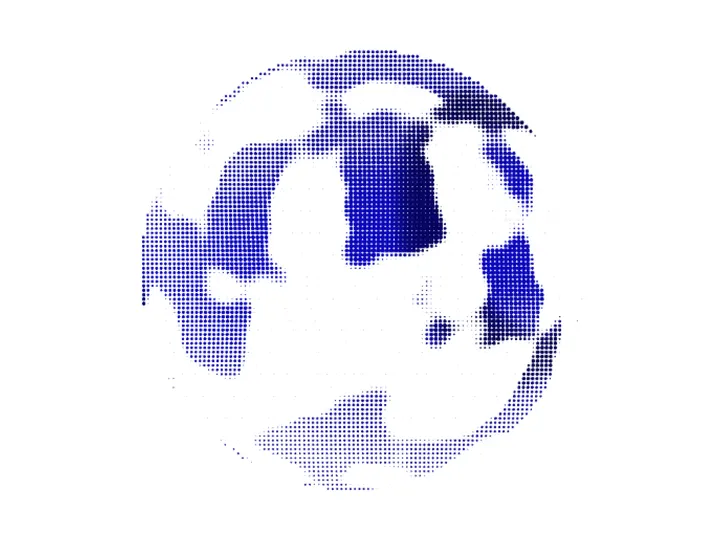
Interactive particle globe with Dots, Matrix, and ASCII rendering styles.
$14
Interactive particle text effect with mouse repulsion and wave effects.
$9
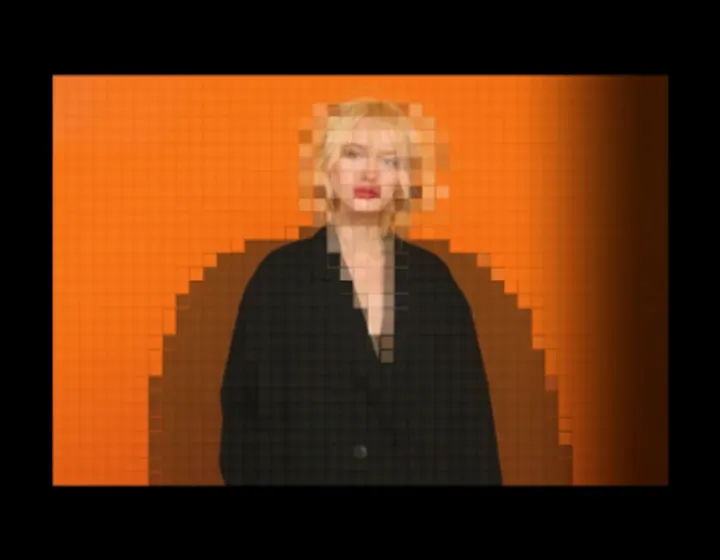
Scroll-triggered WebGL image reveal component for Framer with 5 shader transitions (Pixelate, Noise Curtain, Dissolve, Wave).
$12
Confetti lines moving through 3D space with dash animations, in up to 5 colors. Optional mouse control orbits the camera. Built with Three.js.
3D confetti lines. Lines travel through 3D space.
5 colors. Set up to 5 colors. Each line uses one at random.
Dash animation. An animated dash offset makes each line flow.
Mouse orbit. Optionally, mouse movement orbits the camera.
Celebration pages. Success pages, milestones and announcements.
Product launches. Launch pages and campaigns.
Event sites. Parties, conferences and celebrations.
Hero sections. A 3D hero background.
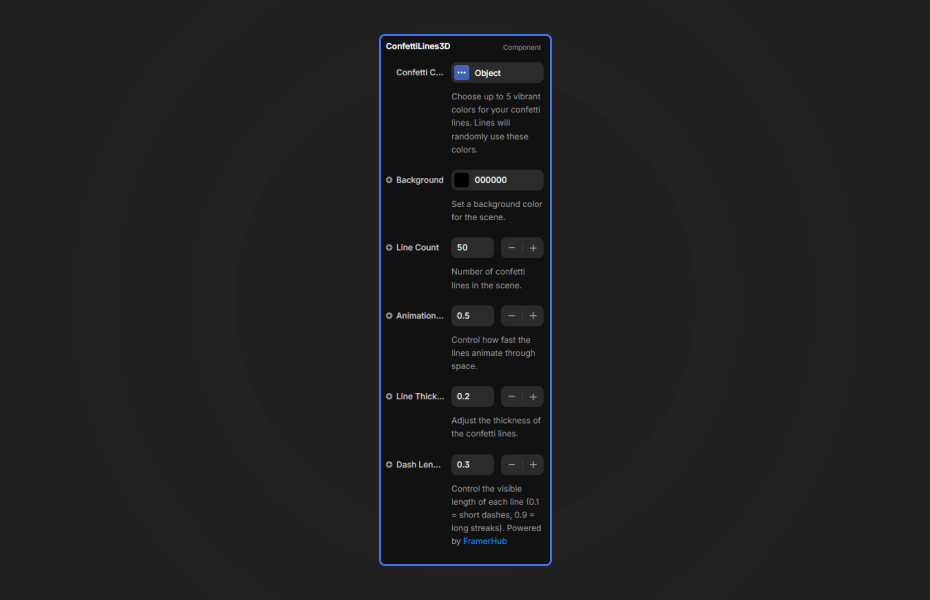
Colors
Background
Animation
Line count. 30 to 60 lines run smoothly on most devices. Use 20 to 30 on mobile.
Colors. Bright, contrasting colors feel festive. Pastels feel softer.
Dash length. 0.2 to 0.3 looks dotted. 0.6 to 0.8 looks continuous.
Speed. The default (1.0) suits most pages. 0.5 to 0.8 is calmer, 2 to 3 is livelier.
Built upon Animated Mesh Lines by Jeremboo for Codrops.
Need help? Contact us.
Free component: use it freely in personal and commercial projects.