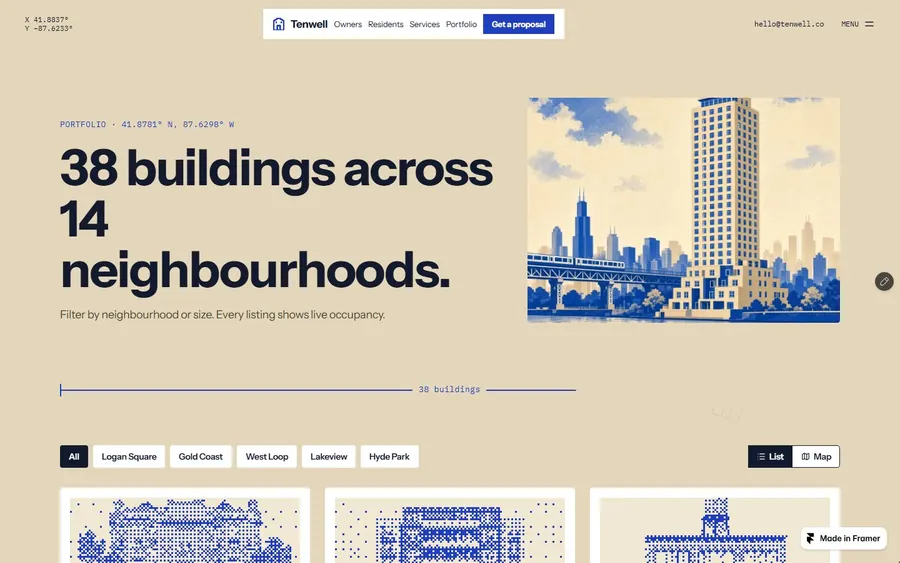
 Gold Coast40–240 units6 buildings
Real estate
Filters: Neighbourhood, units, building type
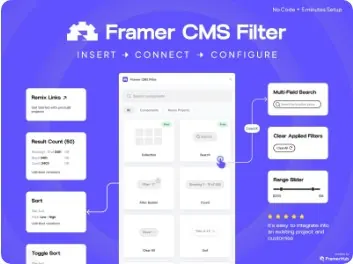
Let visitors filter, search and sort a Framer CMS list by any field. Your client keeps editing content in the Framer CMS, and it keeps working after you publish.
PAY ONCE / ABOUT 5 MINUTES TO SET UP / NO CODE
It depends on the list. For one simple filter, Framer's own Dynamic Filters are free and enough. CMS Filter is for lists where visitors need several filters together, a price or date range, search across fields, sort, result counts, or links that keep the filters. It handles lists of 5,000+ items without duplicate pages. CMS Filter is $79 once, or $179 once for unlimited client projects, with lifetime updates.
Prices and counts as of .
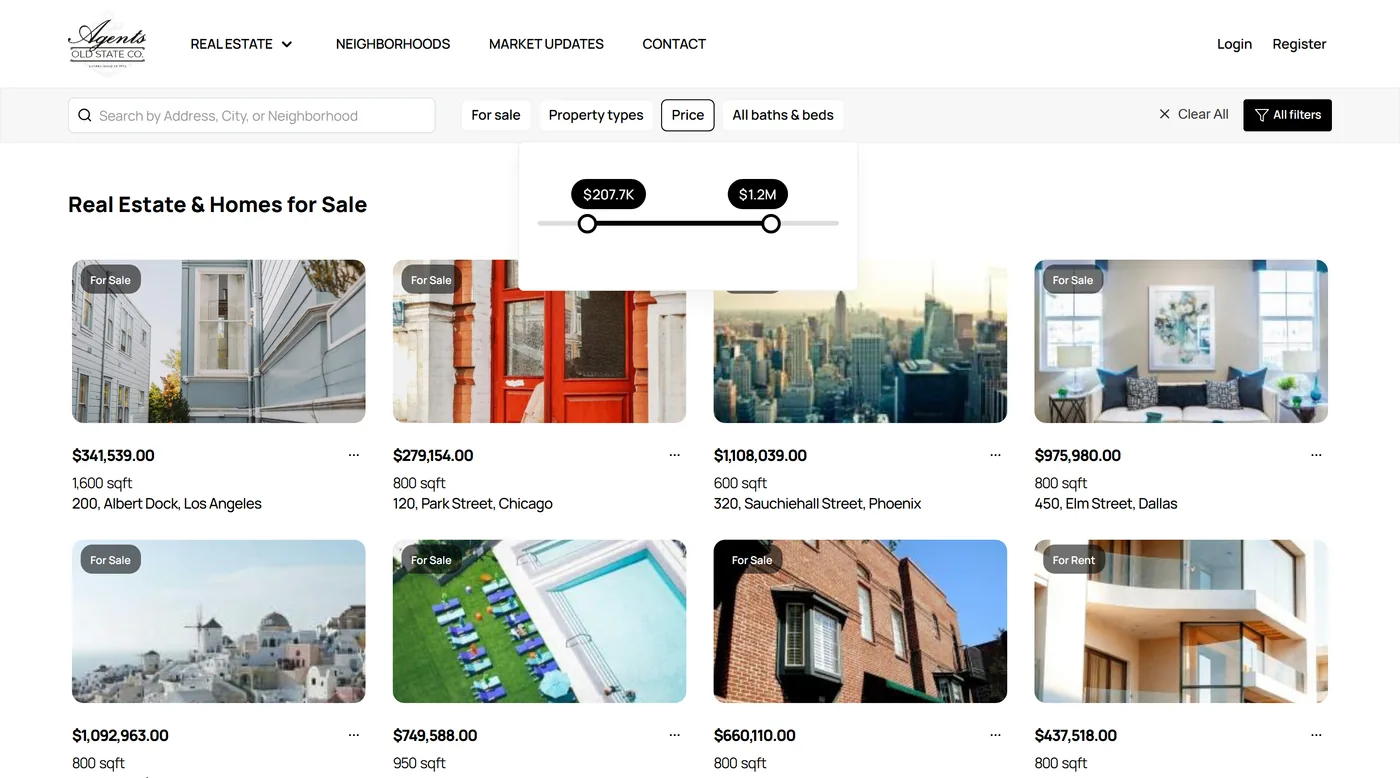
Our real estate demo, live. The search box, the filter menus, the price slider and Clear All are CMS Filter parts on a normal Framer CMS list.
Framer added native filters in February 2026. If a list needs one simple filter, use them, they're included. CMS Filter is for listings where visitors need more than one control at once.
Yes, Framer's AI can write a filter code component for you. But every new field or filter means asking again, and the code lives on your client's site.
Shown on our own templates. Same plugin, styled to each site.
Gold Coast40–240 units6 buildingsFilters: Neighbourhood, units, building type
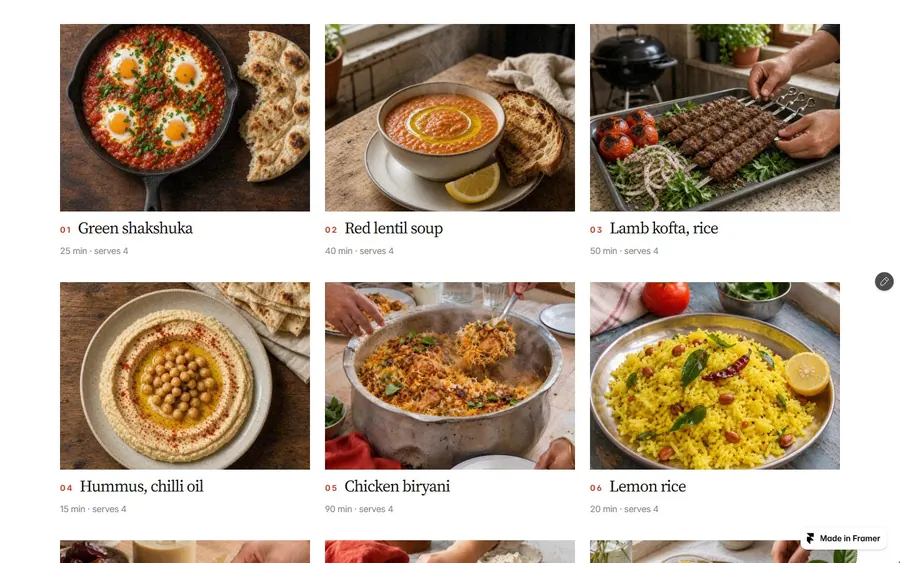
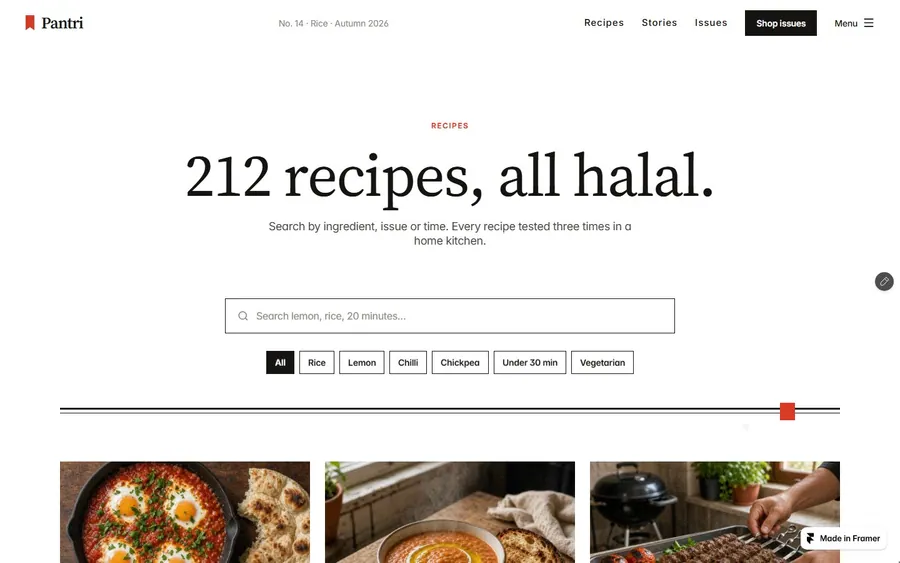 RiceUnder 30 min18 recipes
Filters: Ingredient search, dish type, cooking time
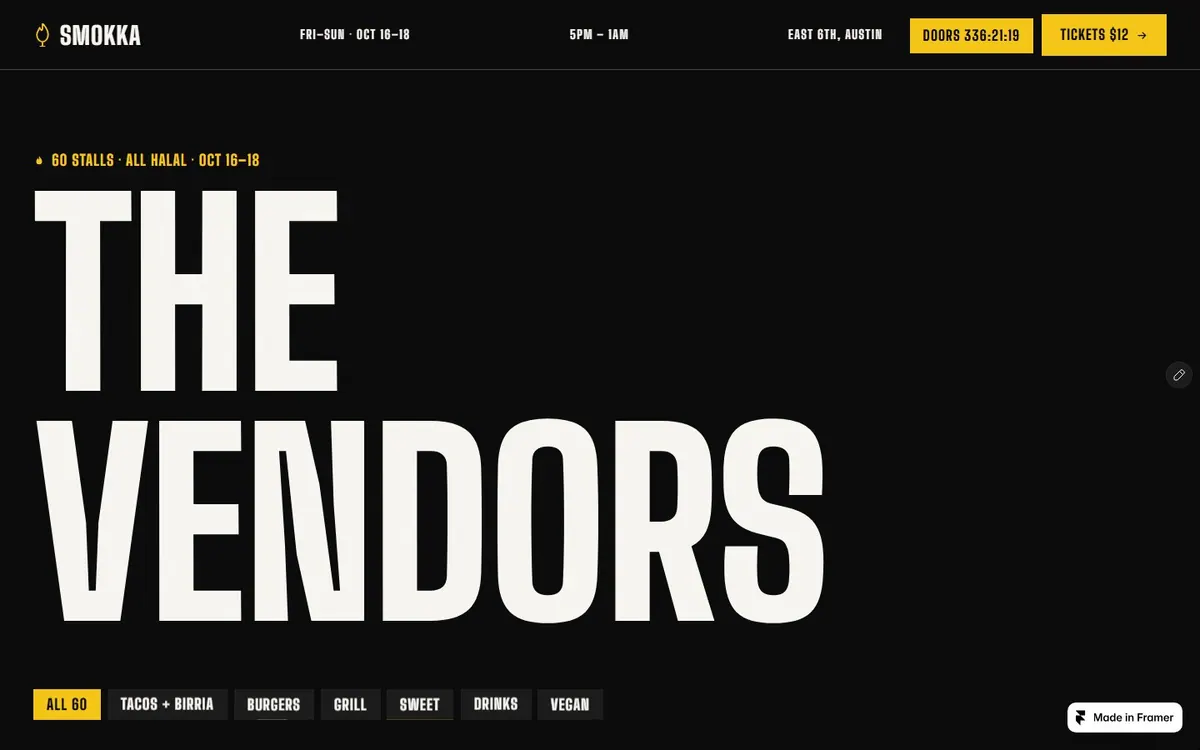 GrillVegan14 stalls
Filters: Food type, diet, stall number
 SteelFull-time4 roles
Filters: Trade, site, contract type
Works on a site you already built. Nothing to install on your client's side.
1Insert
Open CMS Filter in Framer and drop the parts you want on the page: search, filters, sort.
2Connect
Pick the CMS list it should filter. Recipes, properties, jobs, anything.
3Configure
Tick the fields to filter by. Style it like the rest of the site. Publish.
If you build with an AI assistant like Claude or ChatGPT, it can add CMS Filter for you. Say what the list should do; it picks the fields, places the parts and shows you the result.
 ClaudePANTRI /RECIPES
Add filters for dish type and cooking time to the recipes page, and keep them in the link so readers can share a search.
 Used FramerHubadd_cms_filter
Done. I added CMS Filter to /recipes:
Search box over title and ingredients
Dish type chips: Rice, Soup, Grill, Bread
Cooking time: under 30 min, 30–60, longer
Filters saved in the URL
2,000+ Framer users
“The best Framer CMS filtering plugin I've found. I've tested a lot of filtering and sorting components, free and paid, and this is by far the best one.”
“Amazing! This fixed the issue. Thanks so much for the help :)”
“We had tried a couple of other Framer CMS filter components but they were buggy, hard to use and support was slow or non-existent. CMSFilter is easier to use and has a lot of added functionality.”
“I updated the main CMS component in Framer and the bug is fixed now :) You are quick man! Love it.”
“I got a CMS featuring setup from Shahul Hameed, and it works perfectly. He was super helpful, guided me through everything, and even stayed up late to make sure I had no issues. Great experience overall!”
Lifetime updates on both. Your licence arrives by email.
CMS Filter
For one studio's client work
$79once
CMS Filter UnlimitedMost studios
For studios with many client sites
$179once
Maybe not. For one simple filter, use Framer's own, it's free. Get CMS Filter when visitors need several filters together, a range slider, search across fields, sort, or links that keep the filters.
Yes. Nothing changes in the Framer CMS. The filters read the fields your client already fills in.
Yes. It runs on the published site, on every page you place it, with no script to paste into settings.
Lists with 5,000+ items filter and search instantly, with no duplicate pages or variants.
No. Every part is set up in the properties panel: fields, ranges, sort options and styles.
Yes. Fonts, colours, radius and spacing are properties, and the parts take your own Framer components as slots.
No. $79 once, or $179 once for unlimited client projects, with lifetime updates.
The people who built it, by email, usually within a day. Set-up help is included.