Infinite Gallery
An infinitely scrolling horizontal gallery with snapping physics and a smooth parallax effect.
Overview
An infinitely scrolling horizontal gallery with snapping physics and a smooth parallax effect.
- True Infinite Scrolling Loop
- Horizontal & Vertical Modes
- Custom Physics & Snapping
- Deep Parallax Effect
- 3D Tilt & Scale
Infinite Gallery
A highly interactive, infinitely scrolling horizontal gallery with custom physics and dynamic spatial effects built natively for Framer.
Features
True Infinite Loop Scroll or drag continuously without any jitter or layout thrashing.
Vertical & Horizontal Modes Switch seamlessly between horizontal carousels and vertical scrolling lists.
Physics Engine Enjoy buttery-smooth inertia, customizable snap-to-center functionality, and scroll smoothing.
Dynamic Parallax Images move independently within their containers, creating a deep sense of space and premium feel.
Spatial 3D Effects Items scale down, fade, and rotate in 3D space as they move away from the center of the screen.
Use Cases
Portfolio Showcases — Make your visual work stand out with premium interaction.
E-Commerce Lookbooks — Display products in an engaging horizontal layout.
How to Use
Installation
VIDEO PLACEHOLDER: Installation Tutorial
- Log in to your account at framerhub.io
- Navigate to framerhub.io/dashboard
- Find Infinite Gallery in your Recent Purchases
- Click the "Copy" button
- Open your Framer project
- Paste the component anywhere on your canvas (Cmd/Ctrl + V)
Customization
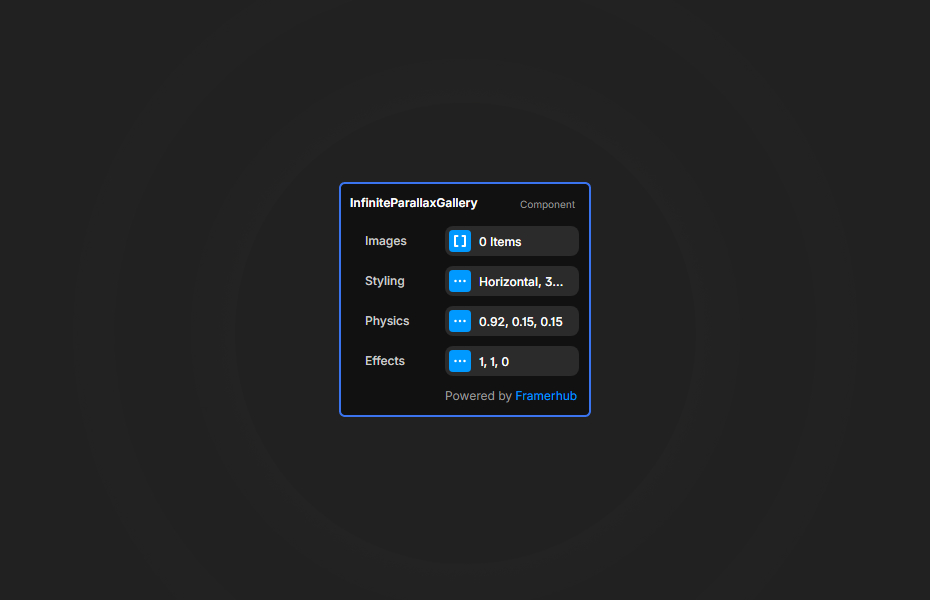
Fully customize the gallery right from the Framer properties panel.
Physics Settings
- Toggle drag and wheel scrolling.
- Adjust snap delay, snap strength, inertia damping, and scroll smoothing.
Effects Settings
- Control parallax strength.
- Modify the edge scale, opacity fading, and 3D tilt amount.
Quick Tips
Parallax Requirement — For the parallax effect to work, make sure the "Image Fit" setting is set to either "Fill" or "Tile".
Performance Optimization — While the component is highly optimized with requestAnimationFrame, using properly sized web-optimized images ensures smooth 60fps performance on all devices.
License
Single Use License — Use in one client project with full commercial rights. No redistribution. 1 license = 1 client.
Refund Policy
Due to the nature of our digital products, we are unable to offer refunds, but we're here to assist you with any questions or concerns!
Why Designers Love This
It turns a standard image slider into a rich, interactive experience that feels like a custom-coded webGL experience, without writing a single line of code.
Infinite Gallery - $9
An infinitely scrolling horizontal gallery with snapping physics and a smooth parallax effect.
You might also like
Why Choose Framer Hub Components
Loved by Framer teams
Used by Framer professionals who need premium, no-code experiences.
"The Best Framer CMS Filtering Plugin I've Found — Truly a Game-Changer. I've tested a lot of Framer CMS filtering and sorting components — both free and paid — and this is by far the best one I've come across."
"He really helped me out when I needed assistance adding it to my Framer project. Super fast customer support highly recommend!"
"We had tried a couple of other Framer CMS filter components but they were buggy, hard to use and support was slow or non-existent. FramerCMSFilter is easier to use and has a lot of added functionality."
Got questions? We've the answers
Got questions? We've the answers
Everything you need to know about FramerHub.