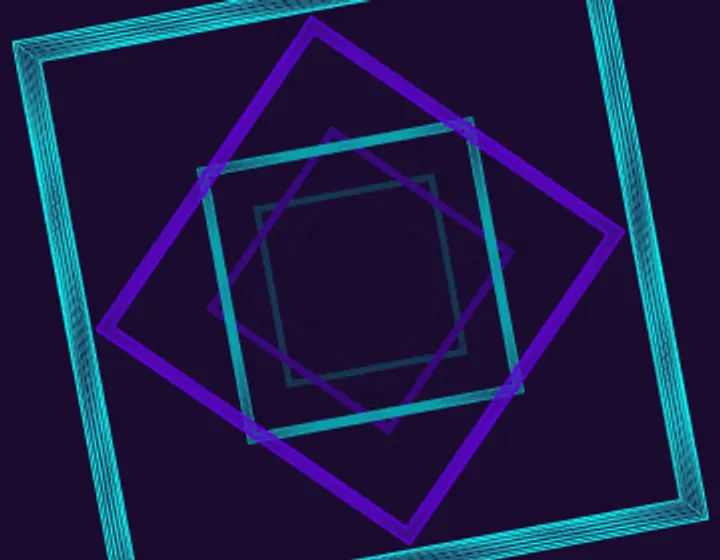
High-speed wireframe tunnel animation.
Free
A 3D volumetric galaxy.
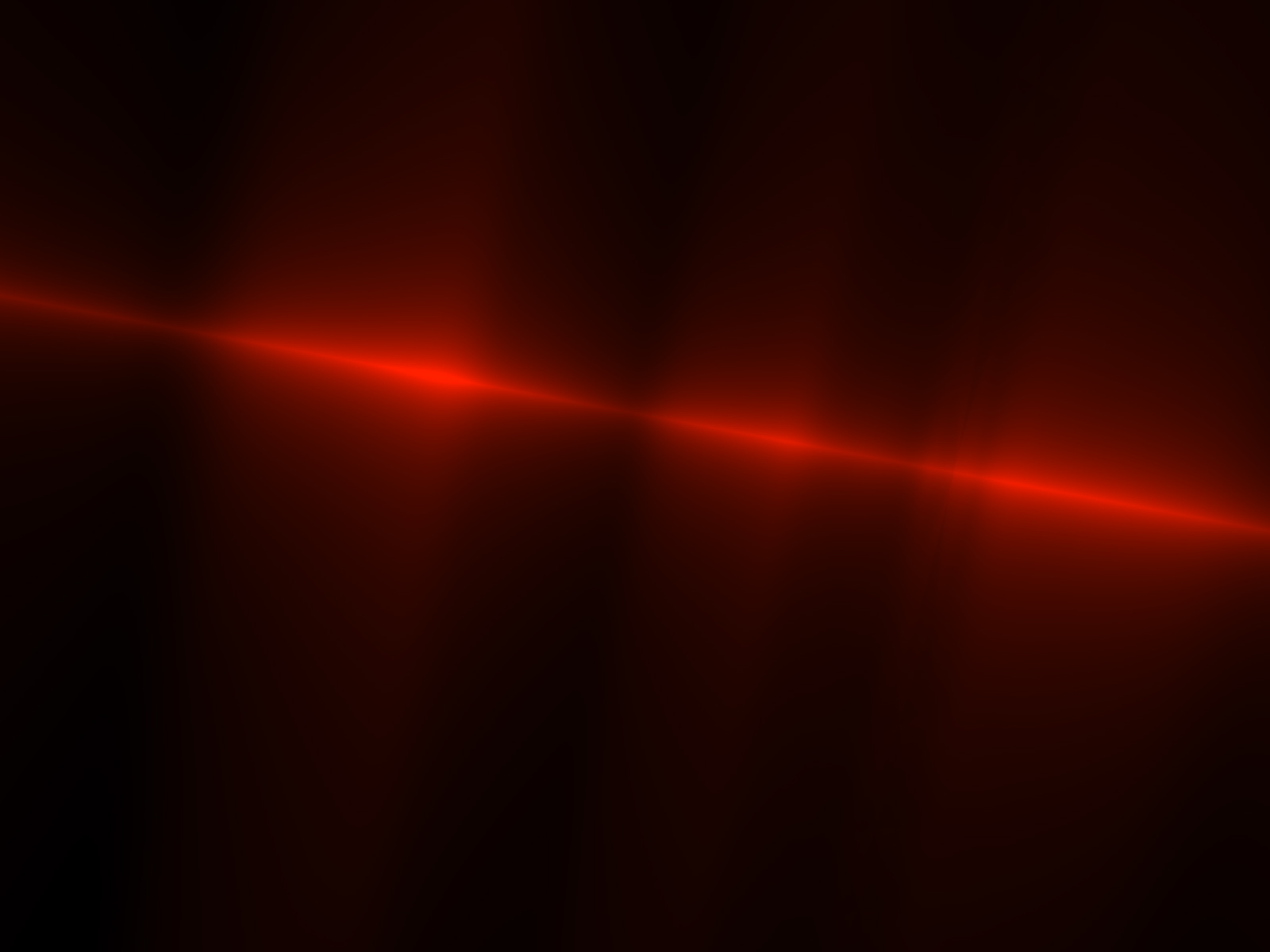 3DGALAXY3DSPACEVOLUMETRICEFFECT
About two minutes. No code, no embeds, no scripts to paste in settings.
After you buy, the component URL waits in your FramerHub dashboard under Recent purchases. Click Copy URL. The receipt email from Polar carries the same link.
 Volumetric GalaxyComponent, bought today Copied
Open your client's project and paste anywhere with Cmd or Ctrl + V. It lands as a normal component you can move and resize.
Every setting lives in Framer's properties panel on the right: content, colours, speed and the phone layout. Your client never sees it.
VolumetricGalaxy
This is the panel you get in Framer. Nothing to code, nothing your client can break.
3D Volumetric Rendering
Customizable Colors
3D Volumetric Rendering
Customizable Colors
Performance Optimized
Just this component
$9once
Every component and every template
$13/month, billed $149 yearly
High-speed wireframe tunnel animation.
Free
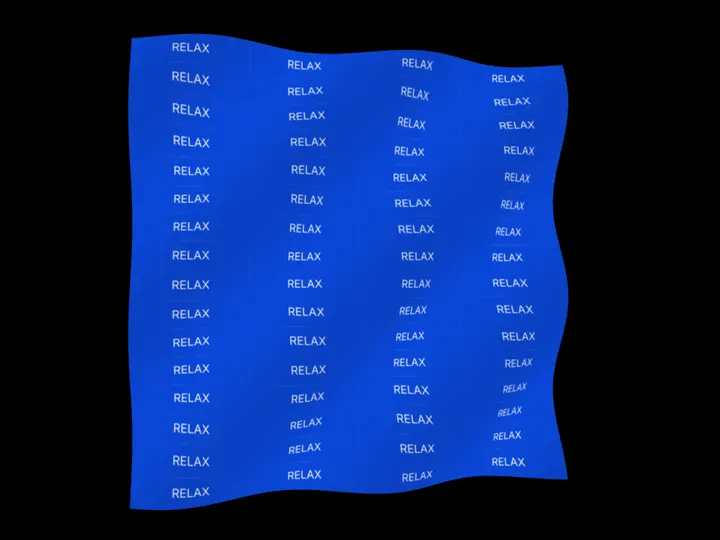
3D kinetic typography mapped onto a rippling wave plane.
$9
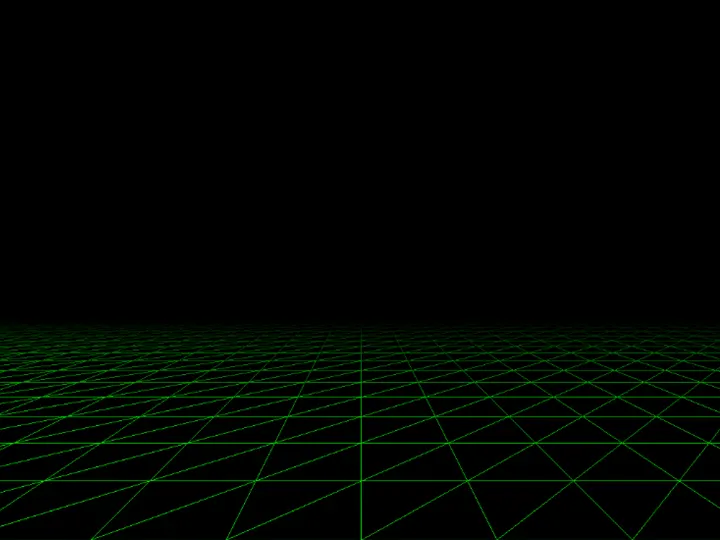
Retro 80s style wireframe landscape.
Free
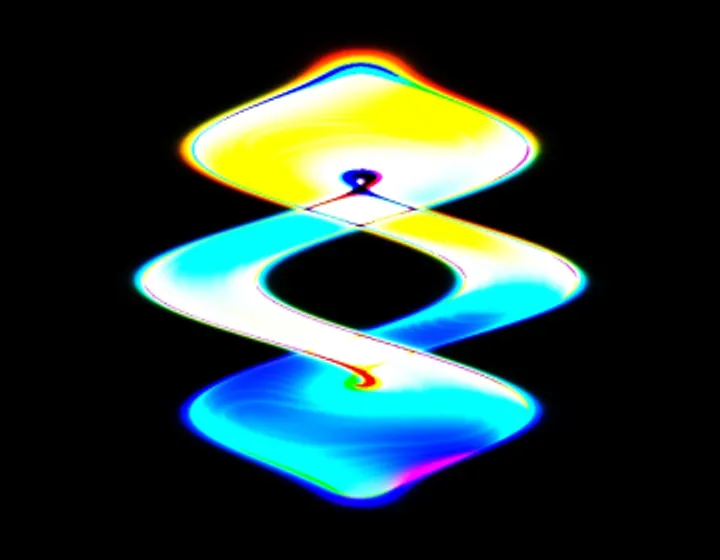
A 3D twisted torus shader that reacts to hover, in your colors.
$9
Volumetric Galaxy renders a spiral galaxy as a true volume of glowing fog and light, not a flat picture. Because it is raymarched, the arms have depth you can look into, and the galaxy can tilt slightly on two axes while it turns. It works as a full-section background that makes a page feel vast.
You set spiral tightness, density, speed, rotation and colors in Framer's properties panel, and quality scales automatically.
Volumetric rendering. Raymarched fog and light with real depth.
Spiral control. Tighten or loosen the arms, and make the galaxy denser or more transparent.
Motion. A slow, majestic swirl or a fast vortex, plus subtle rotation on the X and Z axes.
Auto quality. Scales from high-end desktops to phones.
Custom colors. Match the galaxy to your palette.
Astronomy, science and education sites. A full-screen galaxy behind a course title or a mission statement sets the subject instantly.
AI and future-tech brands. A slow, dense galaxy in violet and blue behind a headline about scale ("Built for billions of requests") turns an abstract claim into a picture.
Game and sci-fi launches. A faster vortex with high tightness feels dramatic behind a game logo.
Section transitions. A short, full-width band of galaxy between two content sections adds a cinematic pause on a long page.
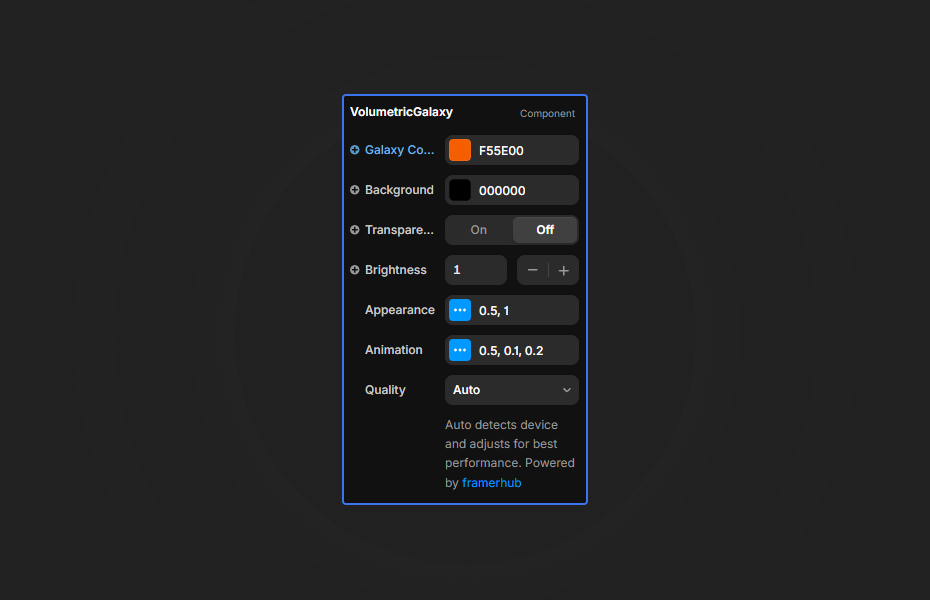
Appearance
Animation
Quality
Majestic. Medium tightness, medium density, slow speed, slight X rotation.
Vortex. High tightness, high density, fast speed, no rotation.
Background haze. Low density, slow speed, so text sits comfortably on top.
Leave Quality on Auto. The component uses additive blending, so it looks best on dark backgrounds and can afford lower density there. Raymarching is GPU-heavy, so use one galaxy per screen.
Nebula Hero builds galaxies and nebulas from thousands of particles with five presets and orbit controls. Star Warp rushes stars toward the viewer. Shooting Stars adds streaks of light over a starfield. Choose Volumetric Galaxy when you want soft, deep, foggy space rather than particles.
Single-use license: use it in one client project with full commercial rights. No redistribution. 1 license = 1 client.
Questions before buying? Read the refund policy or email hello@framerhub.io.
Neither. The galaxy is rendered live with raymarching, so it has real depth and keeps turning smoothly at any size.
Spiral Tightness controls how tightly the arms wind, and Density controls how thick the galaxy fog looks.
Yes. Leave Quality on Auto and the component scales its rendering to the device, from desktops to mobile phones.
Use white text with a drop shadow, and keep the brightest part of the galaxy away from long paragraphs.