Freelancers
The same components on every client site
Save component links and Remix links once, inside Framer. Sort them into libraries, find them with search and share them with your team.
FREE TO START / LIBRARIES, TAGS AND SEARCH / TEAM SHARING ON PRO
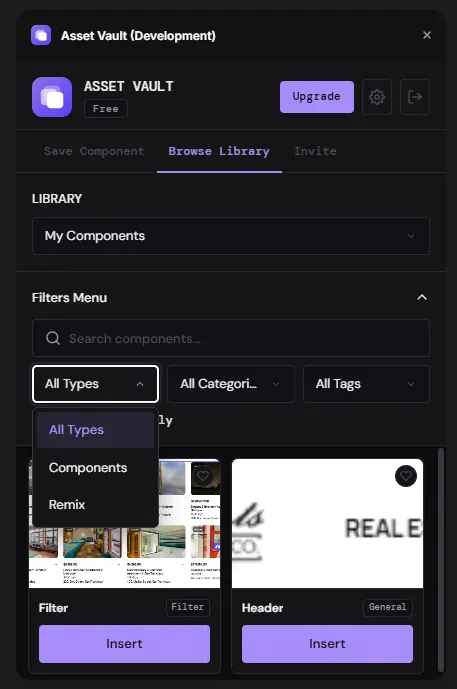
Save a component link or a Remix link once. Next project, open the vault inside Framer, search, and insert it.
 Masonry LightboxInsert
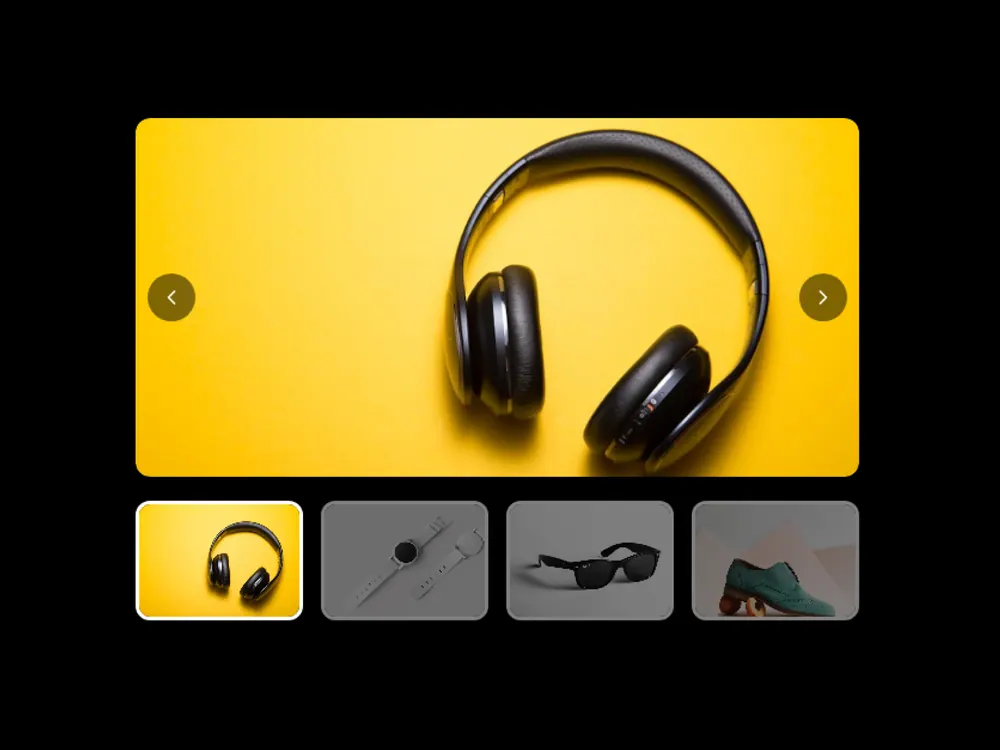 Gallery SliderInsert
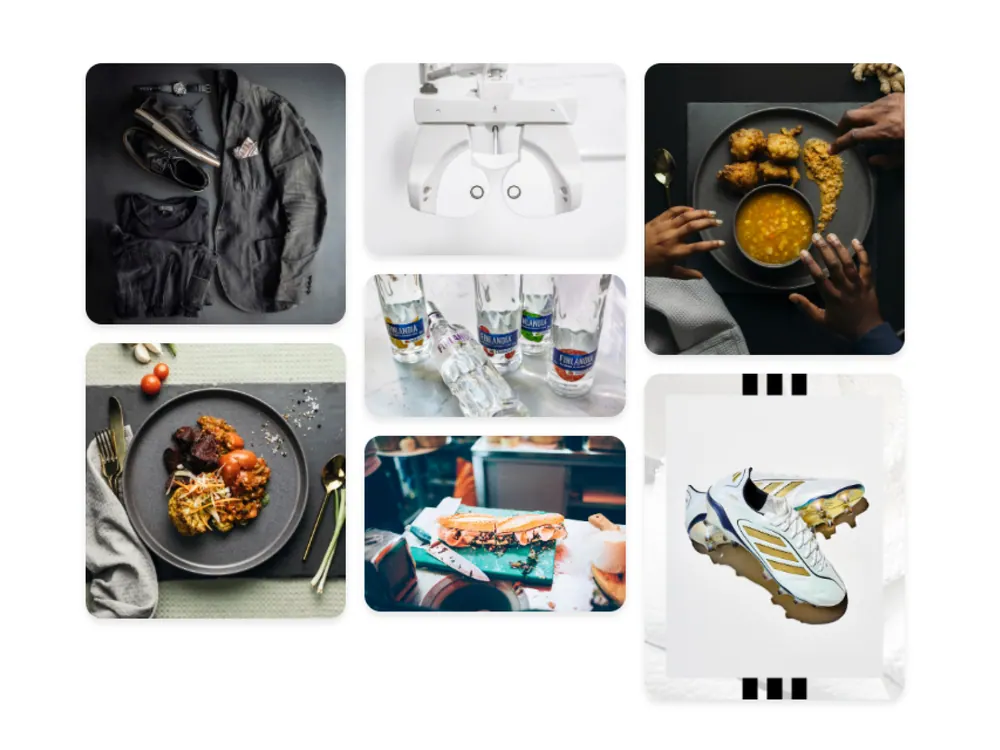 Gallery LightboxInsert
 ParticlesInsert
 KraklaInsert
 PantriInsert
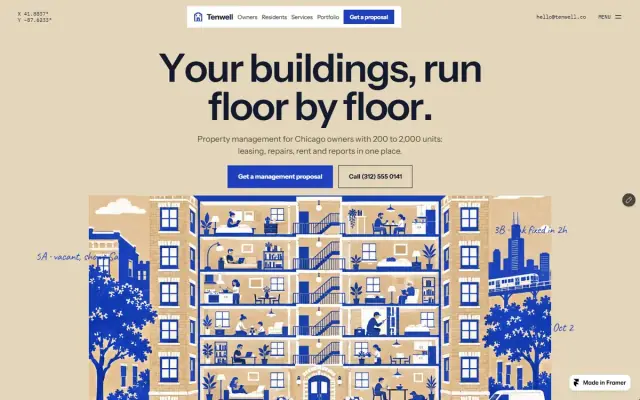 TenwellInsert
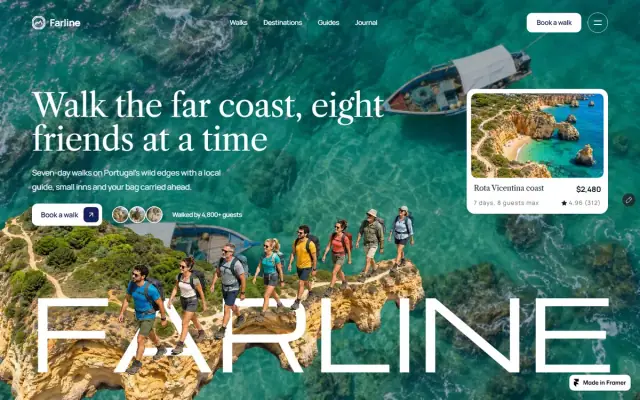 FarlineInsert
Most of us keep component links in browser bookmarks, chat threads and old projects. That works until a client needs the same gallery again.
AI only sees the project you're in. The gallery you used for a client last spring lives somewhere else, so you're back to bookmarks and pasting links into the chat.
Connected your AI assistant to FramerHub? It can search your vault for you.
Real screens from the plugin. Freelancers, studios and anyone who saves good work to use again.
The same components on every client site
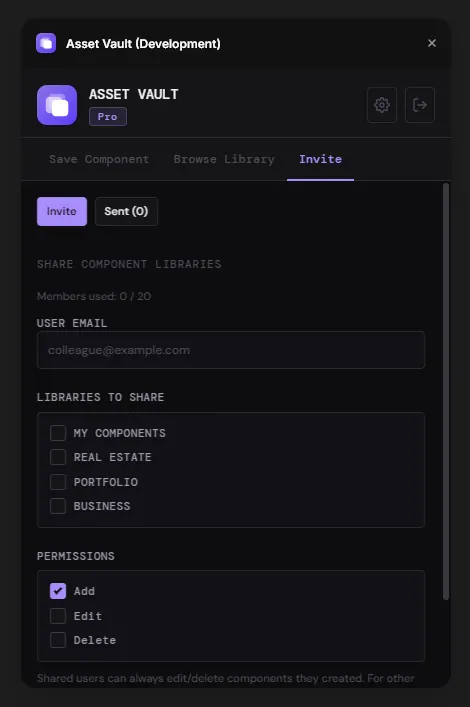
One shared library for the whole team
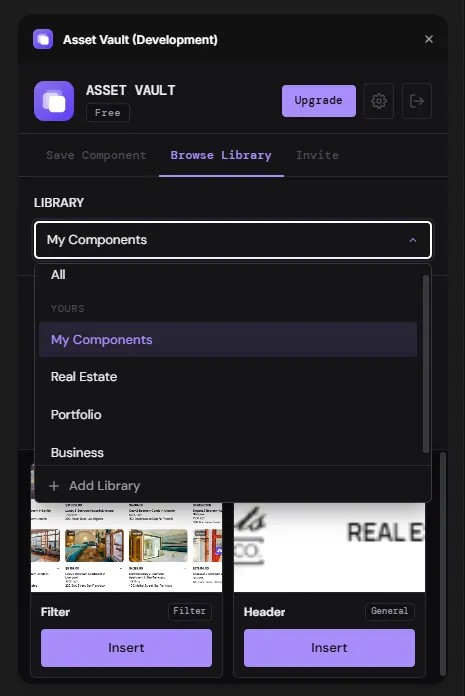
Remix links and templates you want to keep
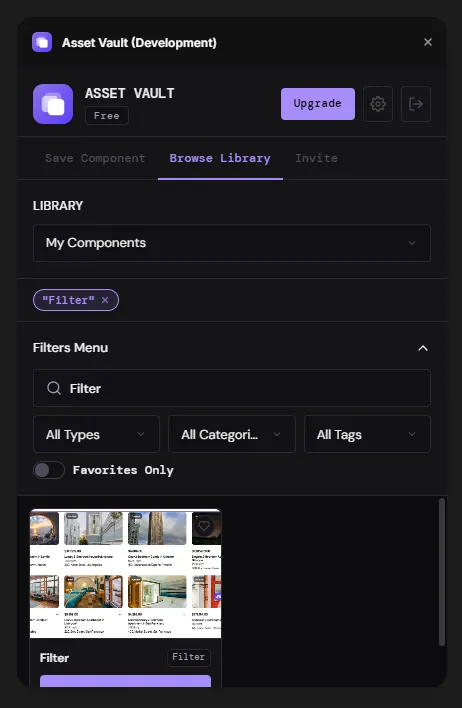
Search, filters and favourites
You need a free FramerHub account. Sign in with email or Google.
1Open
Open Asset Vault in any Framer project and sign in to your FramerHub account.
2Save
Paste a component link or a Remix link, name it and put it in a library.
Masonry LightboxGalleryInsert3Reuse
Next project, search the vault and insert it. Share libraries with your team on Pro.
If you build with an AI assistant like Claude or ChatGPT, connect it to FramerHub and ask for the part you saved. It searches your vault and puts it on the page.
 ClaudeLINEWALK /WORK
Find the masonry gallery in my Client kit and add it to the Work page.
 Used FramerHubsearch_vault
Found it in Client kit:
Masonry Lightbox, tagged Gallery
Saved from your Spoonlit project
Inserted on /work under the intro
Nothing else on the page changed
2,000+ Framer users
“Very happy with this purchase. Also the creators are very helpful, can only recommend.”
Pro comes with All Access and the Agency Stack. Billing runs through Polar, our payment provider.
Free
For your own links
Free
ProTeams
For studios that share
Includedin All Access
Yes, a free FramerHub account. Sign in with email or Google. Your vault then follows you into every project.
Component links and Framer Remix links, each with a name, thumbnail, category and tags.
On FramerHub's servers, outside Framer, so it's there in every project you open.
Yes, on Pro. Invite people by email to one or more libraries.
Yes. Give each person add, edit or delete rights, and remove access any time.
Right-click the component in Framer's Assets panel and copy its URL.
Yes. Libraries, tags, search and favourites are free. Team sharing is on Pro.
Paid plans are billed through Polar, our payment provider.