 Fri, 6:00 PMDevlog1 pending
Game devlog
Patch notes go live with the patch
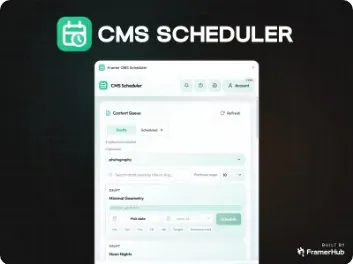
Pick a date and time for any Framer CMS draft. CMS Scheduler publishes it for you, so nobody has to sit at Framer at launch hour.
FREE TO START / ONE DRAFT OR A WHOLE BATCH / NO CODE

Not natively: Framer publishes when someone clicks Publish. CMS Scheduler lets you pick a date and time for any CMS draft and publishes it for you. A scheduled publish deploys the whole project, not just that item. The free plan covers one project. Pro is $49 a year for one busy site, and Unlimited is $99 a year for studios with many client sites.
Prices and counts as of .
Farline, our walking-tour template, has a journal. Write the posts when you have time, give each one a date, and they go live one by one while you're out on the trail.
Framer publishes when you press Publish. That's fine until a launch is at 9:00 on a Sunday, or six posts need to go out on six days. Here's what changes.
AI can publish a post when you ask. Someone still has to be there at 9:00 to ask, and every ask spends AI credits.
Your AI assistant can still set the schedule through FramerHub. The plugin does the waiting.
Shown on our own templates. Any CMS collection works the same way.
Fri, 6:00 PMDevlog1 pendingPatch notes go live with the patch
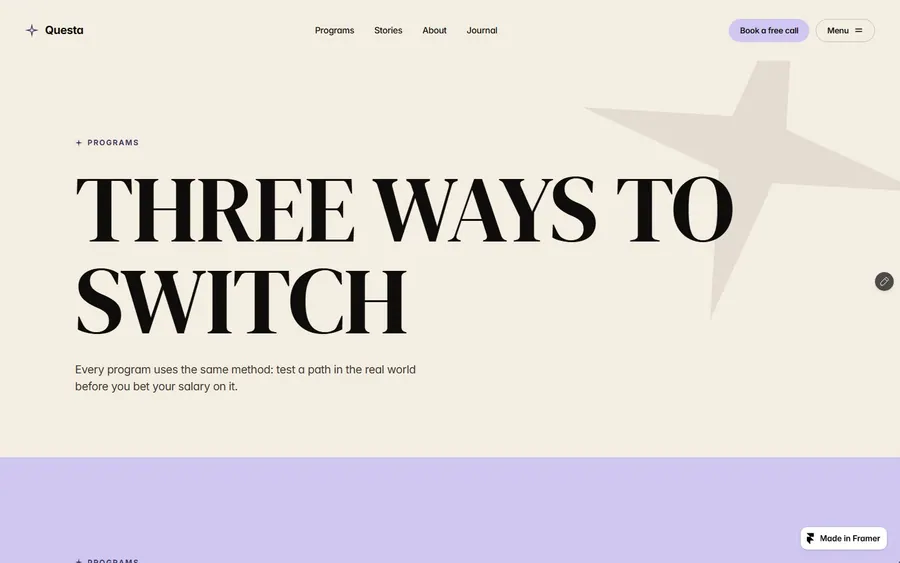 Mon, 7:00 AMJournal4 pending
Four Monday posts, written in one go
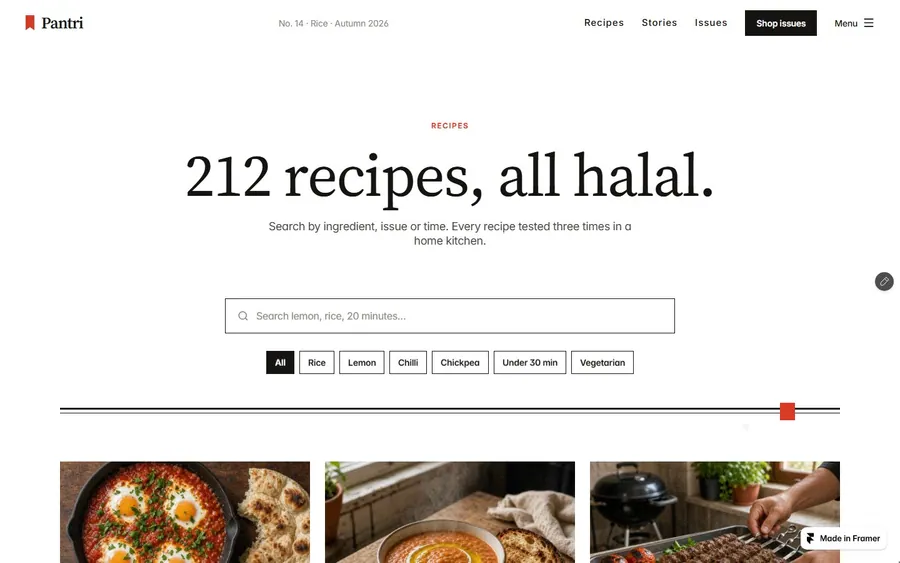 Jun 1, 8:00 AMRecipes12 pending
A whole issue out on the 1st
 Fri, 5:00 PMVendors8 pending
The vendor line-up drops Friday at 5
All you need is your Framer project link and an API key from the project's settings.
1Connect
Open Settings in the plugin. Paste your Framer project link and API key.
2Schedule
Load a collection, tick the drafts and pick a date and time. One post or a batch.
3Done
At that time the post goes live and the site publishes. The queue shows what ran.
If you build with an AI assistant like Claude or ChatGPT, connect it to FramerHub and ask in plain words. It finds the drafts and sets the times for you.
 ClaudeFARLINE /JOURNAL
Schedule the journal drafts for Tuesday, Thursday and Saturday at 9:00 AM.
 Used FramerHubschedule_cms_item
Done. Three posts are scheduled:
Tue 9:00 AM: The last stamp
Thu 9:00 AM: What goes in a daypack
Sat 9:00 AM: Lisbon tiles you only see on foot
Each one publishes the site at its time
2,000+ Framer users
“Love the plugin, so glad you made it. Thanks for building what Framer should have.”
Prices per year in USD. Your plan works from the plugin inside Framer.
UnlimitedMost studios
For studios with many client sites
$99per year
Yes. A scheduled publish publishes the whole site, so unfinished changes go live with it. If you have work in progress, keep it in a separate project or finish it before the time.
No. The scheduler runs on its own at the time you pick. Your laptop can be closed.
Yes. Tick several drafts and give them one publish time, or give each its own.
The queue shows the status, and the log tells you what went wrong, for example a missing CMS field.
It's only used to load your collections and run your schedules. It's encrypted when stored, sent over HTTPS, and deleted when you disconnect the project.
Yes, from the Scheduled tab, up until just before it runs.
3 schedules at a time on one project, with the queue and logs. Pro and Unlimited remove the limit.
It loads the collections in your project and schedules the drafts inside them.