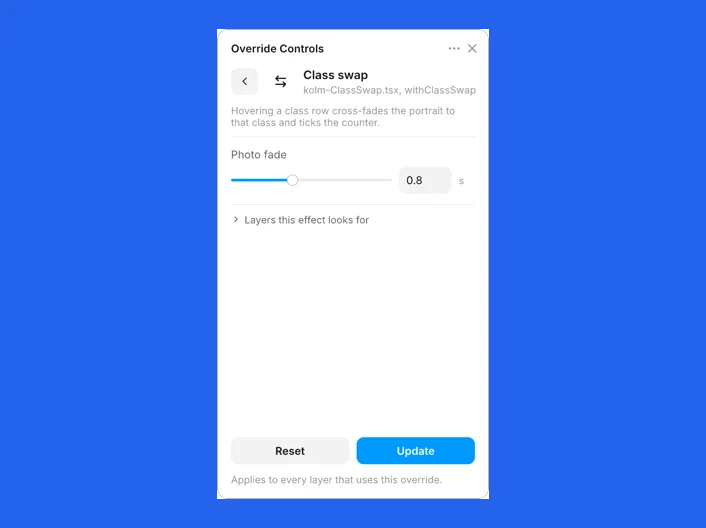
 Photo fade0.5 skolm-ClassSwap
Class swap
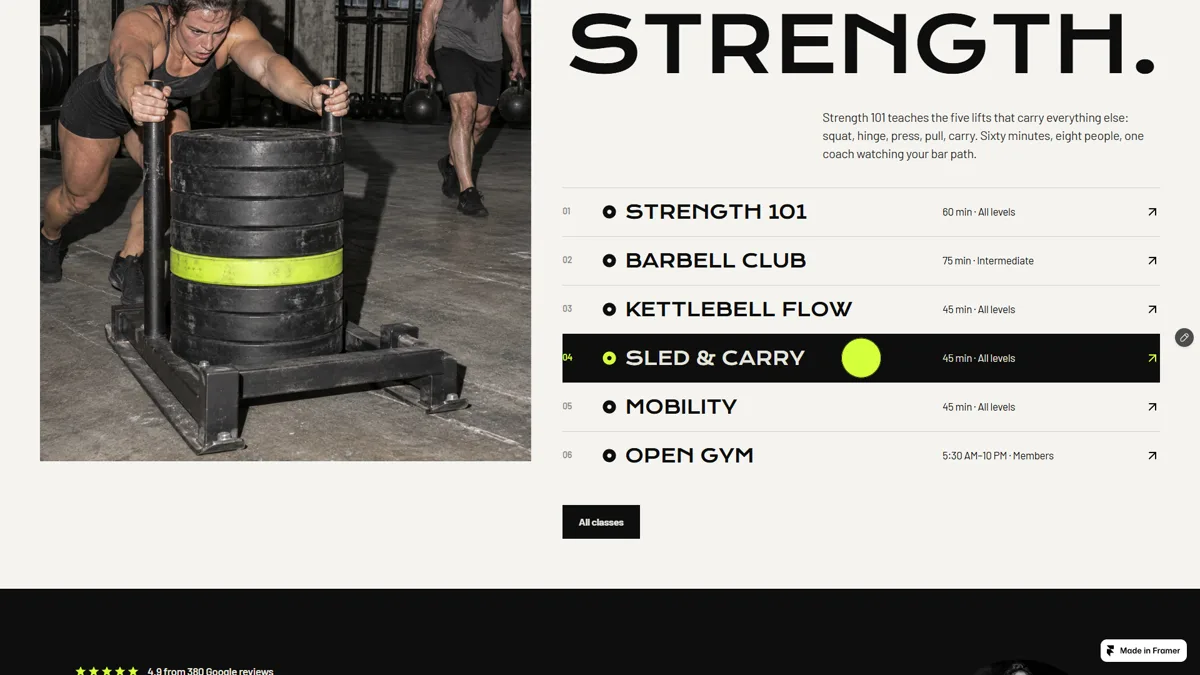
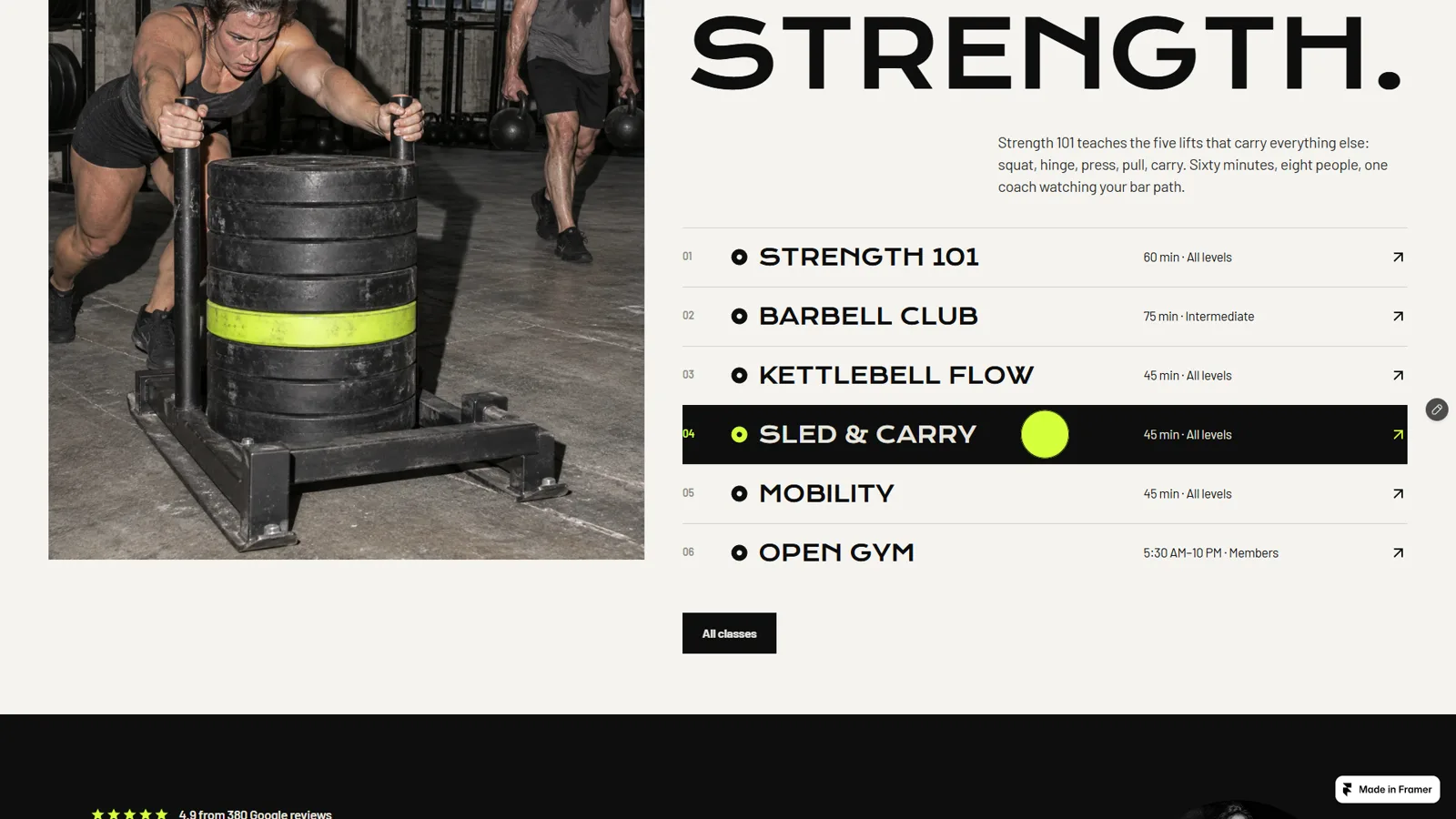
Hover a class row and the photo cross-fades to it.
Framer gives code components a settings panel, but code overrides get none. Override Controls shows each override's settings as a simple form: change a speed or a colour, press Update.
FREE / NO AI INSIDE / NOTHING LEAVES YOUR PROJECT
Kolm, our gym template, ships every effect with a settings block. Select the rail and the plugin shows its two settings: Glide and Caps drift.
A code component shows its settings in Framer's right panel. A code override shows only its name, so changing a speed means opening the code.
Yes, Framer's AI or your own AI tool can edit the value in the override. But each tweak is a new request, and your client can't do it alone.
Shown on Kolm, our gym template. Each card is a real override, with the settings the plugin shows.
Photo fade0.5 skolm-ClassSwapHover a class row and the photo cross-fades to it.
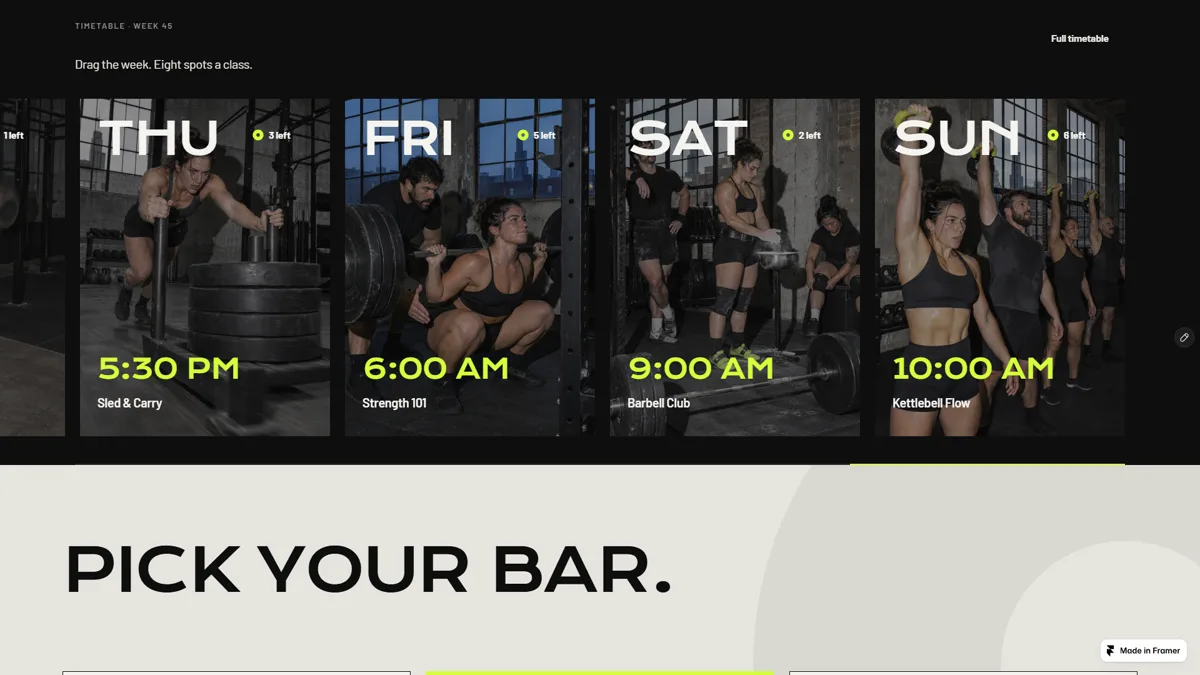 Glide0.94kolm-Rail
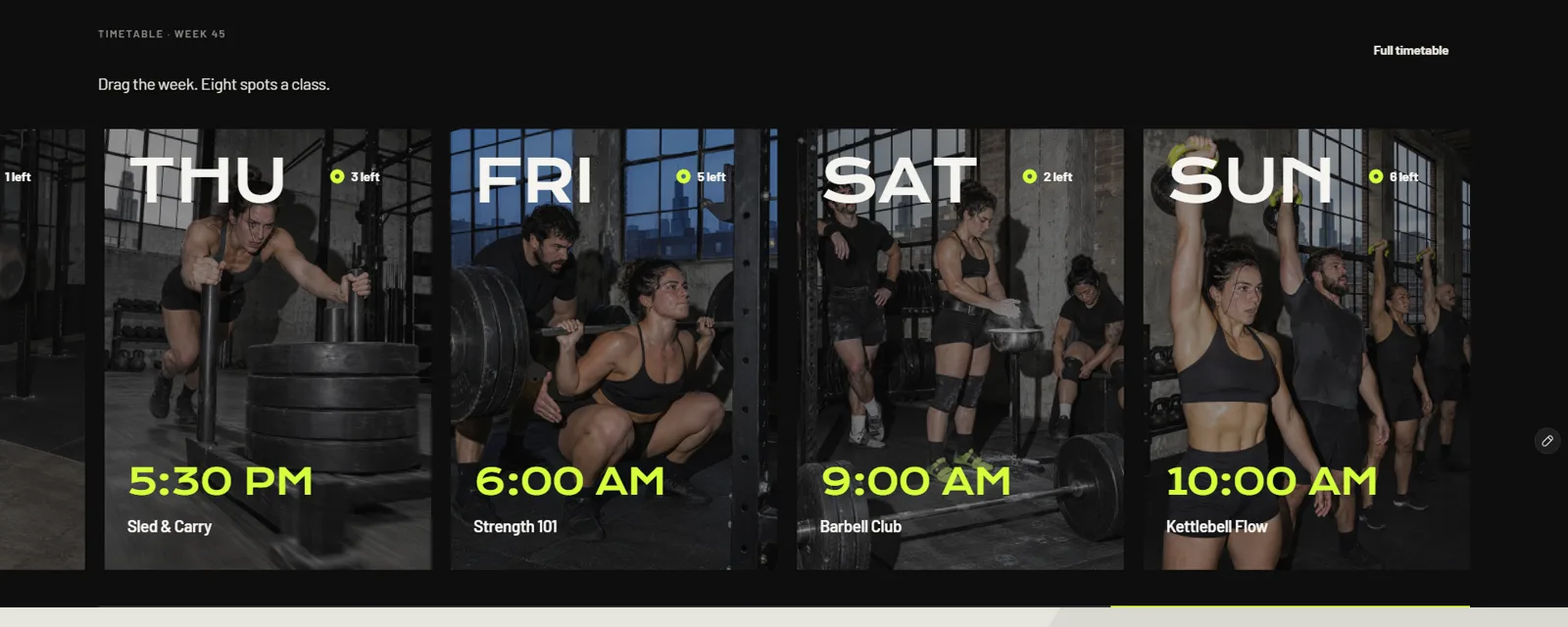
The week moves by drag only, with a little glide.
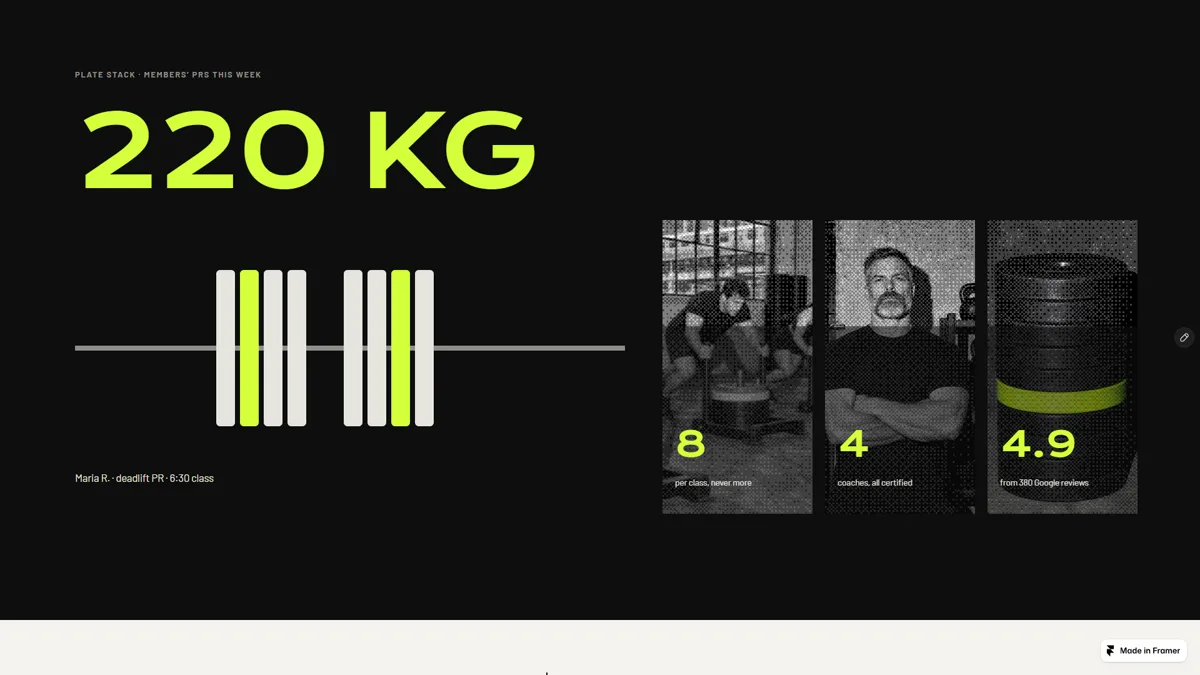 Bar weight20 kgkolm-PlateStack
Plates load onto the bar as you scroll, the kg counts up.
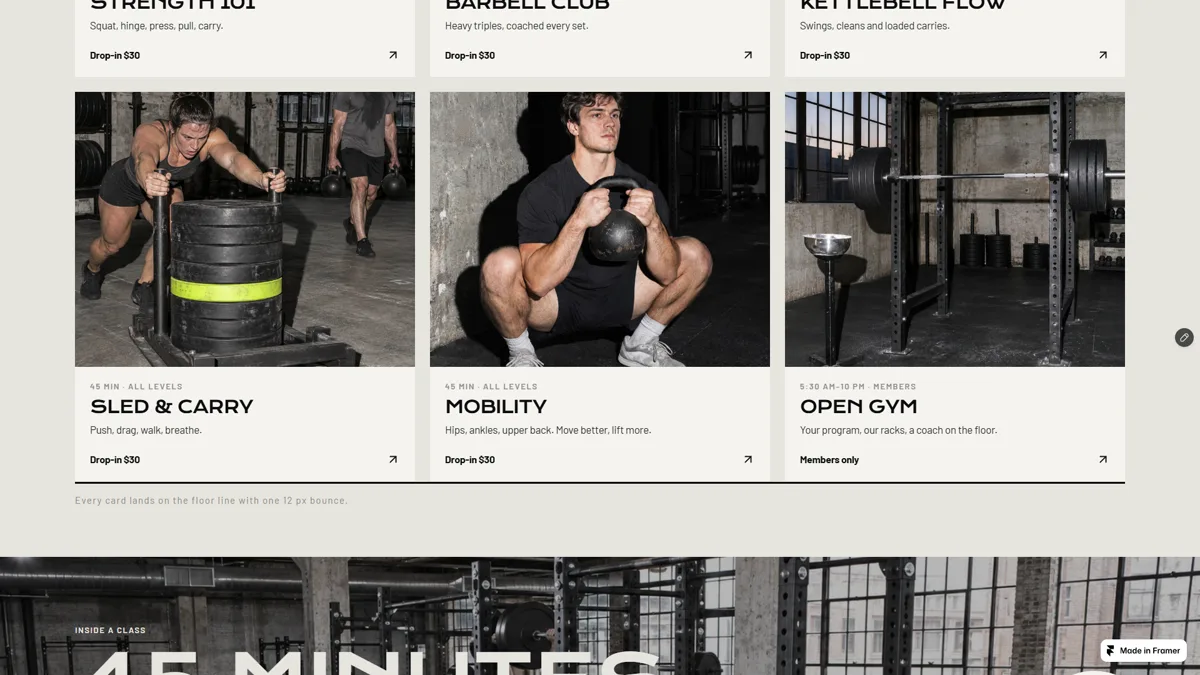 Bounce0.38kolm-GravityDrop
Cards fall in and bounce when they come into view.
Works on any override that carries a settings block. Our templates ship with them.
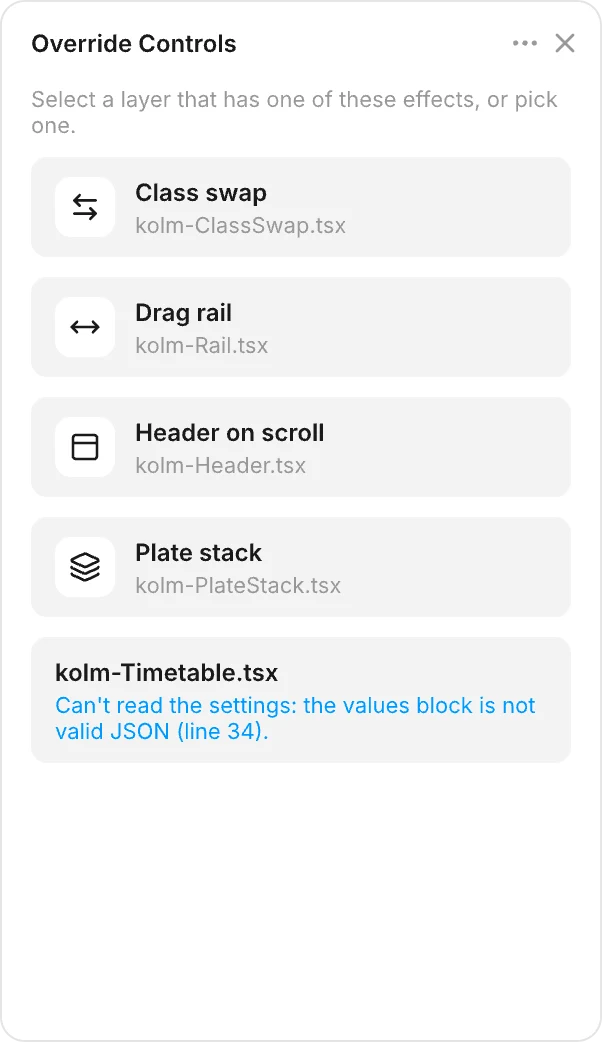
1Select the layer
Pick any layer inside the section, or the effect in the list. A file it can't read is marked and never written.
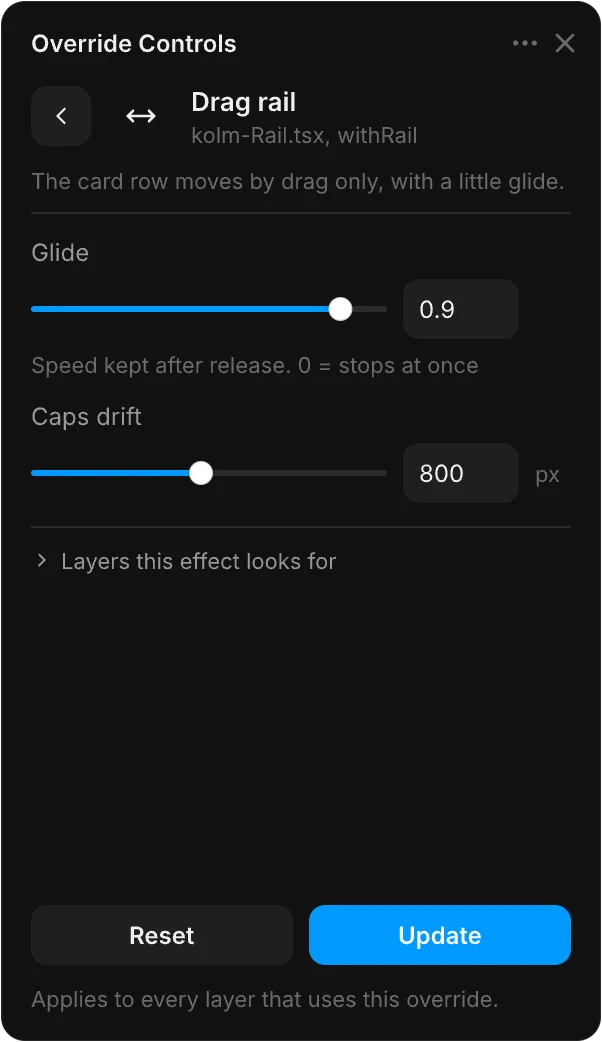
2Change the fields
Sliders with units, on and off, dropdowns and colours linked to your colour styles.
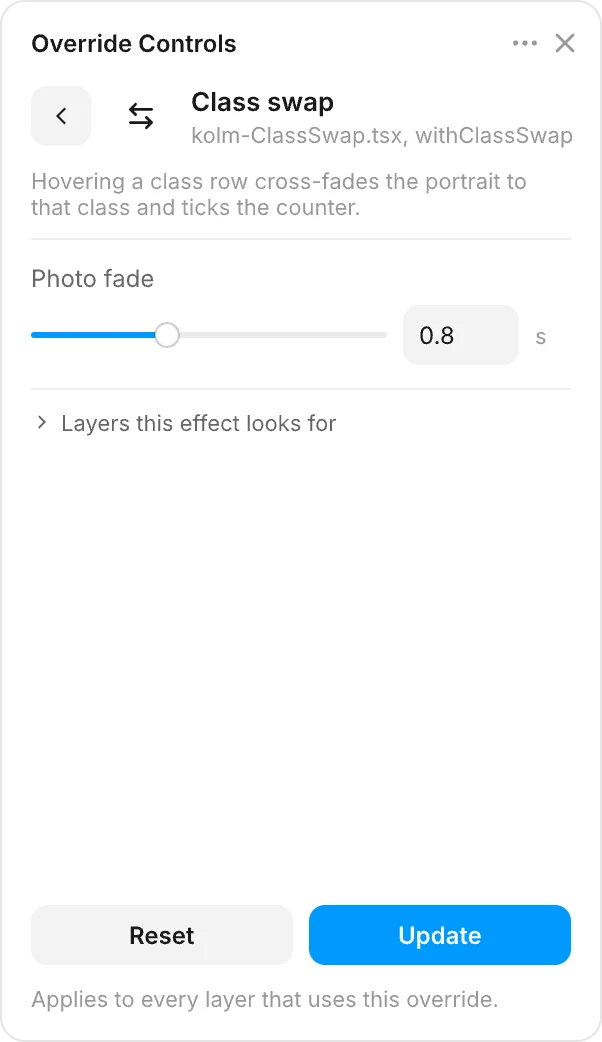
3Press Update
Only the values change. The plugin checks the code first and refuses a broken result.
Add the free override-controls skill to Framer's built-in agent or to your own AI tool (Claude, Cursor, Codex) with the Framer MCP or CLI. It writes overrides in the format the plugin reads, so you can check and tune every value it set.
 ClaudeKOLM /HOME
Add a drag rail to the This week section with settings I can change later.
 Used the override-controls skillkolm-Rail.tsx
Done. I added a drag rail to This week:
New override kolm-Rail.tsx with a settings block
Applied to the This week section
Aria Labels set: Rail track, Rail progress
Settings: Glide 0.94, Caps drift 600 px
2,000+ Framer users
“He really helped me out when I needed assistance adding it to my Framer project. Super fast customer support, highly recommend!”
No trial and no paid tier. Use it on as many projects as you like.
Override ControlsFree plugin
For every project with overrides
Free
No. It reads the settings block in your override files and writes the new values back. Nothing leaves your project.
It works with overrides that carry a settings block. Our templates ship with them, and the free skill adds one to yours.
Settings belong to the override file. Every layer that uses it changes. For different values, duplicate the override.
It shows as "Can't read the settings" with the reason, and the plugin never writes to it.
It checks the code before saving and refuses a result with new errors. Framer also keeps a version of every save.
Numbers with a slider and unit, on and off, text, dropdowns, and colours you can link to a colour style.
Add a short settings block at the top of each override file. The free override-controls skill writes it for you, and your buyers get a form.
Yes. Override Controls is completely free, with every feature, on as many projects as you like.