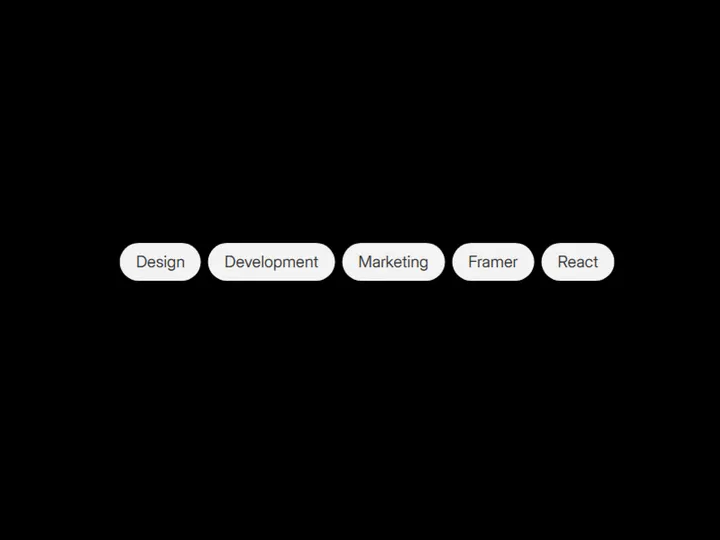
Turns a comma-separated list into tag pills.
$9
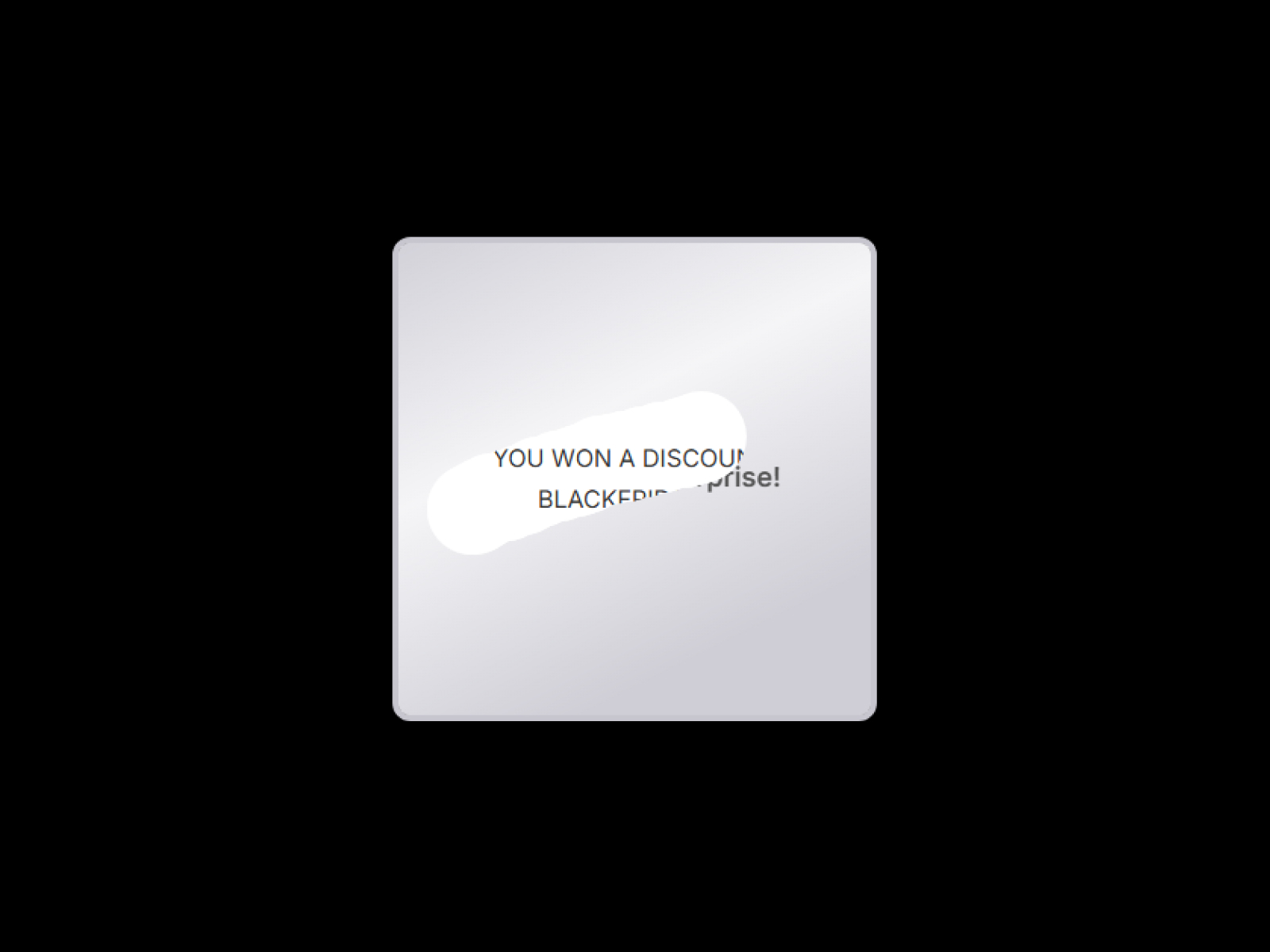
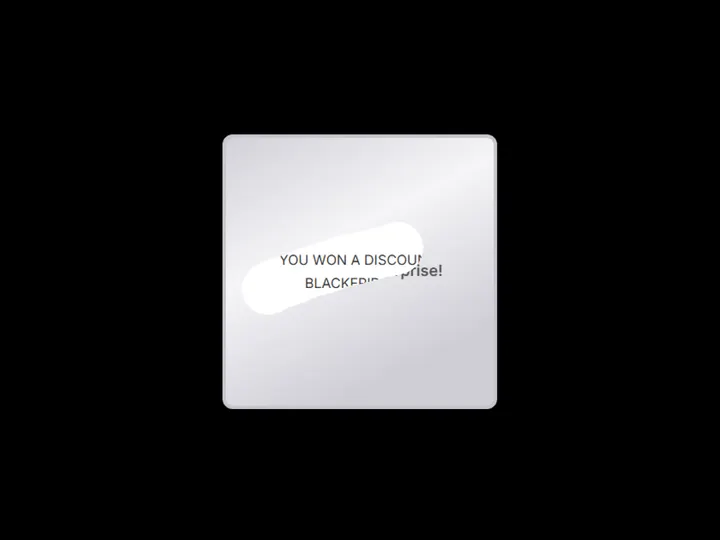
A foil coupon visitors scratch away with a mouse or finger to reveal a prize.
 INTERACTSCRATCH CARDINTERACTCOUPONGAMIFICATIONREVEAL
About two minutes. No code, no embeds, no scripts to paste in settings.
After you buy, the component URL waits in your FramerHub dashboard under Recent purchases. Click Copy URL. The receipt email from Polar carries the same link.
 Scratch & Win CouponComponent, bought today Copied
Open your client's project and paste anywhere with Cmd or Ctrl + V. It lands as a normal component you can move and resize.
Every setting lives in Framer's properties panel on the right: content, colours, speed and the phone layout. Your client never sees it.
ScratchWinCoupon
This is the panel you get in Framer. Nothing to code, nothing your client can break.
Realistic scratch effect
Confetti celebration
Custom images & text
Realistic scratch effect
Confetti celebration
Custom images & text
Mobile optimized
Auto-reveal threshold
Just this component
$9once
Every component and every template
$13/month, billed $149 yearly
Turns a comma-separated list into tag pills.
$9
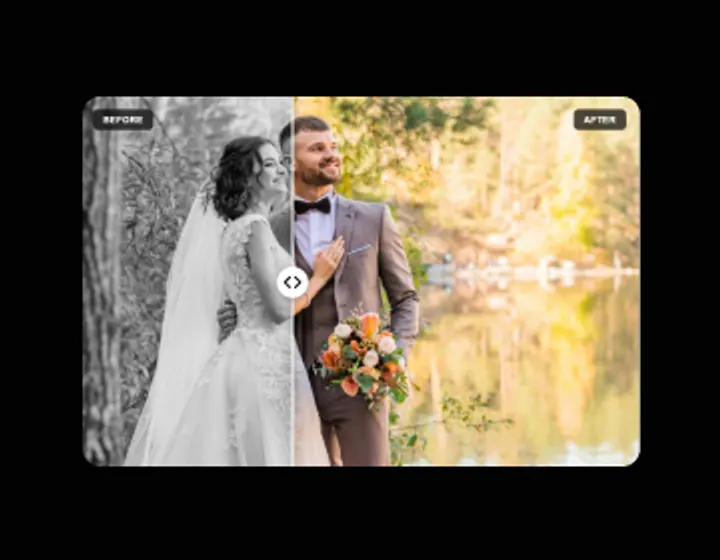
A before-and-after image slider with arrow handles.
$12
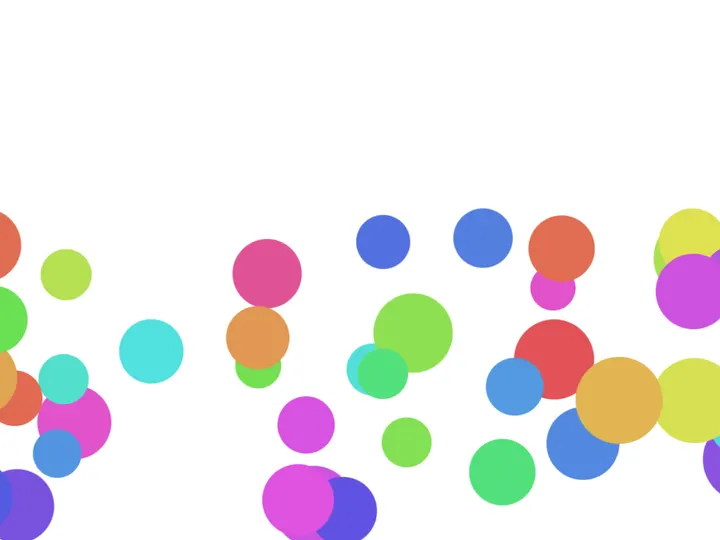
Free 2D gravity physics canvas for Framer where colored balls fall, collide, and scatter away from the visitor's cursor.
Free
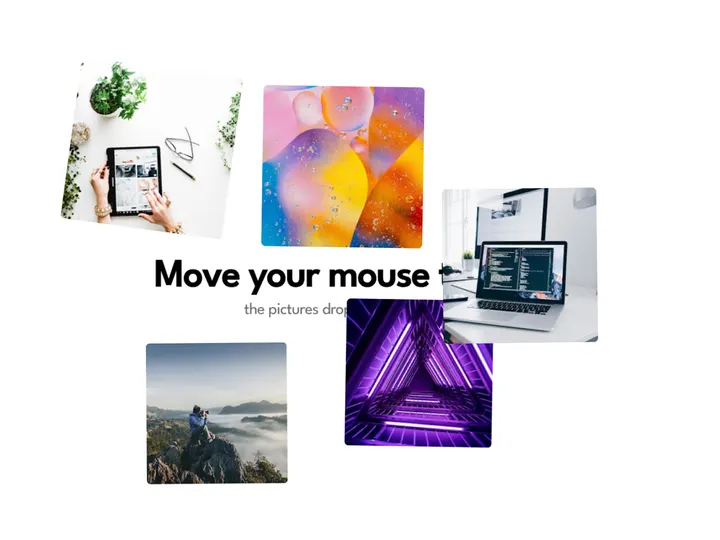
A GSAP-powered trail of images that bounce behind your cursor.
$9
Scratch & Win Coupon covers a prize with a shiny foil layer that visitors scratch away with the mouse or a finger. Once they have uncovered enough, the rest clears automatically and a confetti burst celebrates the reveal. It turns a discount code, a secret message or a product teaser into a small game that people actually finish.
You style the card border, the foil (color, texture image and a call-to-action like "SCRATCH ME"), the prize label, code and background, the confetti, the brush size and the reveal threshold in Framer's properties panel. For full control, connect your own design as the prize.
Realistic scratching. Interpolated strokes, so fast movements leave continuous lines.
Animated foil. A moving shine that disappears as the foil is scratched.
Auto-reveal. The prize clears once a set percentage is scratched.
Confetti. A ribbon burst on reveal, with custom colors.
Custom prize slot. Use any Frame or component as the winning state.
Touch support. Works on phones and tablets.
E-commerce discount codes. Put the card on a landing page with "Scratch to reveal your discount" above it and the code underneath. Earning the code feels like a win, and the confetti adds a moment of delight before checkout.
Newsletter rewards. Show the card on the thank-you page after signup, with a welcome offer as the prize. Visitors leave the flow with something.
Product and feature teasers. Hide a product image or launch date behind the foil on a "coming soon" page, using the custom prize slot.
Event and holiday campaigns. Seasonal foil textures and confetti colors make a festive giveaway page with very little design work.
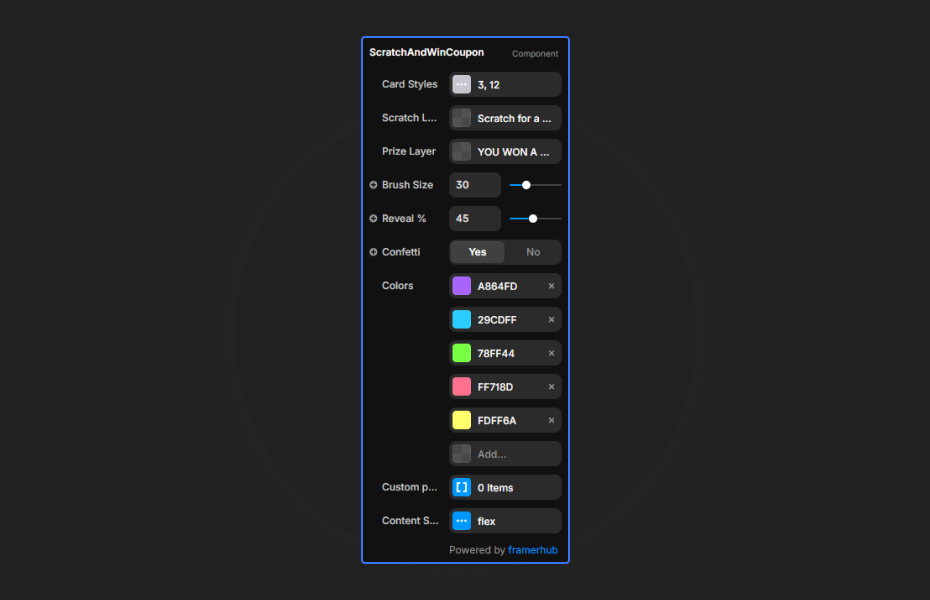
Card styles
Scratch layer
Prize layer
Confetti
Custom prize
Classic coupon. Silver foil, "SCRATCH ME", brush size 25, reveal at 55%, confetti in brand colors.
Premium offer. Gold foil texture image, dark prize background with a white code, brush size 20.
Teaser. Custom prize slot with a product image, reveal at 50%, confetti off for a calmer reveal.
The scratch surface is an HTML5 canvas with offscreen buffering, so it stays smooth on mobile. A brush size of 20 to 30 feels most satisfying: smaller is tedious and larger is too easy. Keep the reveal threshold around 50 to 60% so nobody has to hunt for the last flecks of foil.
Before After Picture also reveals one layer under another, but as a comparison slider. Counter Number animates figures such as a discount percentage. Exit Popup can present the offer when visitors are about to leave. Choose Scratch & Win Coupon when you want the reveal itself to be the fun part.
Single-use license: use it in one client project with full commercial rights. No redistribution. 1 license = 1 client.
Questions before buying? Read the refund policy or email hello@framerhub.io.
Yes. It handles touch automatically, so visitors scratch with a finger on phones and tablets.
Yes. Connect any Frame or component to the Custom prize connector and it becomes the prize layer. The default text controls are then hidden.
You set a reveal percentage. Around 50 to 60% works well: once that much is scratched, the whole prize is revealed automatically.
Yes. Confetti is on by default when the prize is revealed, and you can switch it off or change its colors.