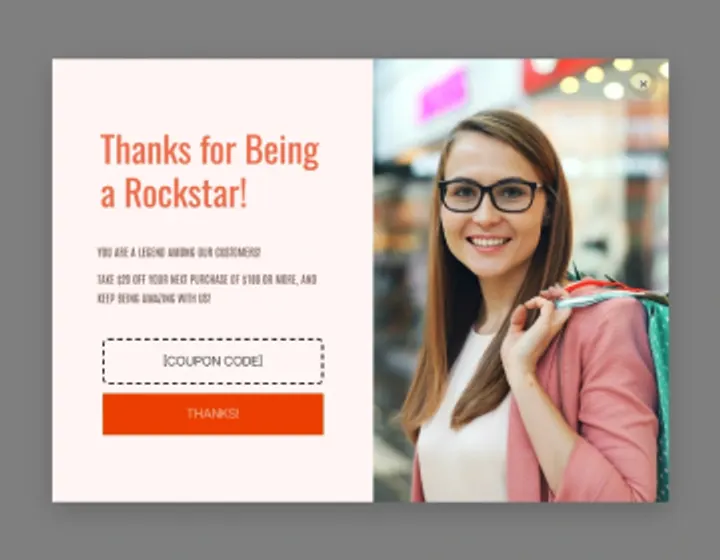
A popup that opens after a delay, on exit intent or after scrolling.
$15
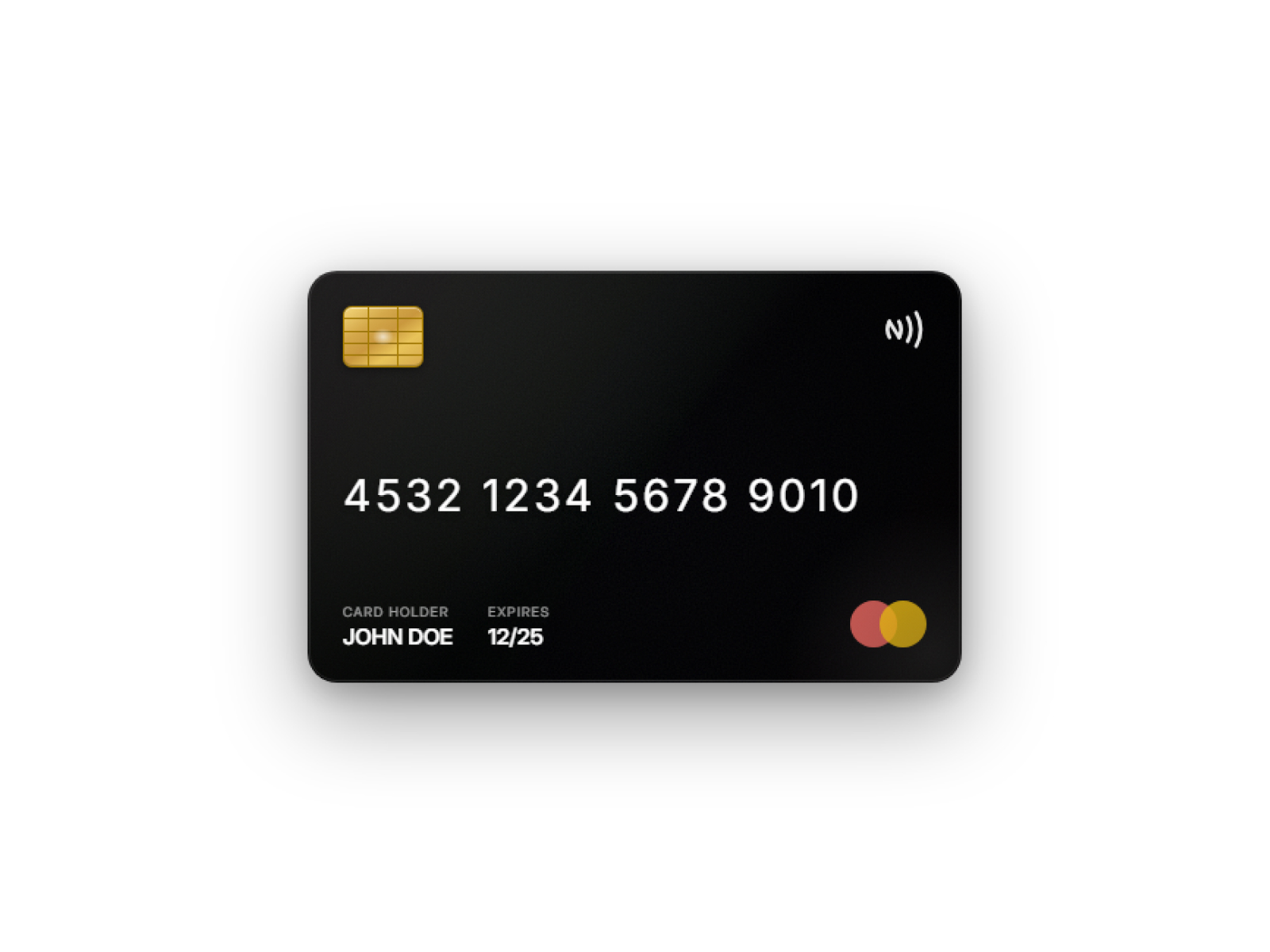
A 3D credit card that tilts, with holographic glare and a frosted-glass finish.
 UI ELEMECREDIT CARDUI ELEME3DTILTINTERACTIVE
About two minutes. No code, no embeds, no scripts to paste in settings.
After you buy, the component URL waits in your FramerHub dashboard under Recent purchases. Click Copy URL. The receipt email from Polar carries the same link.
 Credit Card 3D TiltComponent, bought today Copied
Open your client's project and paste anywhere with Cmd or Ctrl + V. It lands as a normal component you can move and resize.
Every setting lives in Framer's properties panel on the right: content, colours, speed and the phone layout. Your client never sees it.
CreditCard3DTilt
This is the panel you get in Framer. Nothing to code, nothing your client can break.
Interactive 3D tilt on mouse hover
Holographic rainbow shimmer effect
Glassmorphism overlay with noise texture
Interactive 3D tilt on mouse hover
Holographic rainbow shimmer effect
Glassmorphism overlay with noise texture
Contactless payment icon
Custom card network logo support
Fully customizable colors and imagery
Just this component
$9once
Every component and every template
$13/month, billed $149 yearly
A popup that opens after a delay, on exit intent or after scrolling.
$15

Turns any image into a 3D particle field that reacts to mouse and touch.
$9
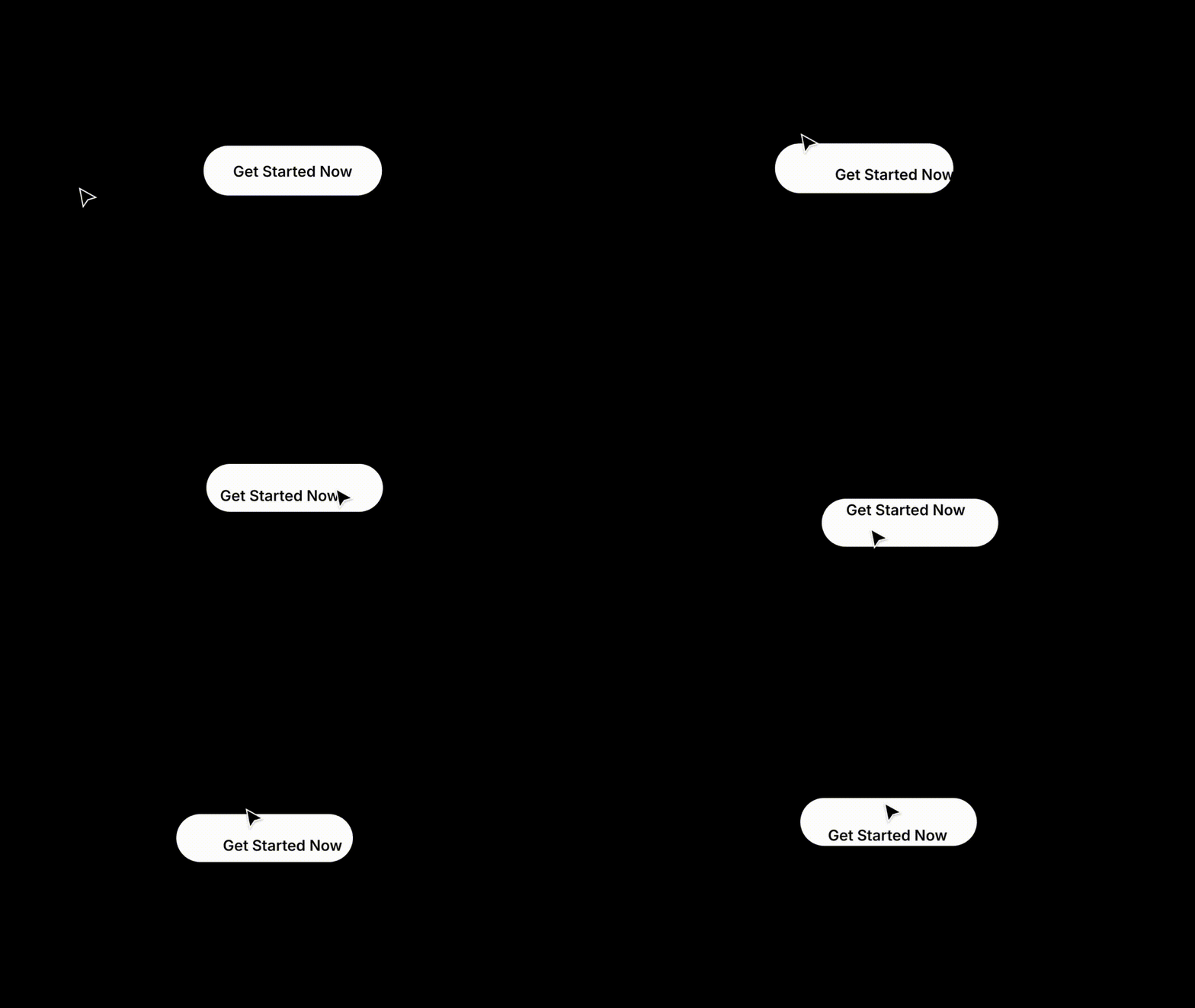
Buttons that pull toward your cursor.
$5
Interactive 3D physics tags that react to gravity and collisions.
$12
Credit Card 3D Tilt is a realistic payment card that tilts in 3D as the cursor moves over it. A holographic rainbow shimmer and a glare follow the cursor across the surface, and a frosted-glass finish with a fine noise texture makes it look like a premium card rather than a flat illustration. Card number, name, expiry, network logo and contactless icon are all editable.
You set the text, gradient or background image, logo, glare, shimmer, noise and tilt strength in Framer's properties panel.
3D tilt. Smooth tilt toward the cursor, from 5 to 30 degrees.
Holographic shimmer. A rainbow gradient that moves with the cursor, like the security foil on real cards.
Glassmorphism. Frosted glass and a noise overlay for a premium surface.
Contactless icon. Can be shown or hidden.
Network logo. Upload Visa, Mastercard or your own mark, or use the default circles.
Card and banking product launches. Put the card at the right of a hero headline like "The card that pays you back", using your real card design as the background image. Visitors can "hold" the card before they apply.
Fintech feature sections. Next to a list of benefits (cashback, virtual cards, instant freeze), the tilting card gives the section a focal point that is on-topic.
Checkout and pricing pages. A small card beside a payment form adds a touch of polish. Use placeholder details so nobody mistakes it for a real card.
Membership and loyalty programs. Restyle it as a member card with the program's colors and the member tier as the holder name.
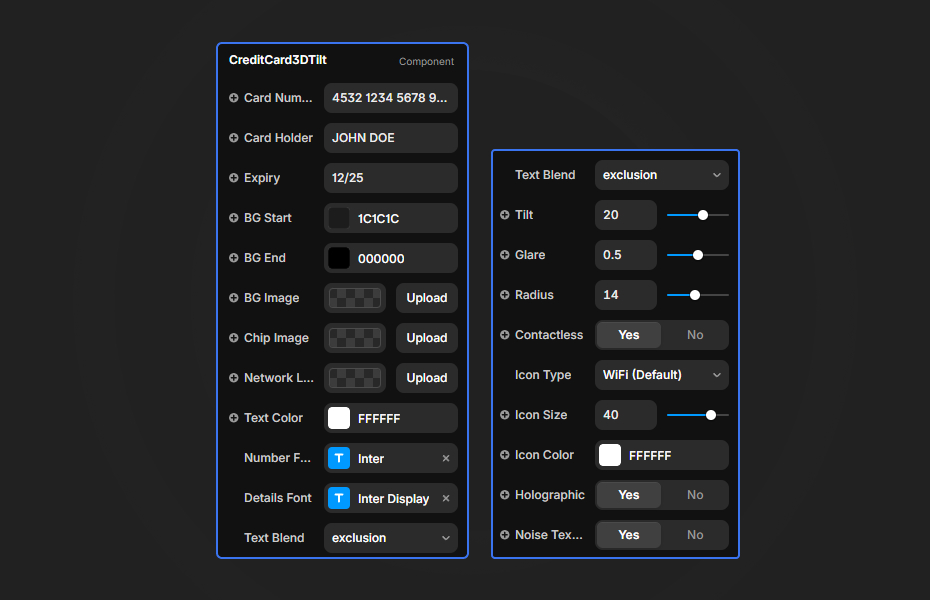
Card details
Visual styling
Effects
Premium dark. Default dark gradient, shimmer on, glare around 40%, noise on, tilt 15 degrees.
Light brand card. Light gradient colors with dark text, shimmer on, glare around 25%, tilt 10 degrees.
Real card mockup. Your card artwork as the background image, matching logo, shimmer off, tilt 10 degrees for a calm, realistic feel.
The card is light, but the holographic layer is the most expensive part, so turn it off for projects with mostly mobile visitors. The tilt is mouse-driven, so phone visitors mostly see the card at rest. For light mode, use lighter gradient colors with dark text.
Magnetic Buttons and Counter Number are other small interactive details for fintech and SaaS pages. Liquid Chrome gives a reflective metallic surface if you want a material effect instead of an object. Choose Credit Card 3D Tilt when the product itself is a card.
Single-use license: use it in one client project with full commercial rights. No redistribution. 1 license = 1 client.
Questions before buying? Read the refund policy or email hello@framerhub.io.
Yes. Upload a background image for a branded card, set your own gradient colors, and upload a Visa, Mastercard or custom network logo.
Yes. Card number, holder name and expiry date are text properties, so you can show a realistic format or placeholder text for a demo.
The default is 15 degrees. 5 to 10 degrees feels subtle and elegant, and 20 to 30 degrees is more dramatic.
The tilt is driven by the mouse, so phone visitors mostly see the card at rest, which still looks finished. Turning off the holographic effect on mobile-heavy projects keeps things smooth.