
Interactive WebGL liquid blob hover mask that wipes away a top hero photo to reveal a second image underneath.
$9
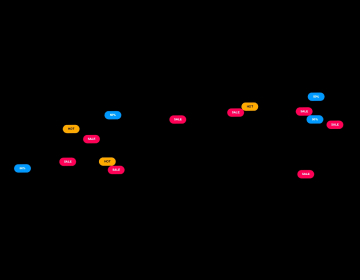
Interactive 3D physics tags that react to gravity and collisions.
 INTERACTPHYSICSINTERACTTAGSMATTER.JSINTERACTIVE
About two minutes. No code, no embeds, no scripts to paste in settings.
After you buy, the component URL waits in your FramerHub dashboard under Recent purchases. Click Copy URL. The receipt email from Polar carries the same link.
 Physics TagsComponent, bought today Copied
Open your client's project and paste anywhere with Cmd or Ctrl + V. It lands as a normal component you can move and resize.
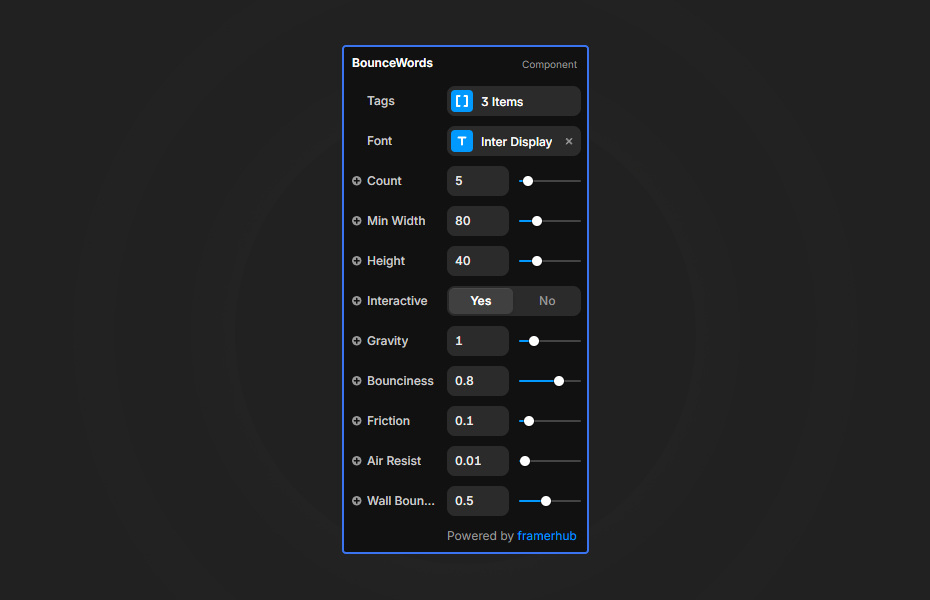
Every setting lives in Framer's properties panel on the right: content, colours, speed and the phone layout. Your client never sees it.
PhysicsTags
This is the panel you get in Framer. Nothing to code, nothing your client can break.
Realistic physics simulation
Customizable tag colors and text
Interactive mouse repulsion
Realistic physics simulation
Customizable tag colors and text
Interactive mouse repulsion
Adjustable physics parameters
Transparent background
Just this component
$12once
Every component and every template
$13/month, billed $149 yearly
Interactive WebGL liquid blob hover mask that wipes away a top hero photo to reveal a second image underneath.
$9
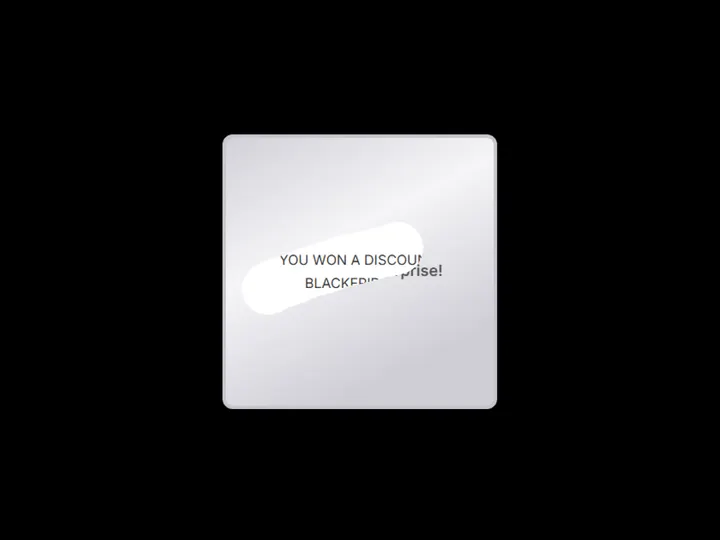
A foil coupon visitors scratch away with a mouse or finger to reveal a prize.
$9
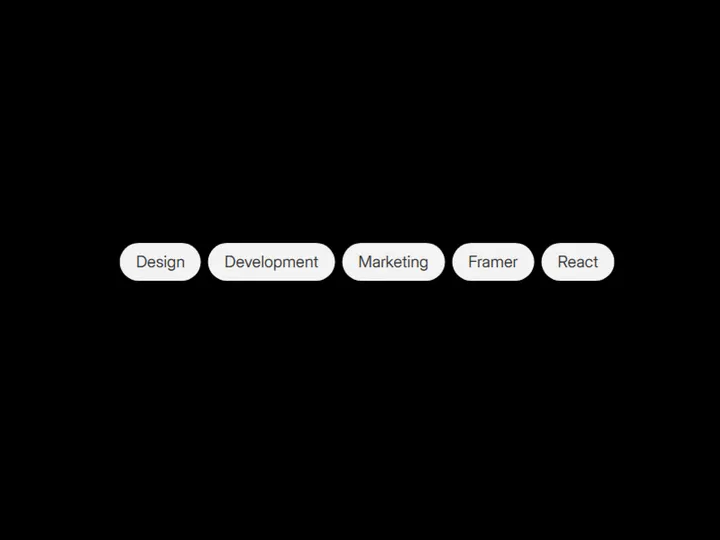
Turns a comma-separated list into tag pills.
$9

A before-and-after image slider with arrow handles.
$12
Tags that drop into the container, bounce and pile up with real physics, then scatter when the cursor moves over them.
Matter.js physics. Gravity, bouncing and friction from Matter.js.
Your tags. Set each tag's text, color and text color in a list control.
Mouse repulsion. Tags move away from the cursor on hover.
Physics settings. Gravity, bounciness, friction, air resistance and wall bounce.
Transparent background. Place it over any background in your Framer project.
Skills. Skills or technologies on a portfolio.
Sales. Discount and sale tags that tumble in.
Tag clouds. A tag cloud with physics.
Playful sections. Something visitors can push around.
Tags
Physics
Single-use license: use it in one client project with full commercial rights. No redistribution. 1 license = 1 client.
Questions before buying? Read the refund policy or email hello@framerhub.io.