Keep Filters in the URL So Clients Can Share Results
Why shareable filter URLs matter on directories, real estate portals, and recipe sites, what Framer's native Dynamic Filters do, and how to turn on URL sync with CMS Filter.
A real estate agent narrows a property list to Gold Coast, 3+ beds, $500k-$800k, copies the browser URL, and pastes it into WhatsApp for a buyer. The buyer clicks the link and lands on all 200 unfiltered properties.
That single broken workflow happens on almost every CMS listing site where filter state lives only in memory. The same thing breaks the browser Back button: a visitor filters a directory, clicks one item to read details, presses Back, and has to re-select every filter from scratch.
Saving active filters in the URL fixes both problems at once. Here is how URL filter state works in Framer, where native filters stop, and how to enable URL sync in CMS Filter in under two minutes.
Key Takeaways
- Putting active filters in the URL (
?category=rice&time=under-30) lets clients, sales reps, and visitors share exact filtered views with one link.- URL state preserves the visitor's position when they click into an item and press the browser Back button.
- CMS Filter syncs multi-field search, range sliders, facets, and sort order into the URL automatically via one toggle, with no custom JavaScript required.
- Keep the base listing URL as your SEO canonical so Google indexes the main directory page instead of thousands of parameter combinations.
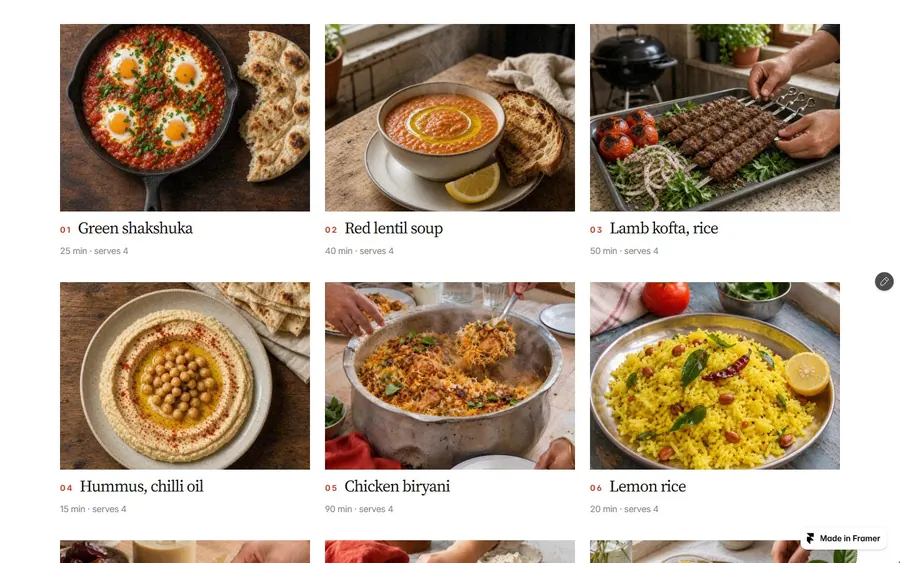
On Pantri, our recipe template, picking dish type and cooking time updates the URL so any filtered search can be bookmarked or sent to a friend.
Why Clients Notice Missing URL State Immediately
URL-synced filters are rarely written into a client's first brief, yet they show up fast after launch in four real situations:
- Sales and agent links: a broker or recruiter filters listings for a specific client and emails the URL directly.
- Marketing campaigns: a newsletter or ad links straight to
/recipes?diet=vegetarian&time=under-30or/properties?hood=gold-coastwithout building a separate static landing page for every combination. - Browser Back button: visitors click into five listings in a row; without URL state, every Back click wipes out their search and sends them back to item #1.
- Bookmarking: repeat visitors save a filtered job board or vendor list and expect the same criteria next week.
What Native Framer Dynamic Filters Cover
Framer's native Dynamic Filters tie simple controls to page variables, which is a clean starting point for basic single-field tabs or dropdowns. Where native filters fall short is composing multiple complex controls together (numeric price ranges, multi-field keyword search, visitor sorting, active removable chips, and synced desktop/mobile filter drawers) and serializing all of them cleanly into a shareable URL.
For the full comparison of what native Dynamic Filters handle versus where they stop, read our Framer Dynamic Filters guide.
How to Enable URL Sync With CMS Filter (Step by Step)
If your listing page already runs on CMS Filter, turning on URL parameters takes a single toggle:
Step 1: Give Each Filter Control a Clean Key
Select each filter component on your canvas (Search, Category facets, Price Range slider, Sort dropdown) and check its field or parameter name in the right-hand Properties Panel. Short, readable names like category, price, beds, and q produce clean URLs that look trustworthy when pasted into Slack or email:
/properties?hood=gold-coast&beds=3&price=400000-800000&sort=price-asc
Step 2: Turn On URL Sync on the Collection Wrapper
- Select your CMS Filter collection controller on the canvas.
- In the Properties Panel, switch Save filters in URL (URL Sync) to On.
- Publish the site to a real URL (URL query updates are best verified on your published domain or
.framer.websitepreview, not only inside the editor canvas).
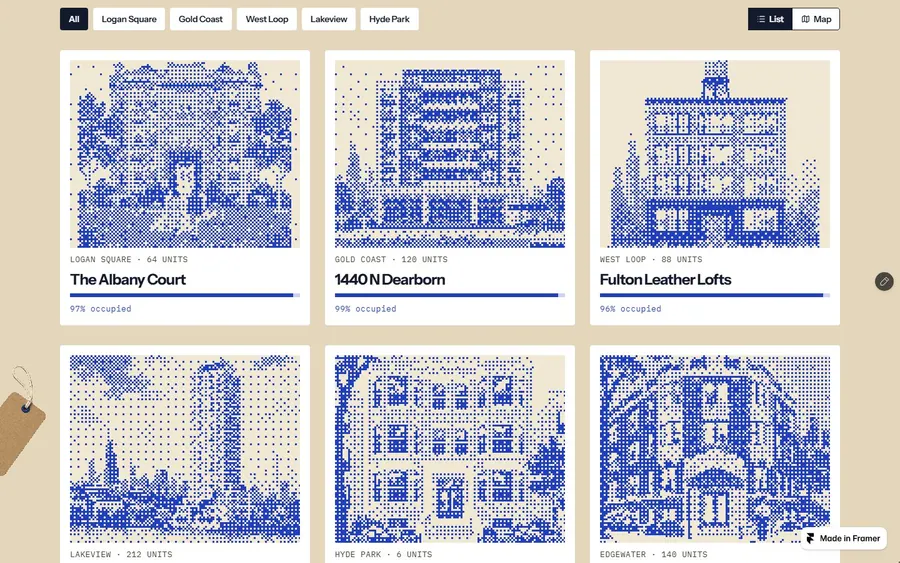 Tenwell combines search, neighbourhood chips, unit range, building type checkboxes, and sort order, all restored automatically from a shared link.
Step 3: Test Three Real Flows
Open the published page and verify three behaviors before handing it off:
- Apply two filters + a search term and watch the browser address bar update live without reloading the page.
- Copy the URL into a new Incognito window. Confirm the same filter chips appear active, the inputs reflect the chosen range/options, and the result count matches.
- Click one listing card, then press Back. Confirm the filtered grid and active chips remain intact.
Keep Filtered URLs Clean for SEO
A common concern when adding query parameters is accidentally creating thousands of thin duplicate URLs in Google Search Console. Two simple rules prevent that:
- Keep the base URL canonical. Your main
/propertiesor/recipespage should stay the canonical URL so search engines consolidate ranking signals on one strong page instead of crawling every?price=100-500&sort=ascpermutation. - Create dedicated category pages only for high-intent terms. If a client genuinely wants to rank for "Gold Coast apartments" or "Halal dinner recipes", build a dedicated static or CMS category page for that term rather than expecting a query-string URL to rank on its own.
For a deeper look at structuring real estate or directory collections cleanly before adding filters, see our Framer real estate website guide and Framer directory website guide.
Frequently Asked Questions
Does URL sync reload the page every time a visitor clicks a filter?
No. CMS Filter updates the browser URL using History state (replaceState / pushState), so filtering stays instant with zero full-page reloads.
Can I link directly to a pre-filtered view from my navigation bar or newsletter?
Yes. Filter the live page to the exact view you want, copy the URL from the address bar, and paste that link into any button, email campaign, or social post.
What if a visitor clicks "Clear all"?
Clicking CMSClearAll resets every active filter control and clears the filter parameters from the URL cleanly.
Add shareable, URL-synced filters to any Framer CMS list
CMS Filter adds multi-field search, range sliders, facets, active chips, sort controls, and URL sync in about five minutes. Pay once, no code.

Shahul
Founder of FramerHub
More CMS guides
CMS5 min read
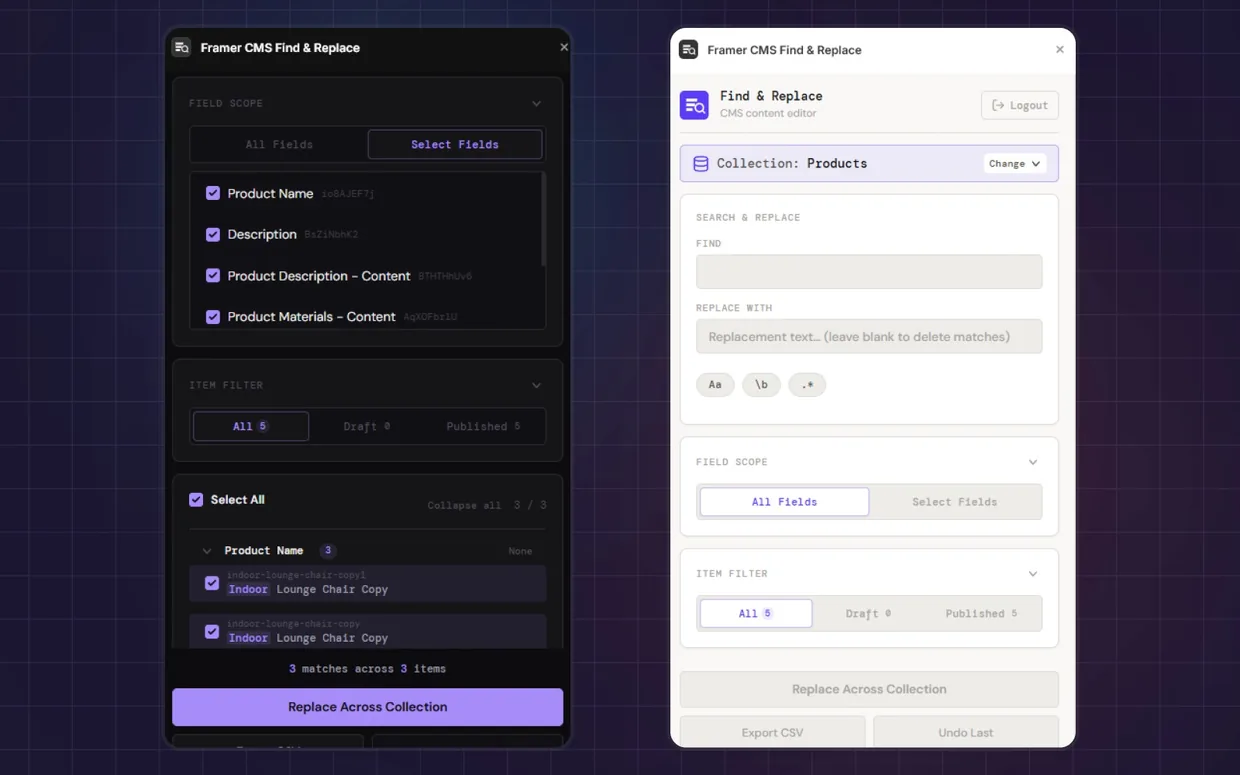
Bulk Find and Replace Text Across a Framer CMS Collection
Framer CMS edits items one by one. Here is how to find and replace words, links, or regex patterns across an entire collection in one pass with preview, CSV export, and undo.

CMS11 min read
How to Build a Directory Website in Framer
Build a directory website in Framer: start from a template or from scratch, model listings in the CMS, use native Dynamic Filters, and add multi-field search, sort and counts.
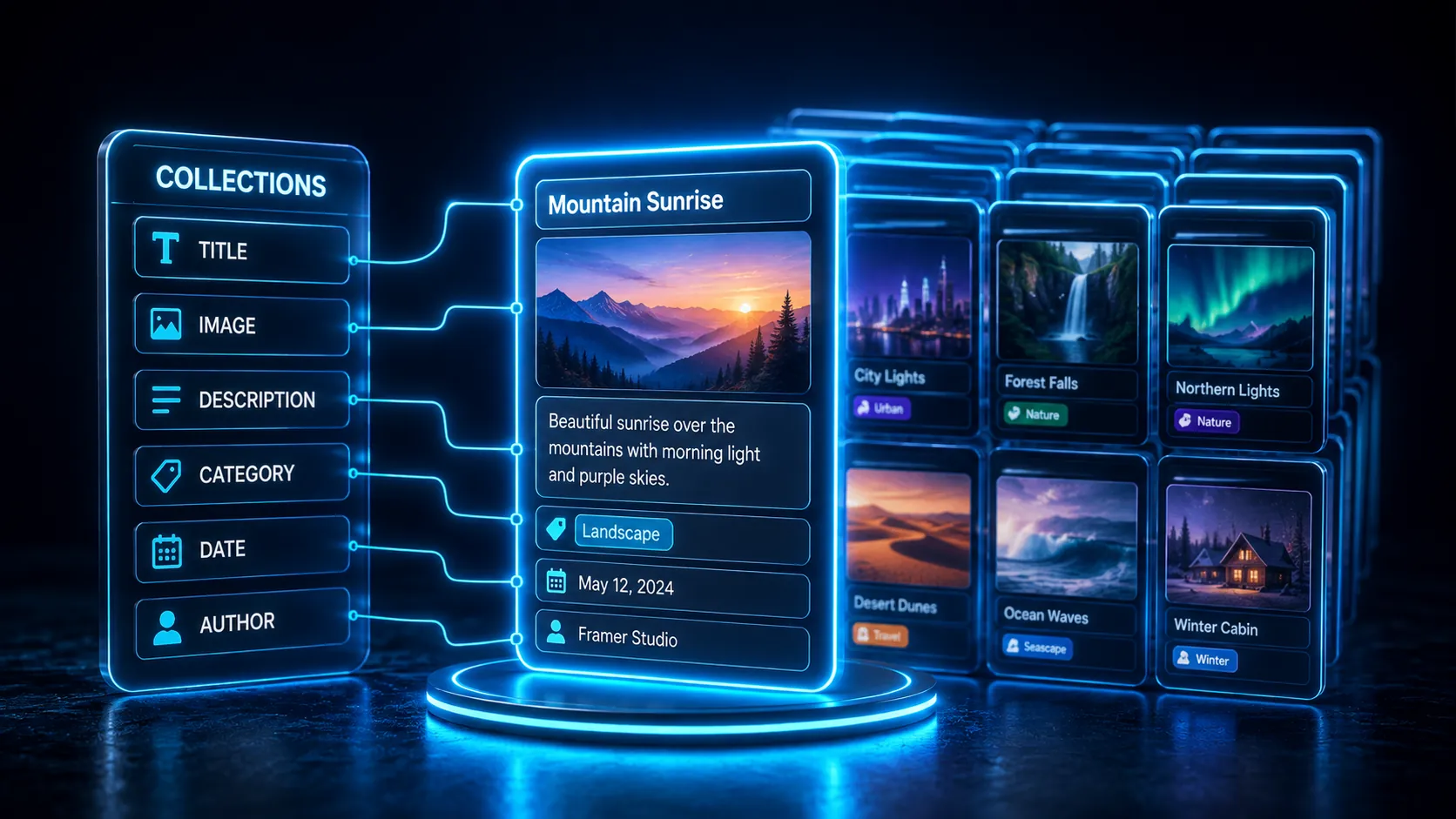
CMS12 min read
Framer CMS Collections: The Complete Tutorial
A hands-on tutorial for Framer CMS collections: creating one, structuring fields, connecting a page template, and generating dynamic pages from scratch.