Hand a Framer Site to a Client: Our Checklist
A practical client handover checklist for Framer freelancers and agencies: workspace transfer, editor access, CMS training, plugin licences, SEO checks, and the day-one handover email.
A clean Framer build can still turn into three weeks of messy support messages if handover is rushed. The client gets a raw remix link, accidentally deletes a layout wrapper on day two, asks why their contact form is still emailing your address, and cannot remember how to publish a new blog post.
This is the handover checklist we use before sending final delivery on a client site. Work through it top to bottom before the final invoice clears.
Key Takeaways
- Move billing, the Framer plan, and the custom domain onto the client's own workspace before launch so you never own their monthly hosting bill.
- Test every form destination, filter control, store checkout, and mobile breakpoint on the live custom domain, not the
.framer.websitestaging URL.- Lock structural layers and keep an unpublished
_Handoverpage inside the project with three short Loom videos.- Send one structured day-one email listing logins, licences, and how to ask for post-launch edits.
1. Clean Up the Project File First
Before inviting anyone from the client's team into Framer, tidy the file so it holds up six months from now:
- Delete scratch pages and unused experiments. Old
/home-v2or/testpages accidentally get indexed if someone forgets to togglenoindex. - Check Assets and Styles. Remove unused components, orphan color styles, and duplicate text styles. Our scalable Framer architecture guide covers the naming structure that keeps files easy to hand over.
- Lock structural wrappers. Lock background graphics, outer containers, and spacing grids so a client editing a headline cannot nudge the layout off-grid.
- Expose only safe component properties. Hide raw pixel padding and debug props on custom components; leave clean fields like
Headline,Button Label, andShow Badge.
2. Verify Every Functional Piece on the Live Domain
Never assume something that worked on *.framer.website works identically on the client's production domain. Click through every flow on the final HTTPS domain:
- Forms: change every form's email/Sheet/webhook destination from your studio test email to the client's real inbox or spreadsheet, then submit one live test and ask the client to confirm receipt. If the site uses Form Kit, verify inline errors, conditional fields, and the success message on mobile.
- CMS Filters: test search, range sliders, facets, clear-all, and URL sharing on desktop and phone. Confirm adding a brand-new CMS item appears automatically in the filtered grid.
- E-commerce (Shopify / WooCommerce): place a real low-value or test-mode order from product page → variant picker → cart drawer → checkout → order confirmation email. Remind the client that product prices, stock, and orders are edited in Shopify or WooCommerce, not Framer.
- CMS Scheduler (if installed): confirm the Framer API key belongs to the client's production project (not your old staging copy), because disconnecting or remixing changes the project URL.
3. Run the 10-Minute SEO and Speed Pass
Clients rarely inspect page source on launch day, though their marketing lead or SEO agency will inside the first month. Verify these six items before transfer:
- One
<h1>per page and semantic<nav>,<main>, and<footer>tags across static and CMS templates. - Unique meta title, meta description, and 1200×630 OG image on every page, including dynamic CMS field bindings so blog posts do not share one static title.
- Favicon and Apple touch icon uploaded under Site Settings.
- Live
/sitemap.xmland/robots.txtchecked directly in a browser tab (confirm stagingDisallow: /is gone). - 301 redirects added under Site Settings → Redirects if the new Framer site replaces an older WordPress, Webflow, or Squarespace URL structure. See our Framer SEO guide for migration redirect checks.
- Mobile Lighthouse audit run on the homepage and one CMS detail page. Fix any oversized hero image or heavy animation dragging LCP past 2.5 seconds (check our Framer performance guide).
4. Check Plugin Licences and Billing Ownership
Spell out who owns every recurring or one-time subscription so nobody gets surprised by a renewal email a year later:
- Framer plan & seats: transfer the project to the client's Framer workspace (via remix link or workspace transfer) and let the client put their own card on the Framer Basic or Pro plan. Check our Framer pricing guide if they are unsure which tier matches their CMS item and editor seat count.
- Agency / unlimited plugins: if you used agency-licensed tools like CMS Filter Unlimited, Form Kit Pro, or FramerHub components, note clearly that the licence covers their published site with no ongoing fee from you.
- Per-store or annual client tools: for per-store commerce plugins (FrameStoreKit, FrameWoo) or annual plans (CMS Scheduler on their own project), either transfer the licence to the client's email or state clearly in writing that it sits under your studio retainer.
- Domain DNS & analytics: connect the custom domain, confirm SSL shows green, and install their GA4 / Plausible / Search Console verification tags.
5. Set Up Editor Access Without Risk
Framer separates full Editor seats from lower-cost Content Editor seats. Match permissions to how the client actually works:
- Give founders and marketing managers CMS / Content Editor access if they only publish posts, swap photos, and tweak copy.
- Reserve full canvas Editor access for internal designers who know how Stacks and breakpoints work.
- Walk them through the Publish button and explain that hitting Publish deploys every saved change across the site (especially important if they also run scheduled CMS posts).
6. Record Three Short Loom Videos (Under 3 Minutes Each)
A 20-page PDF manual never gets read. Put an unpublished _Handover page inside the Framer project (or a Notion link) with three short screen recordings:
- Editing text and swapping images (2 min): show how to click into copy, swap a photo (including your rule: keep uploads under 500KB), and hit Publish.
- Adding and editing CMS items (3 min): show how to add a new blog post, property listing, or case study, fill in the required fields (like Number fields for price or Option fields for category), and preview before publishing.
- Checking form entries and basic settings (2 min): show where leads arrive (inbox / Google Sheet) and where to check Framer Analytics.
7. The Day-One Handover Email Template
Copy and adapt this once DNS resolves and the final invoice is settled:
Subject: [Client Name] website is live + handover links

Hi [Name],

Your new site is live at https://[domain.com]. Everything below is ready for your team:

1. Project & live links
- Live site: https://[domain.com]
- Framer project: [link]
- Custom domain & SSL: connected and verified

2. How to edit the site (short videos)
- Editing text & images (2 min): [Loom link]
- Adding new CMS posts/listings (3 min): [Loom link]
- Where form submissions go (2 min): [Loom link]

3. Connected accounts & licences
- Framer hosting: [Client workspace / plan]
- Forms: sending to [client@domain.com / Google Sheet link]
- Analytics / Search Console: [GA4 / GSC status]
- Plugins installed: [e.g., CMS Filter, Form Kit (covered under agency licence / transferred to client)]

4. Post-launch window
For the next [14 days], reply directly to this email if you spot any bug or layout issue and we'll fix it right away. After that, here's how our optional monthly care retainer works if you'd like ongoing updates: [link/note].

Best,
[Your name]
Keeping every handover predictable protects your margin, cuts ad-hoc support calls, and makes offering a monthly care retainer a natural next step rather than an awkward pitch.
Deliver client sites faster with one agency stack
CMS Filter Unlimited, Form Kit Pro, FrameStoreKit, FrameWoo, CMS Scheduler, Blockyard, 50+ templates, and 100+ components under one licence.

Shahul
Founder of FramerHub
More Client handover guides
CLIENT HANDOVER6 min read
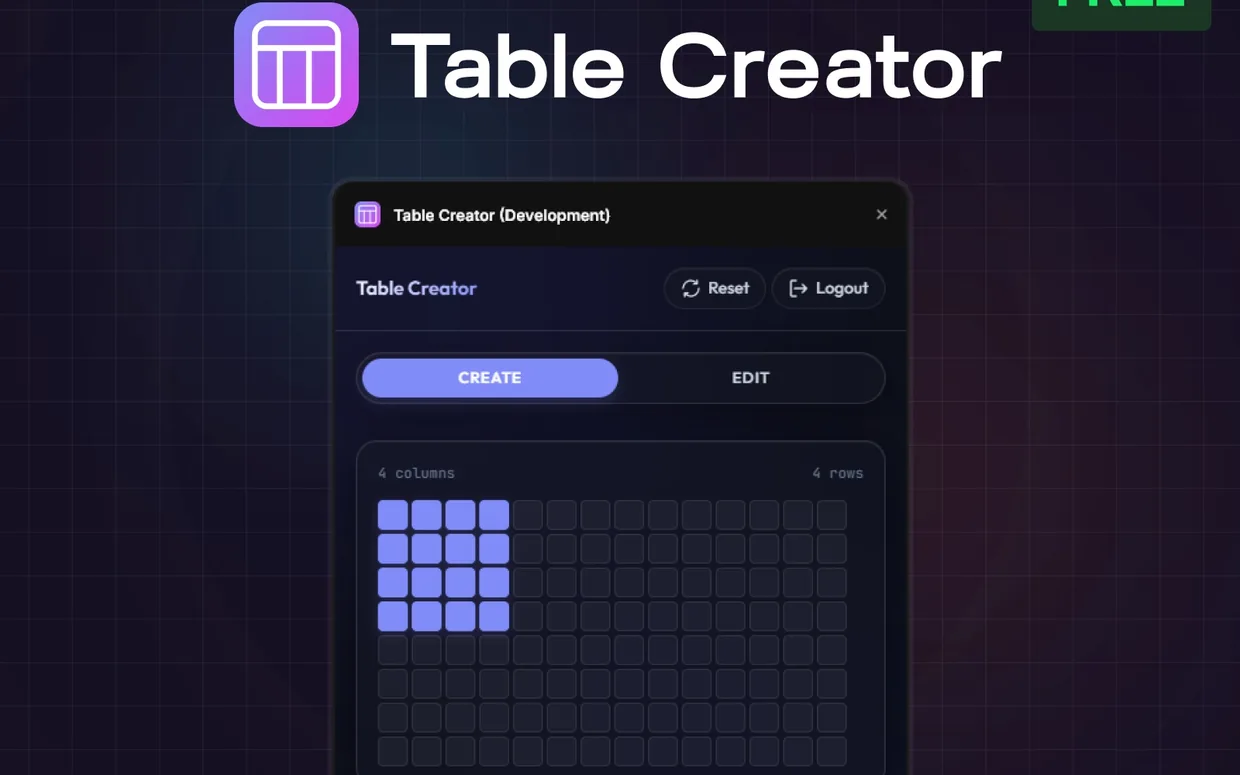
Add Sortable Tables to Any Framer Page (Without CMS Rich Text)
Framer's native tables only live inside CMS Rich Text fields. Here is how to drop a styled, sortable, filterable table onto any Framer page using the free Table Creator plugin.

CLIENT HANDOVER11 min read
Framer Pricing in 2026: Every Plan, the Free Plan and What You'll Pay
Framer pricing in 2026: Free, Basic ($10), Pro ($30) and Enterprise. Every limit, the add-ons, editor seats, the student discount and which plan fits your site.
CLIENT HANDOVER9 min read
Framer Templates: Where to Find the Best Free and Paid Ones (2026)
Where to find Framer templates in 2026: the Framer Marketplace, free template lists, paid template shops, and how to pick, use and customise one.