Framer vs Figma: Honest Comparison for 2026
 Shahul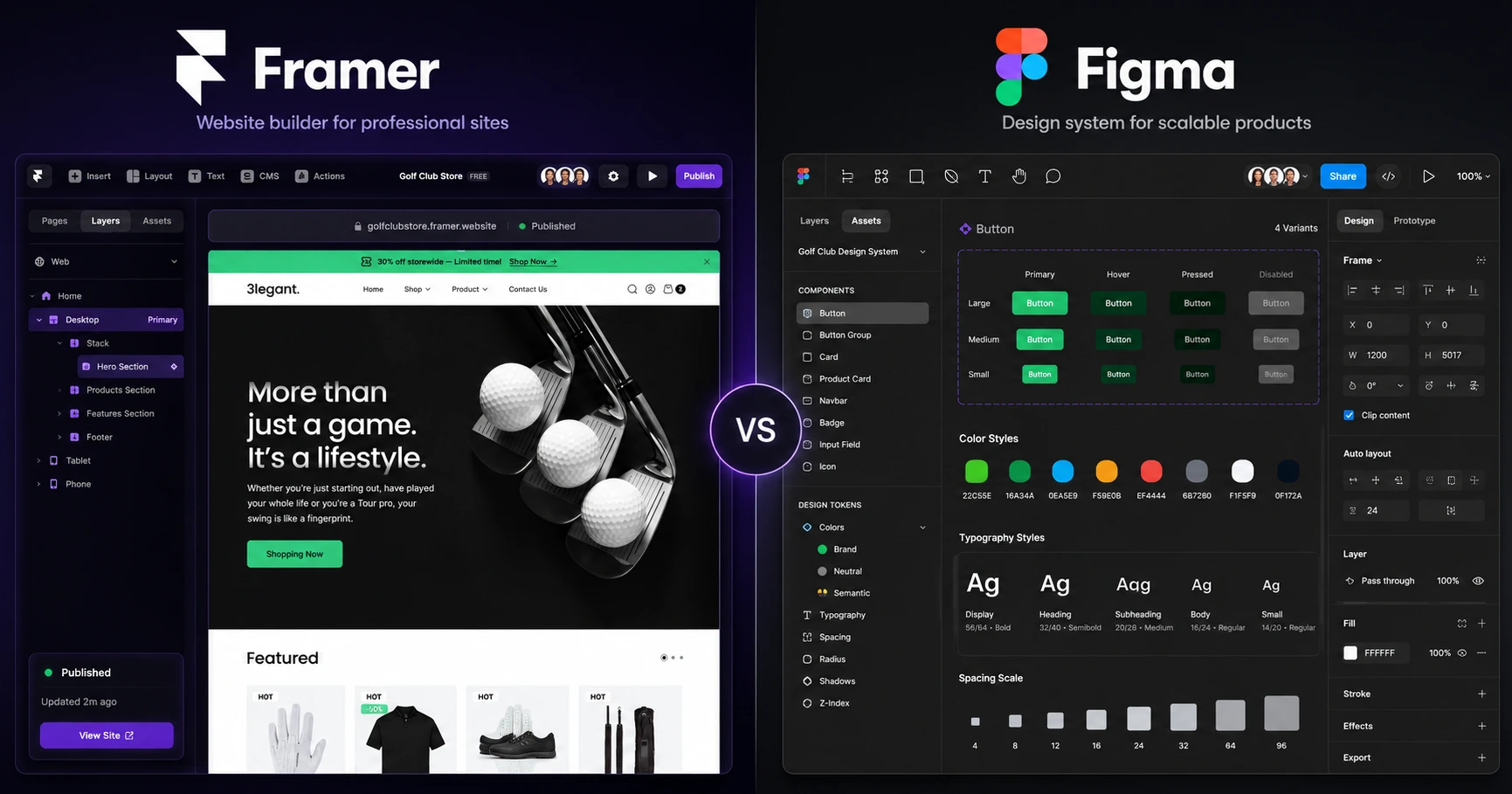
You are moving from a Figma design to a live website. You hit a wall. Framer keeps coming up. You wonder if you should switch, use both, or just stay in Figma.
Here is the honest answer from someone who builds Framer plugins used by 2,000+ Framer users and designs in Figma every week.
Figma is a design tool. Framer is a web publishing platform with a design canvas built in. They are not direct competitors. Most professionals end up using both.
This comparison covers what actually matters: publishing, animations, CMS, team workflows, pricing, and where each tool breaks down.
Quick verdict
| Category | Framer | Figma | Winner |
|---|---|---|---|
| Primary purpose | Design + publish websites | Design systems + prototyping | Depends on goal |
| Publishing | Native, one-click deploy | Figma Sites (limited) | Framer |
| Animations | Production-ready, scroll-triggered | Smart Animate (preview only) | Framer |
| CMS | Native, built-in collections | None (Figma Sites minimal) | Framer |
| Team collaboration | Async sharing | Real-time multiplayer | Figma |
| Design systems | Component variants | Libraries, tokens, versioning | Figma |
| Developer handoff | Not needed (Framer is production) | Native inspect + code export | Figma |
| Pricing (solo) | Free, $10/mo to publish | Free, $12/editor/mo | Framer |
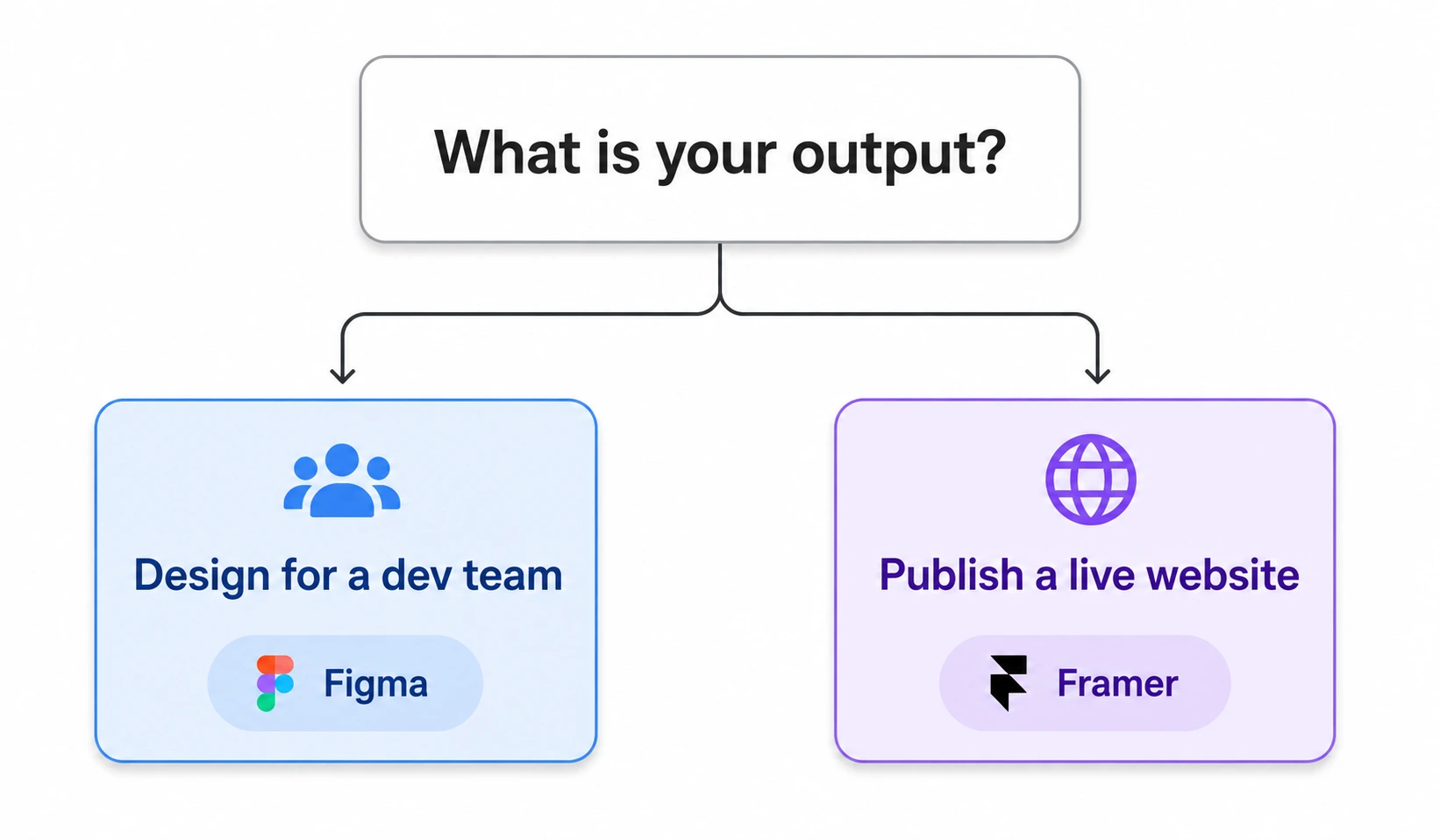
Framer wins when you need to ship a live website. Figma wins when you need collaborative design systems for a dev team. For most Framer professionals: design in Figma, build and publish in Framer.
Extend what Framer can do
CMS filtering, forms, 90+ components, and more. Trusted by 2,000+ Framer users.
What Figma does better
Team collaboration
Figma's real-time multiplayer editing is the strongest case for staying in Figma. Multiple designers work the same file simultaneously. Live cursors. Inline comments. Version history. It is the Google Docs of design.
Framer supports sharing and comments, but it is async. You do not get the "three of us are editing this right now" experience. For large design teams, that difference shows up every day.
When this matters: agencies with three or more designers working simultaneously, enterprise design orgs, any project where real-time co-editing is the default workflow.
Design systems at scale
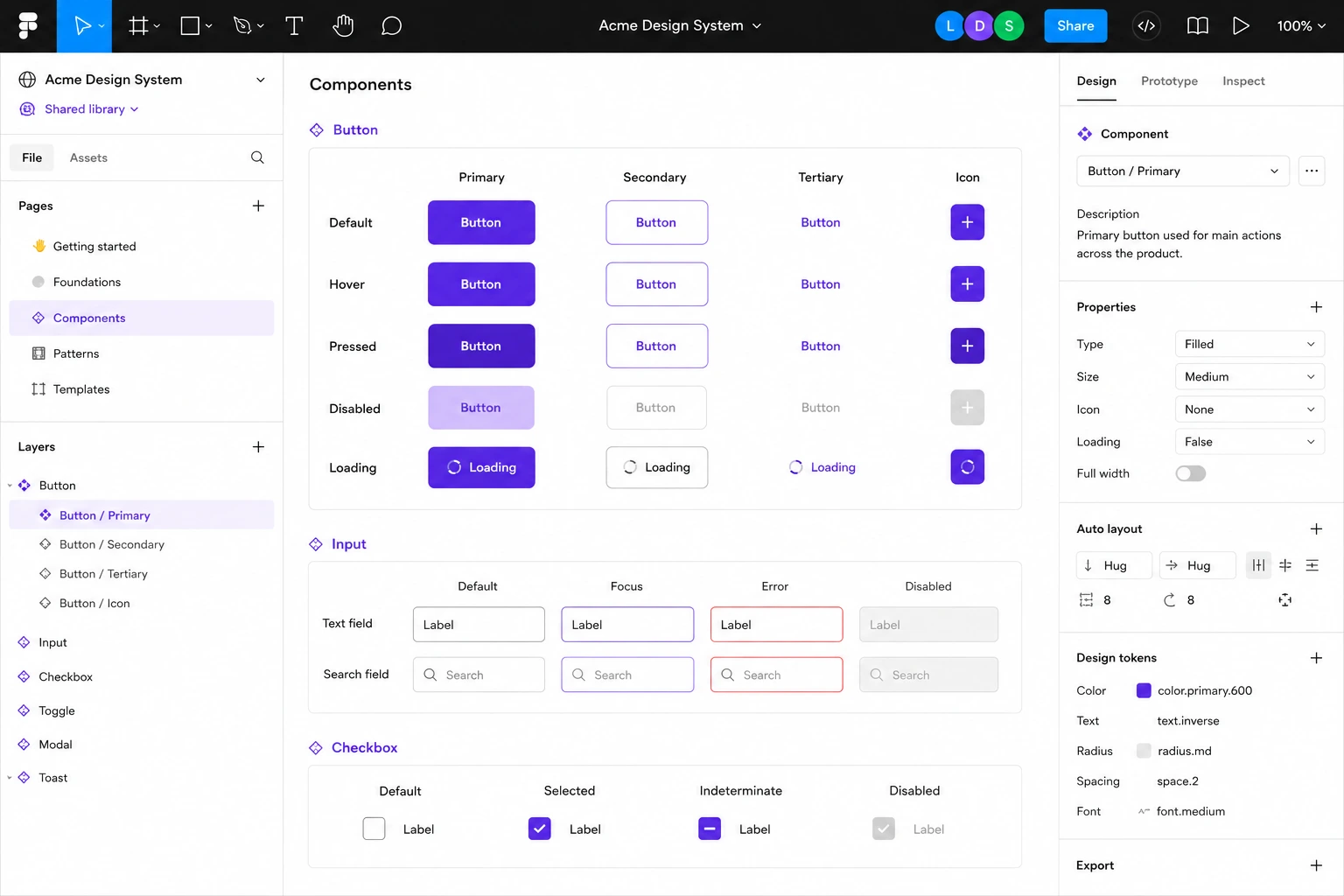
Figma was built for design systems. Shared component libraries. Design tokens. Auto-layout. Multi-property variants. Team-wide versioning. It handles design governance at enterprise scale cleanly.
Framer has components and variants. But it is not built for managing a design system across 20 files and 10 designers. Framer's components are optimized for building and publishing websites. Not for documenting cross-platform design decisions.
When this matters: multi-platform systems (web, iOS, Android), teams that need strict governance and audit trails, enterprise products where design decisions have to be approved and traced.
Developer handoff
Figma's developer mode is mature. Inspect spacing, grab CSS values, understand component structure without leaving the file. Developers know how to use it.
Framer does not need developer handoff because Framer is the production tool. But if your client's dev team builds in React or Vue from a design spec, Figma's handoff workflow is more practical.
What Framer does better
Publishing. This is the whole comparison.
Framer publishes live websites. Figma does not, at least not for anything that counts as production web work.
Figma launched Figma Sites to let designers publish simple pages. It works for basic landing pages. But it has no real CMS, no advanced scroll interactions, limited SEO control, and no plugin ecosystem. It is a publishing add-on built onto a design tool.
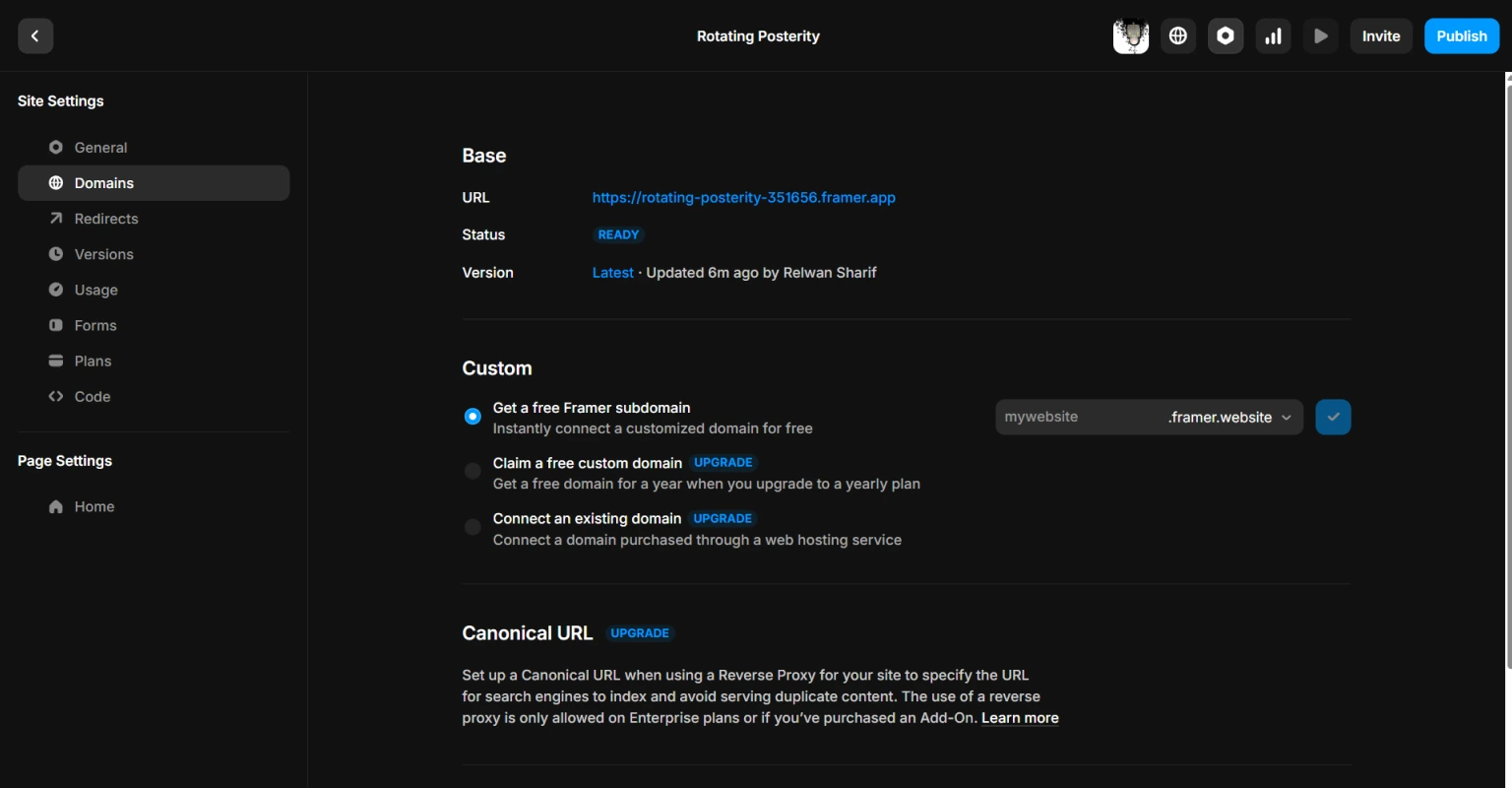
Framer is a web platform with a design canvas built in. Custom domains. SSL. CDN. Analytics. Native CMS. Plugin ecosystem. One product, end to end. You design and ship from the same canvas.
If your goal is a live website, Framer is the tool. Figma Sites is a convenience feature for people who do not want to leave Figma. It is not a web publishing platform.
Animations that ship to production
Framer's animation system is production-grade. Scroll-triggered effects. Spring physics. Page transitions. Hover states. Drag gestures. All built visually. All appearing on your live published site.
Figma's Smart Animate creates smooth prototype transitions for presentations and user testing. They look good in Figma Mirror and in client demos. They do not ship to production. They are previews.
If motion communicates your product value, like a SaaS landing page where animations demo the product, Figma cannot build that. Framer can.
Native CMS
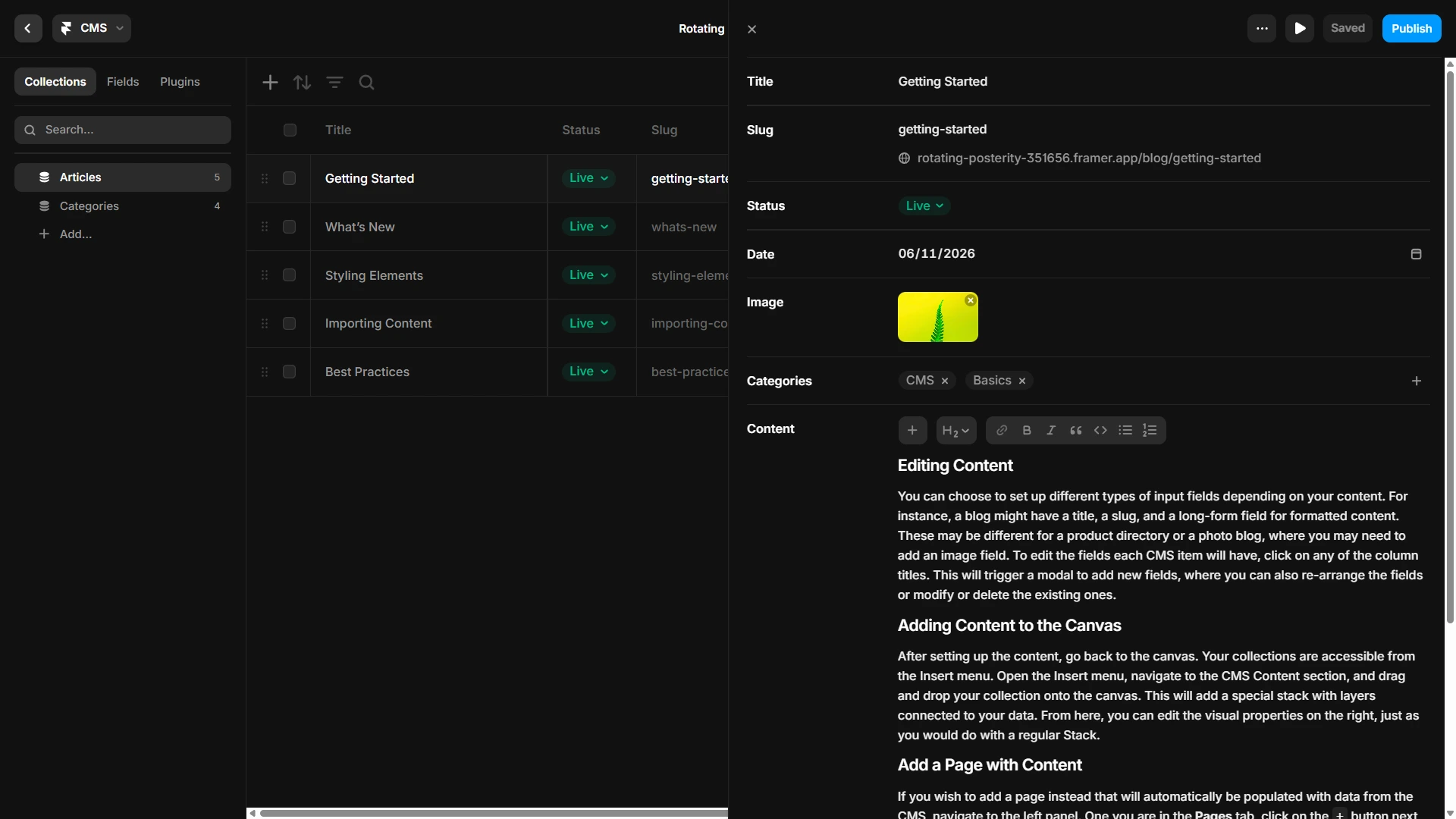
Framer includes a built-in CMS. Collections, rich text, images, references. Build a blog, resource library, or directory without external services or developer configuration.
Figma has no CMS. A content-driven site designed in Figma requires a separate headless CMS, a developer to connect it, and a deploy pipeline. Framer handles all of that natively.
When this matters: blogs, directories, job boards, real estate listings, any site where a client or non-developer needs to manage content after launch.
Better economics for freelancers
Framer charges per site. Figma charges per editor.
For a solo freelancer or a two-person agency, Framer's $10/mo Basic plan includes hosting, a custom domain, and analytics. Figma's $12/editor/month does not include hosting. For small teams shipping client sites, Framer's cost structure is clearer.
React-based code components
Framer's architecture is React-based. You can write custom code components, use React hooks, and extend the platform. It bridges no-code and code in a way Figma does not attempt.
Because Framer is React-based, third-party developers build real, functional code components for it, not just design layouts. That distinction matters when you are moving from a Figma design into an actual Framer build.
When to use Figma
Choose Figma when:
- You manage a design system across multiple teams with governance requirements
- Multiple designers need to edit the same files simultaneously
- Your engineering team implements designs in their own codebase and needs handoff
- You design for multiple platforms (web, iOS, Android) from one source of truth
- The project is exploration or user research, not direct publishing
Best Figma use cases: enterprise product design, multi-platform design systems, agency workflows with separate dev teams, user testing, design-to-dev handoff.
When to use Framer
Choose Framer when:
- You want to design and publish a live website without a separate dev step
- Animations matter to what users actually see on the published site, not just to prototypes
- You need a built-in CMS for client content management
- You are a freelancer or small agency shipping client sites directly
- You want to extend the platform with plugins for filtering, forms, and components
Best Framer use cases: SaaS landing pages, portfolio sites, agency client work, directories, content-driven blogs, marketing sites.
The Figma-to-Framer workflow
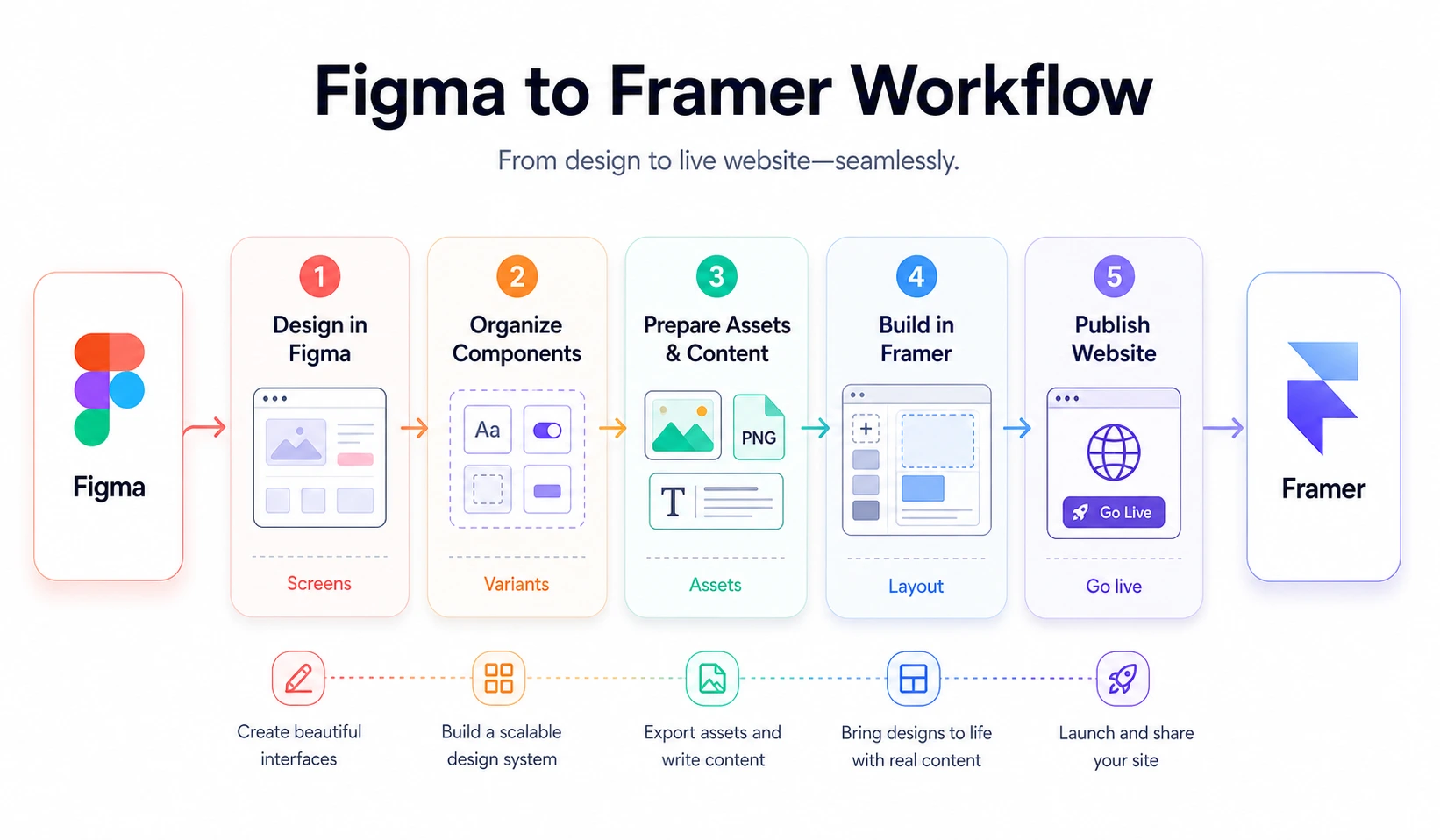
Most Framer professionals do not choose. They use both. Here is how the workflow looks in practice.
1. Explore in Figma
Ideation, moodboards, design system tokens, client review and sign-off. Figma's collaboration features are strongest here.
2. Copy-paste to Framer
Select layers in Figma, copy, and paste into Framer's canvas. Basic layouts, text, shapes, and images transfer. Complex auto-layout and nested variants need adjustment. Treat the Figma file as a reference and rebuild components in Framer for cleaner results.
3. Build in Framer
Add scroll interactions, connect CMS collections, configure responsive breakpoints, wire up page transitions.
4. Extend with plugins
When the project needs more than Framer provides natively, that is where plugins fill the gap. More on this below.
5. Publish from Framer
One-click deploy. Custom domain. SSL. CDN. No developer required.
This workflow plays to each tool's strengths. Figma handles design exploration and client review. Framer handles production publishing. The handoff is copy-paste, not a developer interpreting a design spec.
Figma Sites: does it change the comparison?
The most common question when people revisit the framer vs figma comparison: "Can Figma Sites replace Framer now?"
No. For most professional use cases.
Figma Sites works for simple publishing without leaving the Figma workflow. Single-page marketing sites. Basic landing pages. Internal tools. For that narrow job, it is convenient.
But the gap with Framer is still large on the things that matter for real web work:
| Feature | Figma Sites | Framer |
|---|---|---|
| Native CMS | Minimal | Full collections, rich fields |
| Scroll animations | Limited | Production-grade |
| Plugin ecosystem | None | A growing marketplace of plugins |
| Custom code components | No | Yes (React) |
| SEO control | Basic | Meta, OG, sitemap, analytics |
| E-commerce | No | Third-party integrations |
Figma Sites closed a narrow gap. Framer's lead on production web publishing is still substantial.
Pricing comparison
| Plan | Framer | Figma |
|---|---|---|
| Free | Unlimited projects, framer.site domain | 3 files, limited history |
| Entry | Basic: $10/mo (custom domain, analytics, hosting) | Professional: $12/editor/mo (no hosting) |
| Mid | Pro: $30/mo (1,000 CMS items) | Organization: $45/editor/mo |
| Top | Scale: $100/mo | Enterprise: Custom |
The critical detail: Framer's pricing includes hosting. Figma's does not.
A freelancer publishing client sites on Framer pays $10/mo per site, and that covers everything. The same freelancer using Figma for design pays $12/mo for Figma and still needs a hosting provider for their actual site.
For teams with multiple designers, Figma's per-editor pricing adds up fast. A five-person design team on Figma's Professional plan pays $60/mo before any hosting costs. The comparison depends heavily on team size and whether you are designing for handoff or publishing directly.
Where Framer needs help: when plugins matter
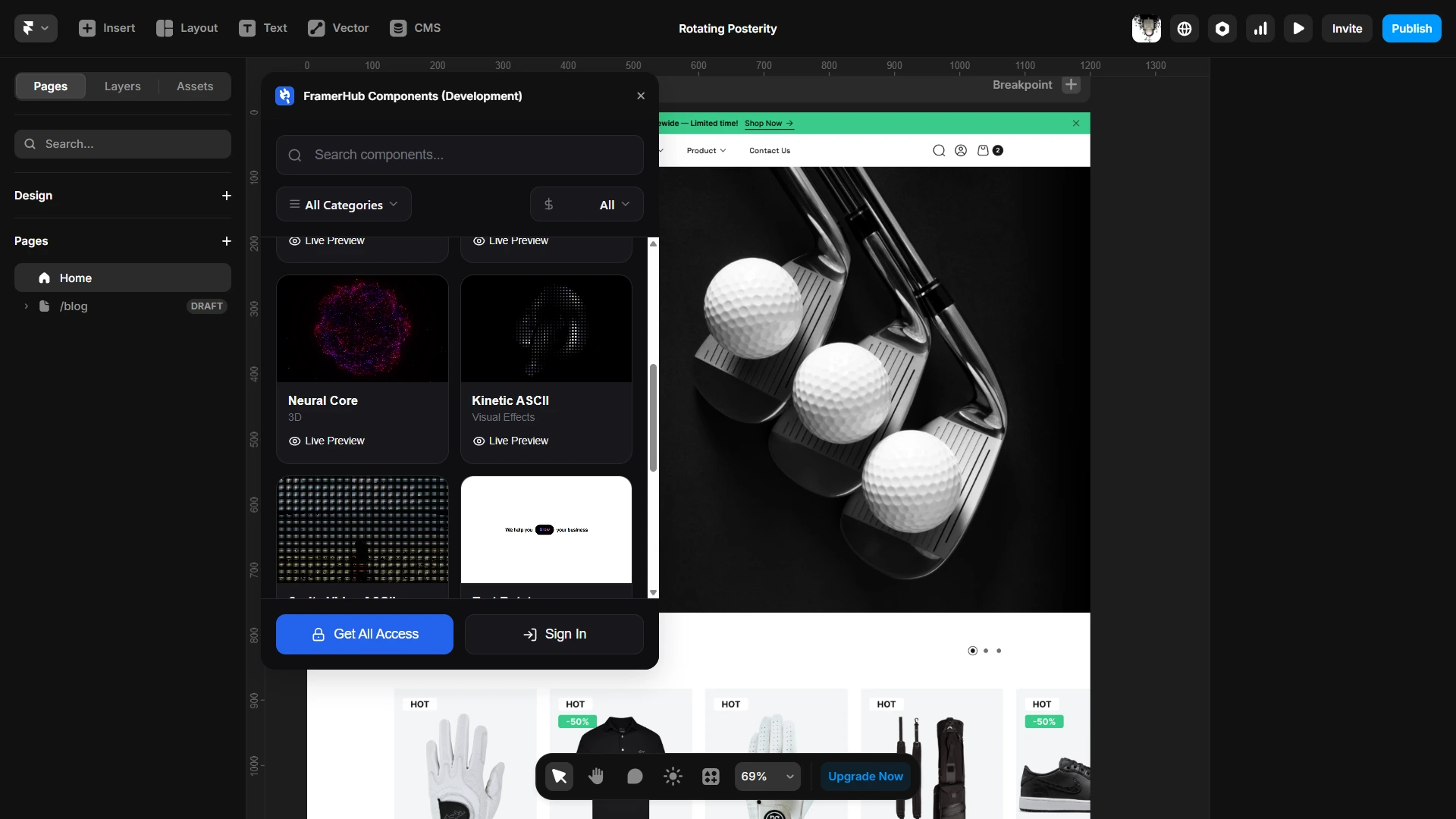
Framer's native tools cover a lot. But when client projects require more, that is where FramerHub plugins close the gaps.
The most common scenarios:
Directories and listing sites
You are building a real estate site, a job board, a car marketplace. Users need to filter by price, location, type, and more. Framer's native filtering works for basic cases. Multi-field filtering with real-time search, price range sliders, and sort controls require a dedicated plugin.
Forms beyond a contact form
Client needs a multi-step onboarding form, conditional questions based on earlier answers, or file uploads. Framer's native form handles simple contact submissions. Anything more complex needs proper form components.
Component speed
You are building the third client site this month. You are rebuilding the same UI patterns from scratch. A plugin with 90+ code components that search inside Framer and auto-update when something breaks changes how fast you ship.
What FramerHub Components actually is
The components are code components, not design layouts. That means functional behavior: animation utilities, interactive UI elements, data display patterns. Things that would take hours to build from scratch.
20+ components are free. All Access covers the full library for $59 one-time. No subscription. Updates come automatically to your plugin. Trusted by 2,000+ Framer users.
If you are moving from a Figma design into a Framer build, FramerHub Components gives you a head start on the parts that take the longest to build.
For more on how Framer compares to other web platforms, see
Building in Framer? Extend it with plugins
CMS filtering, forms, 90+ components, and more. Trusted by 2,000+ Framer users.
FAQ
Is Framer better than Figma in 2026?
They solve different problems. Framer is better for designing and publishing live websites with animations, CMS, and interactions. Figma is better for collaborative design systems, prototyping, and developer handoff. If you need a live site, choose Framer. If you need a design system for a dev team, choose Figma. Many professionals use both.
Can you import Figma designs into Framer?
Yes. Framer supports copy-paste from Figma. Select layers in Figma, copy, and paste into Framer's canvas. Basic layouts, text, and images transfer cleanly. Complex auto-layout components and nested variants may need manual adjustment. There is no full project migration tool. Treat the Figma file as a reference and rebuild components natively in Framer for the cleanest result.
Is Figma Sites the same as Framer?
No. Figma Sites lets you publish simple pages from Figma designs, but it lacks a real CMS, advanced scroll animations, custom code components, and a
Which is cheaper, Framer or Figma?
For solo creators and freelancers, Framer is cheaper. Framer's free plan allows unlimited projects. Publishing with a custom domain starts at $10/mo and includes hosting. Figma's paid plans start at $12/editor/month and do not include hosting. For teams of five or more, compare total costs including hosting before deciding.
Can Figma animations be used on a live website?
No. Figma's Smart Animate creates prototype transitions for presentations and user testing only. They do not ship to production. Framer's animations are production-ready: scroll-triggered effects, spring physics, page transitions, and hover states all appear on your live published site. If motion matters to what users experience, Framer is the clear choice.
Bottom line
Figma and Framer are not competing. They evolved into tools for different stages of the same process.
Figma is where you explore, collaborate, and hand off to developers. Framer is where you build and publish the actual website.
Choose Figma for design system governance, real-time team collaboration, and developer handoff.
Choose Framer for designing and publishing live websites with animations, a native CMS, and a plugin ecosystem that extends what is possible.
For most Framer professionals, using both is not a compromise. It is using each tool at what it does best.
Last updated: June 2026
Shahul
Founder of FramerHub